5 Axis CNC Machine for Home: 2026 Alternatives Compared
Evaluating the best 5 axis CNC machine for home use in 2026. We compare desktop 5-axis mills, 3+1 alternatives, and outsourcing for complex parts.
The Reality of 5-Axis CNC in a Home Garage
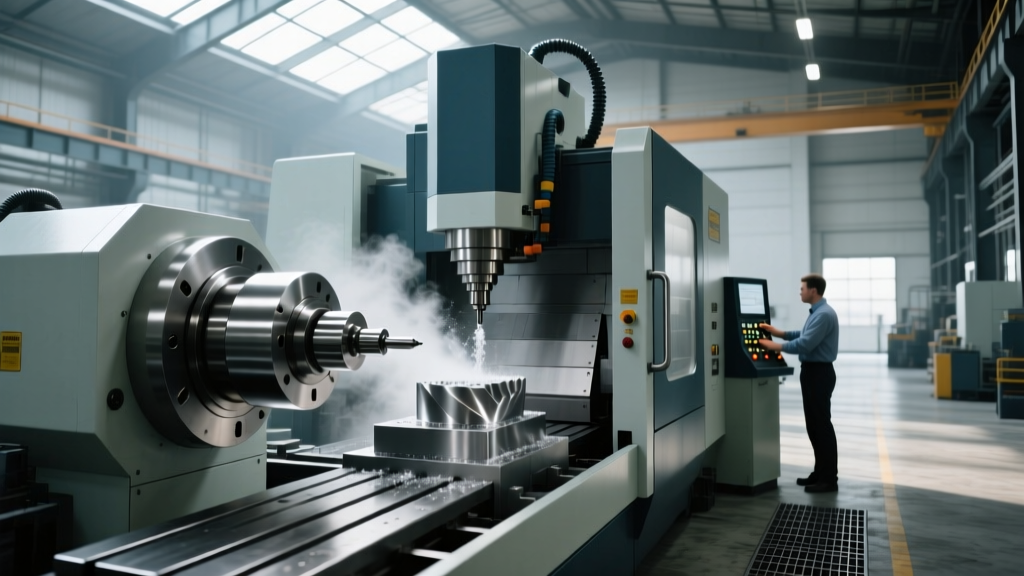
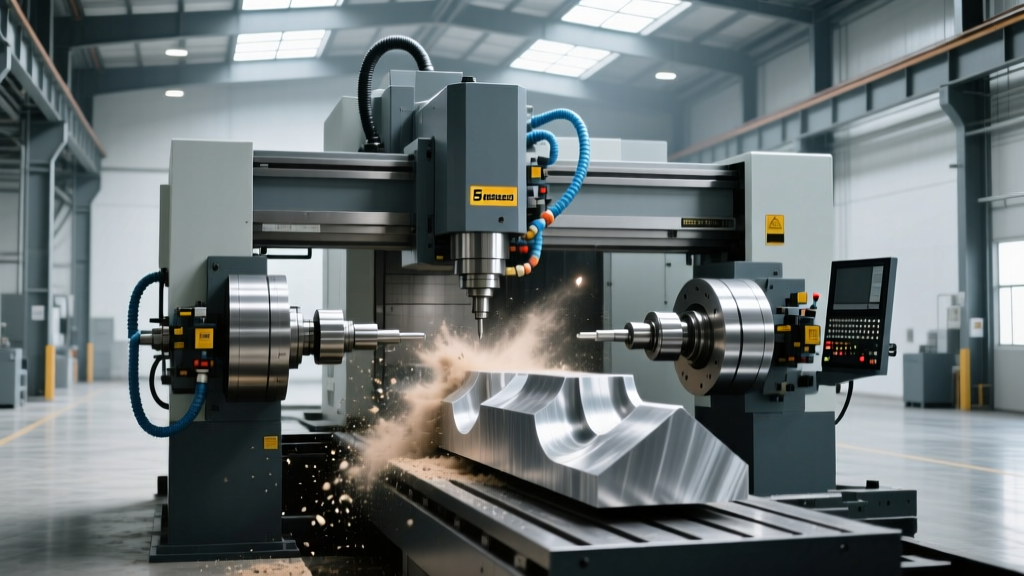
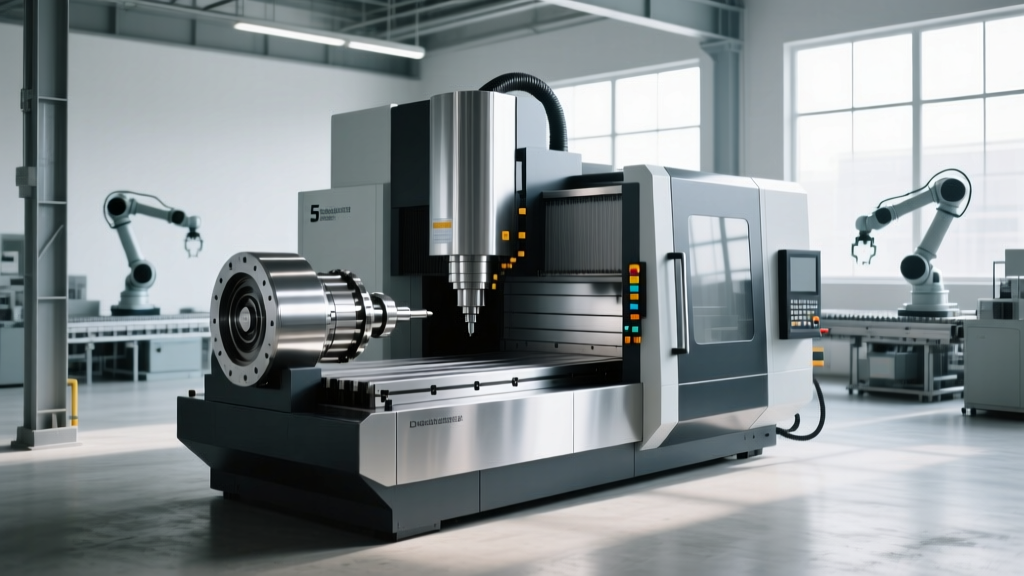
True simultaneous 5-axis CNC machining is fundamentally an industrial process. Bringing a 5 axis CNC machine for home use requires navigating severe compromises in work envelope, spindle rigidity, or axis simultaneity. Industrial 5-axis vertical machining centers (VMCs) like the Haas UMC-500 or Makino DA300 require 240V 3-phase power, weigh over 10,000 lbs, and cost upwards of $150,000. For home workshops, makers, and micro-manufacturing startups operating on standard 120V single-phase power, the options narrow to three distinct paths: desktop simultaneous 5-axis, 3+1 indexing alternatives, or strategic outsourcing.
⚠️ Power & Footprint Warning: Before evaluating any home CNC, verify your electrical panel. True industrial 5-axis mills demand 3-phase power (often requiring a $3,000+ rotary phase converter). The desktop alternatives analyzed below operate on standard 120V 15A circuits, but generate significant noise (75-85 dB) and require dedicated cooling/lubrication enclosures to prevent metal fines from contaminating living spaces.Path 1: True Desktop 5-Axis (Simultaneous)
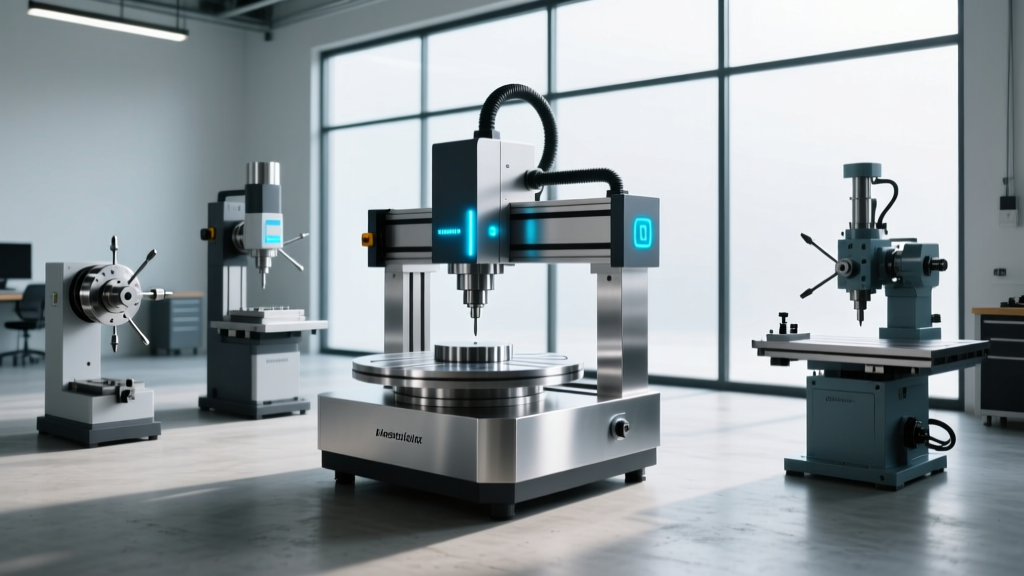
The undisputed leader in the true desktop 5-axis space is the Pocket NC V5-50. Priced at approximately $4,999 in 2026, it offers true simultaneous 5-axis kinematics using a table-table configuration (B and C axes rotate the workpiece while the spindle moves in X, Y, Z).
Kinematics and Rigidity Limitations
Because the workpiece is mounted on a cantilevered rotary stack, the center of mass shifts constantly during machining. This creates harmonic chatter when machining hard metals. The V5-50 excels at aluminum (6061 and 7075), brass, Delrin, and machinable wax, but will deflect heavily if you attempt aggressive cuts in titanium or stainless steel.
- Work Envelope: 4.5 x 5.0 x 3.5 inches (highly restrictive; suited for micro-parts, aerospace prototypes, and jewelry).
- Spindle: 120V high-frequency spindle, typically limited to ER11 collets (max 7mm / 0.275-inch shank tooling).
- Tool Length Restriction: Long end mills cause severe deflection on the B/C axis stack. Keep tool stick-out under 1.5 inches.
Path 2: The 3+1 Indexing Alternative (Tormach)
If your parts require larger dimensions and heavier cuts, sacrificing simultaneous 5-axis movement for 3+1 (or manual 3+2) indexing is the most practical home alternative. The Tormach PCNC 1100 paired with a 4th-axis rotary table provides a massive leap in rigidity over desktop models.
How 3+1 Indexing Works
Instead of moving all 5 axes simultaneously, the machine locks the rotary axis (A or B) into a specific angle, and the 3 linear axes (X, Y, Z) perform the cut. You then unlock, rotate, lock, and cut again. This requires advanced CAM programming but allows you to machine 95% of complex geometries (like impellers or angled valve bodies) without the $100k price tag of a trunnion-head VMC.
Cost Breakdown (2026 Estimates):• Tormach PCNC 1100 Base Mill: ~$8,500
• 4th Axis Rotary Table (Indexing): ~$2,200
• Tooling & TTS Holders: ~$1,500
• Total Home Setup: ~$12,200 (Runs on 120V 20A)
Comparison Matrix: Home 5-Axis Solutions
| Feature | Pocket NC V5-50 | Tormach PCNC 1100 + Rotary | Outsourcing (Xometry/Protolabs) |
|---|---|---|---|
| Axis Capability | Simultaneous 5-Axis | 3+1 Indexing (Manual 3+2) | Simultaneous 5-Axis (Industrial) |
| Approx. Cost | $4,999 | $10,700+ | $150 - $800 per part |
| Max Work Envelope | 4.5" x 5" x 3.5" | 18" x 11.5" x 16.25" | Up to 40"+ (Vendor dependent) |
| Material Limits | Aluminum, Plastics, Wax | Steel, Titanium, Aluminum | Any machinable alloy |
| Power Requirement | 120V Standard | 120V 20A Dedicated | N/A |
The Hidden Bottleneck: CAM Software Licensing
Buying the hardware is only half the battle. Generating simultaneous 5-axis toolpaths (like swarf milling or multi-axis contouring) requires premium CAM software. According to CNC Cookbook's 5-axis machining guides, collision avoidance and tool vector management are exponentially more complex than 3-axis programming.
Software Cost Realities
- Autodesk Fusion 360: The base subscription (~$545/year) handles 3+1 and basic 3+2 indexing. However, true simultaneous 5-axis toolpaths require the Fusion 360 Manufacturing Extension, which operates on a token or annual add-on model (adding roughly $1,600/year to your overhead).
- Mastercam: The industry standard for 5-axis milling. A perpetual or annual lease for the 5-axis module easily exceeds $10,000, making it financially unviable for most home hobbyists unless you are running a profitable micro-job shop.
- Kiri:Moto / FreeCAD: Open-source alternatives exist, but they lack robust collision detection and gouge protection. Crashing a $4,000 desktop spindle into a rotary table due to a CAM miscalculation is a costly error.
Decision Framework: Which Path Should You Take?
Use this diagnostic flow to determine the correct approach for your specific production needs.
Scenario A: Micro-Parts and Prototyping
Criteria: Parts fit within a 3-inch cube. Materials are aluminum, brass, or engineering plastics. You need to iterate designs daily without waiting for shipping.
Verdict: Buy the Pocket NC V5-50. The ability to machine complex geometries like turbine blades or custom drone swashplates on a desktop outweighs the severe material removal rate (MRR) limitations.
Scenario B: Structural Components and Automotive/Aero Brackets
Criteria: Parts are 6 to 15 inches long. You need to machine 4130 steel or 6061-T6 aluminum with high rigidity. You can tolerate manual repositioning (3+2 setup) to access undercut features.
Verdict: Buy the Tormach PCNC 1100 with a 4th-axis indexer. The BT30/TTS spindle taper and cast-iron rigidity will yield vastly superior surface finishes and tighter tolerances than any desktop 5-axis mill.
Scenario C: Low-Volume Production of Complex Aerospace Fittings
Criteria: Parts require simultaneous 5-axis contouring to maintain constant tool engagement on hardened alloys (e.g., Inconel). You only need 10-50 parts per year.
Verdict: Outsource to a digital manufacturing network. The capital expenditure, software licensing, and metrology equipment (CMM) required to verify 5-axis tolerances at home will destroy your ROI. Upload your STEP files to services like Xometry or Hubs and leverage their industrial 5-axis infrastructure.
Frequently Asked Questions
Can I add a 5th axis to my existing 3-axis desktop router?
Technically, yes, by stacking a rotary table on top of a tilting trunnion plate. Practically, no. Desktop routers (like Shapeoko or X-Carve) use NEMA 23 stepper motors and belts that lack the holding torque to support a cantilevered 5-axis stack. The result will be missed steps, lost coordinates, and crashed tooling.
Do I need a probe for home 5-axis machining?
Absolutely. Work coordinate system (WCS) alignment on a rotary axis is nearly impossible to dial in manually with an edge finder. A 3D touch probe (like a Renishaw or a budget Haima clone) is mandatory to map the exact centerline of your rotary axis and update the machine's kinematic parameters in the controller.
What is the difference between 3+2 and simultaneous 5-axis?
In 3+2 (positional 5-axis), the cutting tool is locked at a specific compound angle while the X, Y, and Z axes move. In simultaneous 5-axis, all five axes move continuously during the cut. Simultaneous movement is required for complex organic shapes (like impellers or prosthetics), while 3+2 is sufficient for angled holes and prismatic features.