Skip the World's Largest CNC Machine: Best Desktop Prototyping Picks
Discover why R&D labs skip the world's largest CNC machine in favor of agile desktop CNCs. Compare 2026 benchtop mills for rapid prototyping.
The Scale Paradox: Why Bigger Isn't Better for Prototyping
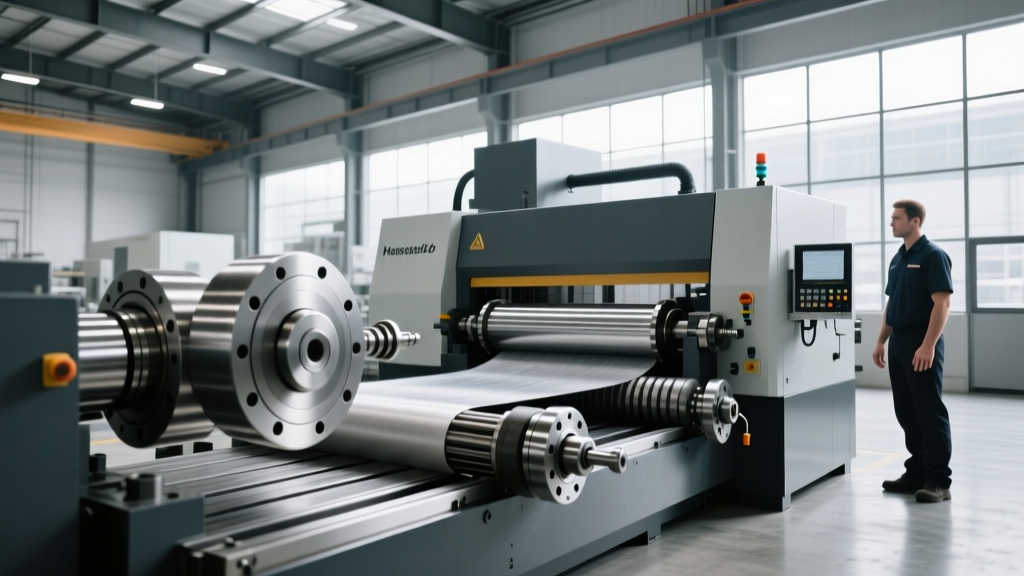
When mechanical engineers envision the absolute pinnacle of subtractive manufacturing, they often picture the world's largest CNC machine—a multi-million-dollar Waldrich Siegen portal mill spanning an entire facility, designed to carve massive marine diesel engine blocks or aerospace structural components from solid titanium and steel. While these industrial leviathans are marvels of heavy engineering and essential for macro-scale production, they are entirely impractical for product development teams. For R&D labs, university engineering departments, and agile hardware startups, the primary currency is iteration speed, not sheer mass or envelope size.
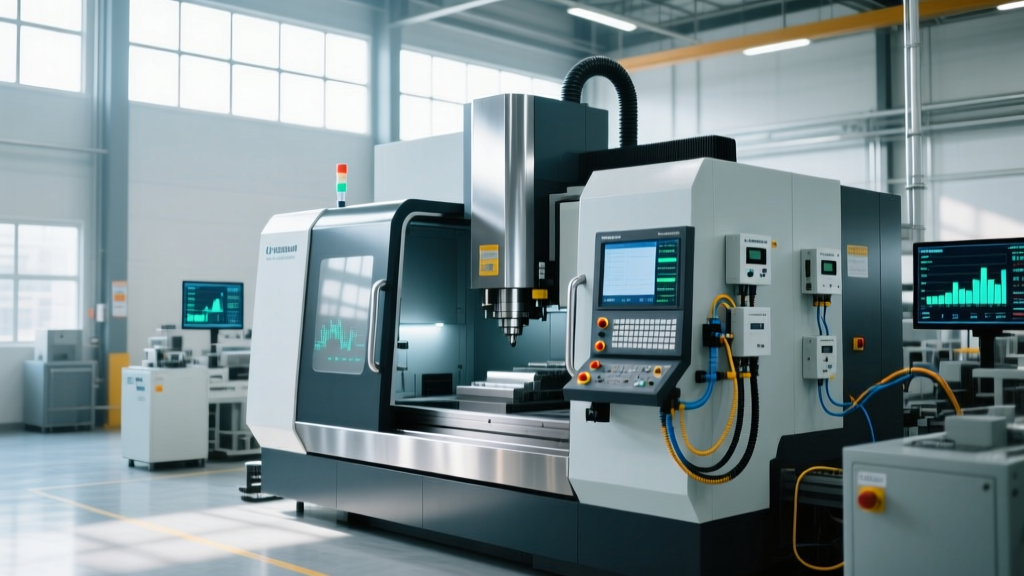
In 2026, the desktop CNC machine market has matured significantly. Driven by advancements in micro-stepper motors, harmonic drive gearing, and high-frequency spindles, benchtop mills now bridge the gap between hobbyist routers and industrial vertical machining centers (VMCs). According to research on advanced manufacturing ecosystems by the National Institute of Standards and Technology (NIST), localized, small-footprint manufacturing is critical for reducing supply chain vulnerabilities and accelerating the prototyping phase. This guide dissects the technical realities of desktop CNC machining, providing a rigorous framework for equipment selection.
Decision Matrix: Do You Actually Need Industrial?
Before committing capital, map your prototyping requirements against these hard thresholds. If your parts fall outside the desktop parameters, you must outsource to a machine shop or invest in a floor-standing VMC.
- Work Envelope: Desktop (Max 18" x 24" x 6") vs. Industrial (40" x 20" x 20"+)
- Material Hardness: Desktop (Plastics, Woods, 6061/7075 Aluminum, Brass) vs. Industrial (Stainless Steels, Inconel, Hardened Tool Steels)
- Tolerance Requirements: Desktop (+/- 0.002" to 0.005") vs. Industrial (+/- 0.0002" or tighter)
- Production Volume: Desktop (1 to 50 prototypes) vs. Industrial (500+ production runs)
Critical Specifications for Prototyping Accuracy
Marketing brochures often highlight spindle RPM, but for prototyping functional parts, rigidity and runout are the true determinants of success. When evaluating benchtop mills, demand the following data points from the manufacturer:
1. Spindle Total Indicated Runout (TIR)
TIR measures the wobble of the cutting tool at the spindle nose. In desktop machines, a TIR of 0.0005 inches (0.0127 mm) or less is mandatory for machining aluminum. If the TIR exceeds 0.001", your endmills will experience uneven chip loads, leading to premature tool breakage and poor surface finishes on prototype enclosures. High-end desktop mills utilize precision angular contact bearings (ABEC-7 or better) to maintain this tight tolerance.
2. Axis Rigidity and Kinematics
Unlike the massive cast-iron bases of industrial VMCs, desktop machines rely on extruded aluminum profiles or cast epoxy-polymer composites. Look for machines utilizing linear guide rails (like Hiwin HG series) rather than V-slot wheels. Linear rails provide the necessary rigidity to handle the radial cutting forces generated when profiling 6061-T6 aluminum, preventing the chatter marks that ruin aesthetic prototype parts.
3. Spindle Torque vs. RPM
A 40,000 RPM spindle sounds impressive, but if it lacks low-end torque, it will stall when engaging a full-width slotting operation in Delrin or polycarbonate. For versatile prototyping, a spindle peaking around 20,000 to 24,000 RPM with a high-torque winding is the sweet spot, allowing you to run both 1/8" micro-endmills for fine details and 1/4" endmills for aggressive roughing.
2026 Desktop CNC Comparison Matrix
Based on current market availability, precision metrics, and CAM ecosystem integration, here is how the leading desktop prototyping mills compare.
| Machine Model | Approx. Price (2026) | Work Envelope (XYZ) | Best Use Case | Spindle / TIR |
|---|---|---|---|---|
| Bantam Tools Desktop Mill | $3,999 - $4,499 | 7" x 9" x 3.3" | PCBs, micro-machining, small aluminum brackets | 27k RPM / 0.0005" |
| Pocket NC V5-50 | $5,500+ | 4.5" dia x 5" (5-Axis) | Complex aerospace impellers, multi-axis medical prototypes | 40k RPM / Harmonic Drives |
| Inventables X-Carve Pro (4x2) | $11,999 | 47" x 23" x 4" | Large consumer product enclosures, signage, composite panels | 24k RPM HSD Spindle |
| Haas Desktop Mill (Educational) | $15,000+ | 8" x 6" x 6" | University labs teaching industrial G-code and Haas control | Industrial VMC scaled down |
Material-Specific Edge Cases and Tooling
A common failure mode for engineers transitioning from 3D printing to desktop CNC is applying the wrong cutting parameters to engineering plastics and non-ferrous metals. According to manufacturing guidelines published by the Society of Manufacturing Engineers (SME), material-specific toolpath strategies are non-negotiable for achieving functional prototypes.
Machining 6061-T6 Aluminum on a Desktop Mill
Desktop machines lack the mass to absorb the vibration of aggressive aluminum cuts. You must use high radial engagement, low axial depth of cut (ADOC) strategies.
- Tooling: 1/4" 3-flute carbide endmill with AlTiN coating and a 35-degree helix angle (designed specifically for aluminum chip evacuation).
- Parameters: 18,000 RPM spindle speed, 45 IPM (inches per minute) feed rate.
- Cut Depths: Axial DOC of 0.050" (1.27mm) and Radial WOC of 0.025" (0.63mm) for finishing passes.
- Coolant: Since flood coolant is rare on desktops, use a mist system (like the Unist Micro-Lubricator) or manually apply Isopropyl Alcohol via a brush to prevent chip welding.
Machining Delrin (POM) and Polycarbonate
Plastics present a different thermal challenge. If the spindle RPM is too high and the feed rate too slow, the friction will melt the plastic, causing it to re-weld behind the cutter and snap the tool.
- Tooling: O-flute (single flute) carbide endmills. The massive gullet allows large plastic chips to clear the cut zone instantly.
- Parameters: 12,000 RPM, 60 IPM. You want to generate thick chips that carry heat away from the cutting zone, not fine dust that generates thermal buildup.
Most entry-level desktop CNCs use ER11 collets, which max out at a 1/4" (6.35mm) shank diameter. If your prototype requires heavy facing operations using a 3/8" or 1/2" face mill, an ER11 spindle will physically not accept the tooling. Always verify the collet system (ER11, ER16, or ER20) before purchasing, as upgrading the spindle later often requires recalibrating the entire Z-axis and rewriting CAM post-processors.
The Hidden Economics of Desktop Machining
The sticker price of a desktop CNC is only the beginning of your capital expenditure. When budgeting for an in-house prototyping cell, factor in these secondary costs:
- CAM Software Licensing: While Fusion 360 offers free tiers for hobbyists, commercial prototyping requires a paid subscription (approx. $545/year in 2026) to access advanced 3D contouring and toolpath simulation.
- Workholding: Standard T-slot beds are insufficient for thin prototype parts. Budget $300-$500 for a vacuum hold-down system, double-sided machinist tape (like Nitto P-380), and a sacrificial MDF spoilboard network.
- Dust and Fume Extraction: Machining carbon-fiber-reinforced polymers (CFRP) or fiberglass generates hazardous, conductive dust that will destroy the stepper motor drivers on an open-frame desktop mill. A HEPA-filtered enclosure and dedicated extraction system ($400+) are mandatory for composite prototyping.
- Metrology: You need to verify your prototypes. A decent digital height gauge and a set of pin gauges will add another $400 to your initial setup.
Final Verdict: Sourcing and Validation
Skip the fantasy of needing the world's largest CNC machine for your next product iteration. For functional prototyping, the agility of a benchtop mill drastically reduces the time from CAD to physical validation. If your primary focus is micro-machining aluminum brackets and PCBs, the Bantam Tools Desktop Mill remains the most robust, software-integrated choice on the market. If your prototypes demand complex, multi-sided geometries without manual re-fixturing, the 5-axis Pocket NC is an unparalleled engineering achievement for its footprint.
Before finalizing your purchase, request a sample cut file from the manufacturer. Send them your most complex CAD model and demand the physical part back. Measure the bore tolerances and surface finish with your own metrology equipment. In the realm of desktop manufacturing, empirical validation always supersedes published specifications.