Troubleshooting M Code for CNC Machine Errors in Composite Cutting
Diagnose and fix M-code relay, vacuum, and coolant failures when machining CFRP and G10 composites on CNC routers and mills.
The Hidden Cost of M-Code Misfires in CFRP Milling
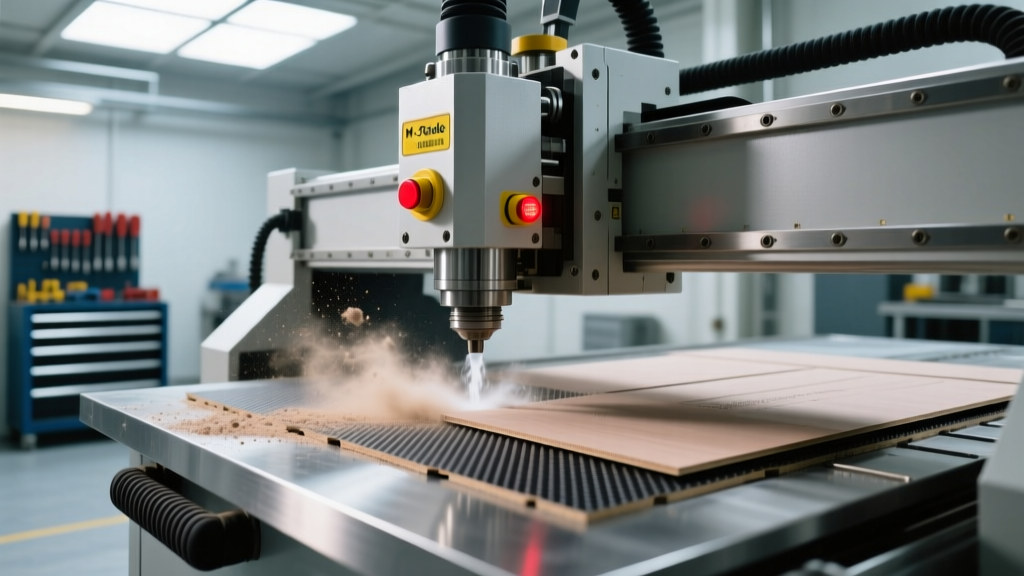
Machining carbon fiber reinforced polymers (CFRP), G10 Garolite, and Kevlar demands strict environmental controls. Unlike aluminum or steel, composites cannot rely on standard flood coolant or simple mechanical clamping. Instead, CNC routers and 5-axis mills depend on a complex network of auxiliary systems—vacuum pods, air blast solenoids, and HEPA dust extractors—all governed by miscellaneous codes. When an M code for CNC machine operations misfires or executes out of sequence, the results are catastrophic. A delayed vacuum signal causes part shift; an incorrect coolant code destroys the epoxy matrix. According to Modern Machine Shop, the abrasive nature of carbon fibers already accelerates tool wear by up to 10x compared to aluminum; adding an M-code sequencing error turns a $650 Polycrystalline Diamond (PCD) veined router into shrapnel in milliseconds.
Composite Scrap Impact: A single aerospace-grade CFRP monocoque panel can exceed $18,000 in raw material and layup labor. An M-code relay chatter that drops vacuum pressure below 20 inHg mid-cycle will shift the part, ruining the component and snapping a $450 Onsrud 63-712 compression cutter.
Standard vs. Composite M-Code Mapping Matrix
The foundational issue in composite troubleshooting is that most machine controllers (Fanuc, Haas, Siemens) ship with metal-cutting M-code defaults. As detailed in CNC Cookbook's M-Code Guide, standard M-codes must be remapped or strictly interlocked at the PLC level to prevent material destruction.
| Standard Metal M-Code | Default Function | Composite Cutting Requirement | Troubleshooting Action |
|---|---|---|---|
| M8 | Flood Coolant ON | DANGER: Causes G10 swelling & CFRP delamination. | Remap to trigger air-blast solenoid or disable via PLC interlock. |
| M7 | Mist Coolant ON | Acceptable for minimum quantity lubrication (MQL) or air purge. | Verify nozzle pressure is >40 PSI to clear carbon dust. |
| M10 / M11 | Chuck Clamp/Unclamp | Vacuum Pod Zone 1 Activate / Deactivate. | Add pressure-switch feedback loop to prevent premature G-code motion. |
| M19 | Spindle Orientation | Orient asymmetrical PCD edge-finishing tools for clearance. | Check encoder alignment if M19 timeout alarms trigger. |
Diagnostic Flow: Vacuum Pod & Dust Extraction Failures
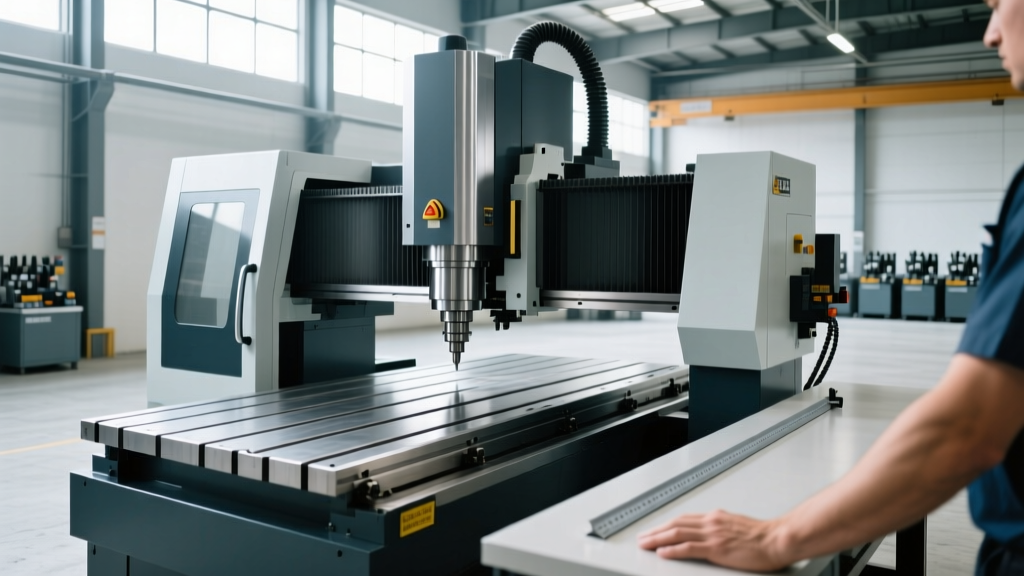
Vacuum holding is the primary workholding method for composite sheets. On advanced 5-axis routers (e.g., Thermwood, Biesse), custom M-codes (typically M50 through M59) activate specific vacuum zones. The most common failure mode is not the vacuum pump itself, but the lack of a verification interlock between the M-code execution and the G-code motion.
Symptom: Part Shift and PCD Tool Shatter
The machine outputs M50 (Activate Vacuum Zone 1). The relay clicks, and the G-code immediately begins a rapid traverse (G00) and plunges the tool. However, the Venturi vacuum generator requires 1.5 to 3.0 seconds to pull the pod down to the required 22 inHg (inches of mercury). Because the machine lacks a pressure-threshold interlock, the tool engages the CFRP while the part is still floating, resulting in a violent part ejection.
The Fix: Implementing Macro Variable Interlocks
To resolve this, you must bypass simple dwell times (G04) and use custom macro variables tied to an analog pressure transducer on the vacuum line. Below is a Fanuc-compatible macro sequence to troubleshoot and secure the vacuum M-code logic:
N10 M50 (ACTIVATE VACUUM ZONE 1 RELAY)
N20 #100=0 (INITIALIZE TIMER VARIABLE)
N30 IF [#1002 LT 22.0] GOTO 40 (CHECK PRESSURE: #1002 MUST BE >= 22 inHg)
N35 GOTO 50 (PRESSURE ACHIEVED, PROCEED TO MACHINING)
N40 G04 P0.5 (DWELL 0.5 SECONDS)
N45 #100=#100+0.5
N46 IF [#100 GT 5.0] GOTO 999 (ALARM: VACUUM LEAK OR PUMP FAILURE AFTER 5 SEC)
N47 GOTO 30 (LOOP BACK TO PRESSURE CHECK)
N50 G00 Z1.0 (SAFE Z CLEARANCE)
N999 #3000=1 (VACUUM PRESSURE THRESHOLD NOT MET)
By mapping the analog sensor to system variable #1002, the controller physically verifies the holding force before allowing the spindle to engage. If a composite sheet has a micro-fracture causing a vacuum leak, the machine alarms out at N999 rather than destroying the tooling.
Resolving the M8 Flood Coolant Disaster on G10
CRITICAL WARNING: G10/FR4 (Garolite) is an epoxy-fiberglass laminate highly susceptible to moisture ingress. Activating standard M8 flood coolant will cause the material to swell, delaminate, and permanently lose its dielectric insulation properties. Never use water-soluble coolants on electrical composite laminates.
Post-Processor and PLC Relay Fixes
When a CAM programmer selects 'Coolant ON' in Mastercam or Esprit, the post-processor defaults to M8. On a CNC mill retrofitted for composites, M8 must be physically rewired or logically remapped in the machine's PLC ladder logic.
- Hardware Fix: Disconnect the M8 flood coolant contactor. Rewire the M8 relay output to a 120V solenoid valve controlling a high-pressure, oil-free air blast nozzle. This ensures that when the CAM software calls for 'coolant' to clear chips, the machine delivers a 60 PSI air knife that blows carbon dust out of deep pockets without moisture.
- Software Fix: Edit the CAM post-processor to output M7 (Mist/Air) instead of M8. Ensure the M7 solenoid is equipped with a coalescing filter to guarantee zero oil vapor reaches the composite matrix, as oil contamination will ruin downstream aerospace bonding or automotive painting processes.
M19 Spindle Orientation for Asymmetrical Edge Finishing
Composite edge finishing often requires specialized asymmetrical PCD tooling or custom diamond reamers designed to shear the carbon fibers cleanly without fraying the exit edge. To retract these tools safely from a deep CFRP pocket without dragging the cutting edge against the finished wall, the spindle must orient to a precise angle.
Troubleshooting M19 Timeout Alarms
The M19 command locks the spindle at a specific angular position. In composite routing, heavy carbon dust frequently infiltrates the spindle encoder housing, causing M19 timeout alarms (e.g., Fanuc Alarm 7010 or Haas Alarm 204).
- Inspect the Encoder Seal: Carbon fiber dust is highly conductive and microscopically abrasive. If the labyrinth seal on the spindle encoder is compromised, conductive dust bridges the optical sensor, causing the controller to lose the spindle's zero-position marker.
- Verify the Orient Parameter: Check the machine's orientation parameter (e.g., Fanuc parameter #4077). If the spindle belt has stretched or the toolholder taper has accumulated carbon buildup, the physical stopping point will drift from the programmed parameter, triggering a positional mismatch alarm.
- Implement Air Purge Cycles: Program an M-code macro that triggers a 10-second air purge through the spindle nose immediately before executing M19. This clears conductive dust from the toolholder taper and encoder proximity zone, ensuring repeatable orientation accuracy within 0.05 degrees.
'In composite machining, your M-codes are not just auxiliary commands; they are the environmental life-support system for the cut. Treating vacuum and air-purge M-codes with the same diagnostic rigor as spindle and axis drives is the only way to maintain aerospace tolerances.' — Senior Applications Engineer, 5-Axis Composite Integration.
Mastering the M code for CNC machine operations in composite environments requires moving beyond standard G-code programming. By integrating PLC pressure interlocks, remapping destructive coolant relays, and sealing spindle encoders against conductive dust, manufacturers can eliminate the hidden scrap costs associated with auxiliary system failures.