Largest CNC Machine vs Desktop CNC: Prototyping Guide
Compare the largest CNC machine formats against desktop CNC mills for prototyping. Analyze ROI, material limits, and 2026 buyer specs for R&D labs.
The R&D Capital Allocation Dilemma
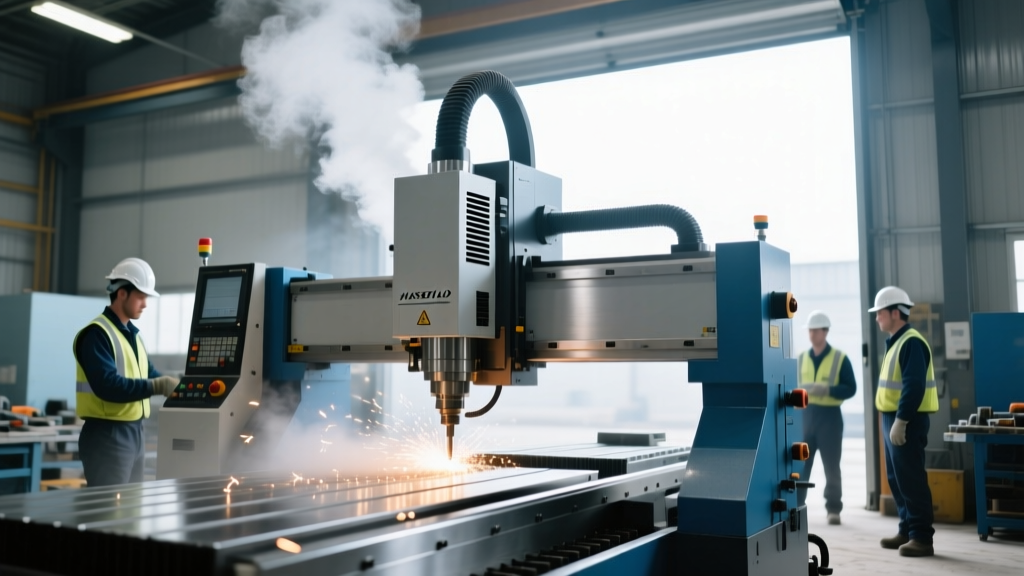
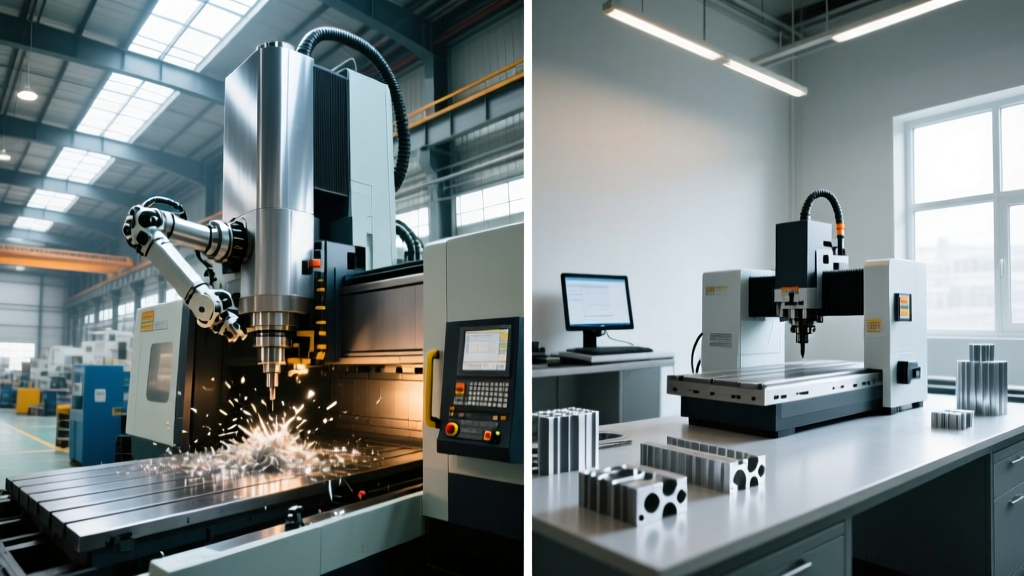
Engineering teams frequently misallocate capital by chasing the largest CNC machine footprint, falsely equating massive gantry travels with superior prototyping capabilities. While a 20-meter Waldrich Coburg or FPT Industrie gantry mill is essential for aerospace structural components, deploying the largest CNC machine for iterative R&D creates severe logistical bottlenecks. For 90% of mechanical prototyping, functional validation, and bridge tooling, high-precision desktop CNC machines deliver sub-micron repeatability without the 480V 3-phase power drops, reinforced concrete foundations, or dedicated operator requirements of industrial floor models.
Core Insight: The goal of prototyping is iteration speed, not maximum material removal rate (MRR). A desktop CNC mill sitting next to the engineer's CAD station reduces the design-to-part feedback loop from days to hours, fundamentally accelerating the 2026 product development lifecycle.The 'Largest CNC Machine' Fallacy in R&D
Procurement departments often default to purchasing massive vertical machining centers (VMCs) like the Haas VF-4 or DMG MORI DMU 50 for R&D labs, assuming future-proofing requires maximum work envelope. This approach ignores the hidden operational costs of large-format machining:
- Thermal Stabilization: Industrial VMCs require 30 to 45-minute spindle warm-up cycles to achieve thermal equilibrium and maintain ±0.0002" tolerances. Desktop units with high-frequency spindles reach operational stability in under 5 minutes.
- Facility Overhead: The largest CNC machine formats demand specialized rigging, 480V electrical drops, and high-pressure air lines. Desktop CNCs operate on standard 110V/220V single-phase power and plug into standard wall outlets.
- Programming Friction: Running a massive machine requires dedicated CAM programmers and setup technicians. Desktop workflows integrate directly with cloud-based CAM like Fusion 360, allowing the design engineer to machine their own parts.
Top Desktop CNC Mills for 2026 Prototyping
When selecting a desktop unit, rigidity and control architecture matter more than raw travel. Below is a comparison of the three dominant platforms currently defining the desktop prototyping space.
| Model | Travel (XYZ) | Spindle RPM | Approx. Price (2026) | Best Application |
|---|---|---|---|---|
| Bantam Tools PCNC 4400 | 18" x 14" x 14" | 4,400 (High-Torque) | $11,500 | General engineering plastics & 6061-T6 |
| Haas Desktop Mill | 7" x 5" x 5" | 10,000 | $11,900 | Haas NGC code validation & training |
| Pocket NC V2-50 | 4.5" x 5" x 3.5" | 40,000 | $22,500 | 5-Axis micro-machining & impellers |
Bantam Tools PCNC 4400: The Workhorse
The PCNC 4400 bridges the gap between hobbyist routers and industrial VMCs. With a 1.5 HP spindle and a rigid ball-screw drive system, it can comfortably machine 6061-T6 aluminum using a 3/8" carbide endmill at 0.050" depth of cut. Its primary advantage is the integrated probing routines and software ecosystem, which drastically reduces setup times for one-off prototypes.
Haas Desktop Mill: The Code Validator
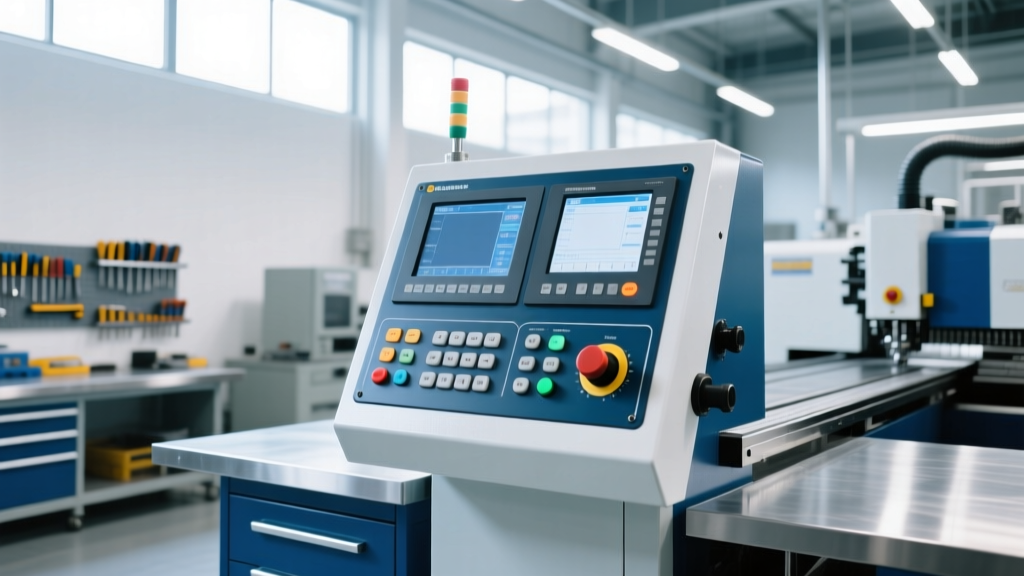
The Haas Desktop Mill is not designed for heavy material removal; it is designed for code validation. It runs the exact same Haas NGC (Next Generation Control) operating system as the factory floor's largest CNC machine. An engineer can write a macro-heavy program on the desktop, verify toolpaths and clearance planes, and transfer the G-code via USB to a full-size Haas UMC-750 with zero post-processor modifications. This seamless scalability is unmatched in the industry.
Pocket NC V2-50: 5-Axis Micro-Precision
For aerospace and medical device prototyping requiring complex undercuts, the V2-50 offers true 5-axis simultaneous machining in a desktop footprint. Its 40,000 RPM spindle is optimized for micro-tooling (down to 0.005" diameter endmills), making it ideal for machining titanium Ti-6Al-4V medical bone screws or complex Inconel turbine blade roots where tool deflection must be meticulously managed.
Material Science: Desktop Limits and Capabilities
A common failure mode in R&D labs is attempting to apply industrial feeds and speeds to desktop spindles. Desktop machines lack the mass to dampen high-frequency vibrations during aggressive hogging operations.
The 15% Rule for Desktop CNCs: When machining aerospace-grade 7075-T6 aluminum on a desktop mill, limit your radial depth of cut (stepover) to 15% of the tool diameter, and rely on high axial depths of cut (ADOC) with climb milling to evacuate chips and minimize tool deflection.
While the largest CNC machine can effortlessly rip through steel and titanium billets using 1-inch diameter indexable cutters, desktop prototyping requires a shift to adaptive clearing toolpaths. Using CAM strategies like Trochoidal Milling allows desktop spindles to maintain constant tool engagement, preventing the stalling and chatter that plague lighter machines when cutting harder alloys like 304 stainless steel or brass C360.
Workholding and Metrology Integration
A machine is only as accurate as its workholding. Standard T-slot tables on budget desktop machines introduce unacceptable variables. For serious prototyping, equip your desktop CNC with a precision ground Kurt DX4 vise or a modular fixture plate system like the Tosa System. Furthermore, integrating a Haimer 3D Sensor or a Renishaw-equivalent touch probe allows for automated work coordinate system (WCS) alignment, ensuring that a part flipped for secondary operations maintains ±0.0005" positional accuracy.
ROI Comparison: Industrial VMC vs. Desktop CNC• Installation Time: Industrial VMC (3-5 days, rigging & power) | Desktop CNC (2 hours, unboxing & calibration)
• Cost Per Iteration: Industrial VMC ($150+ machine time/setup) | Desktop CNC ($15-$30 machine time/setup)
• Operator Requirement: Industrial VMC (Certified Machinist) | Desktop CNC (Design Engineer)
Decision Framework: Which Machine to Buy?
Use this step-by-step logic to determine if your R&D lab requires the largest CNC machine footprint or if a desktop solution will suffice:
- Evaluate Part Envelope: If your prototype bounding box exceeds 20" x 16" x 10", a desktop machine is physically incapable. You must step up to a mid-size VMC like a Haas Mini Mill or DMG MORI CMX V.
- Assess Material Hardness: If your primary prototyping material is hardened tool steel (e.g., D2 or A2 above 45 HRC) requiring heavy roughing passes, desktop machines will suffer premature ball-screw wear and spindle bearing failure. Outsource roughing to a machine shop and use the desktop for finishing, or buy an industrial VMC.
- Analyze Iteration Frequency: If your team generates more than 15 unique part geometries per week, the setup friction of a large-format machine will bottleneck your engineers. Deploy two desktop CNCs (e.g., one dedicated to plastics/foams, one to aluminum) to maintain continuous iteration velocity.
- Verify Control Architecture Needs: If the end goal is to validate G-code for a specific factory floor machine (e.g., Mazak or Okuma), purchase a desktop machine or simulator that natively supports that specific controller dialect to prevent costly spindle crashes during full-scale production transfer.
According to research highlighted by NIST Advanced Manufacturing, decentralized, point-of-use manufacturing tools drastically reduce the time-to-market for complex assemblies. By strategically deploying desktop CNC machines for functional prototyping, engineering teams reserve the factory floor's largest CNC machine for what it does best: high-volume production and final tolerance-critical machining.