Inventables X-Carve CNC Machine for Prototyping: 2026 Guide
Evaluate the Inventables X-Carve CNC machine for prototyping. Compare X-Carve Pro specs, pricing, and real-world aluminum cutting limits for 2026.
Executive Summary: X-Carve Pro for Prototyping
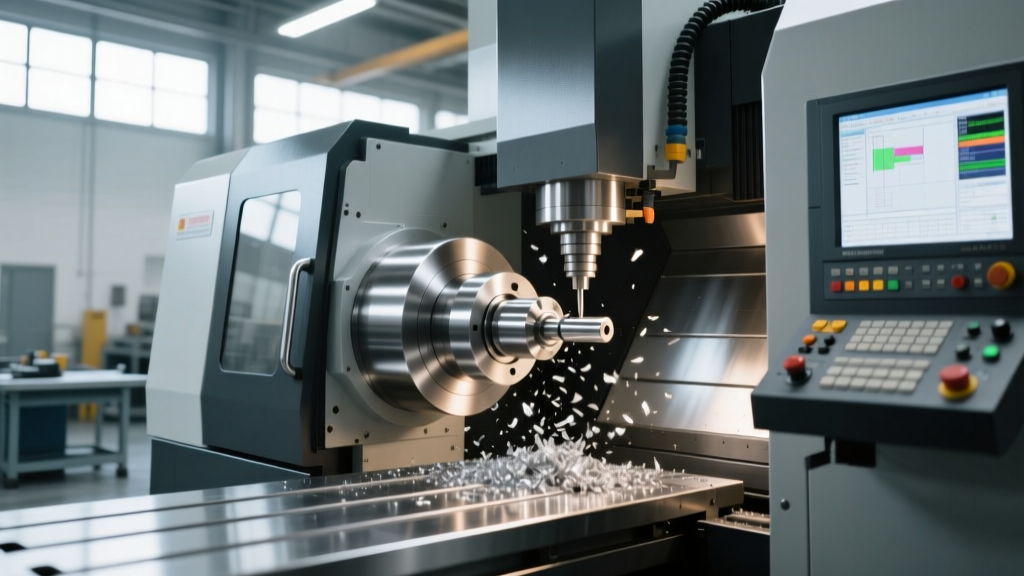
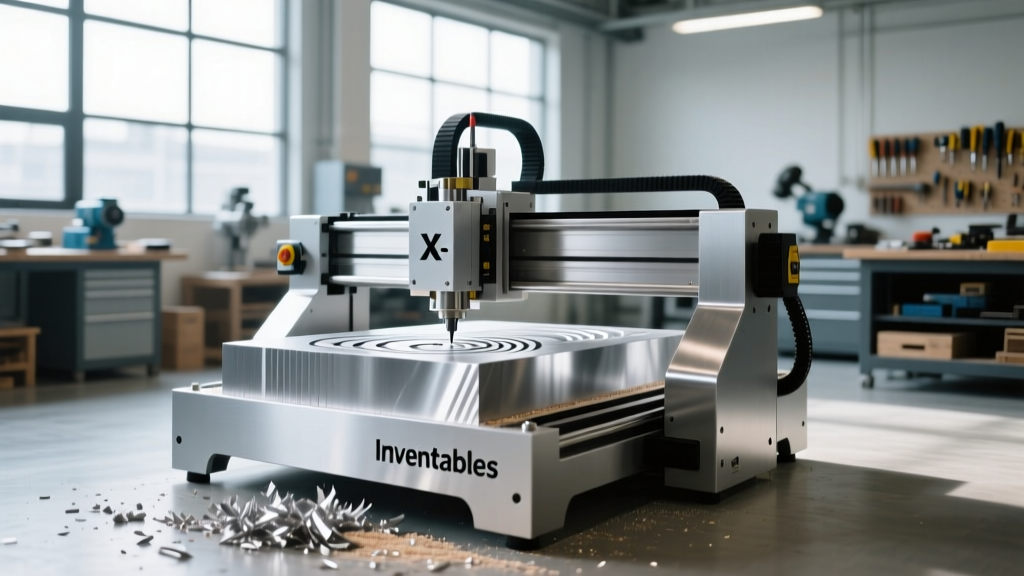
The Inventables X-Carve CNC machine has transitioned from a hobbyist kit to a serious small-batch prototyping platform. As of 2026, the X-Carve Pro is the only configuration recommended for professional engineering and design studios. It features closed-loop NEMA 23 steppers, a 1.5kW spindle, and linear guide rails. While it excels at machining plastics, woods, and non-ferrous composites, its belt-driven X/Y axes and ER11 collet limit its effectiveness in heavy steel or titanium milling. Verdict: Ideal for rapid prototyping of enclosures, PCBs, and mechanical parts in Delrin, acrylic, and 6061 aluminum, provided you accept the software ecosystem constraints.
When evaluating a desktop CNC machine for prototyping, the Inventables X-Carve CNC machine consistently emerges as a top contender for small machine shops and hardware startups. Unlike legacy hobby routers that rely on V-wheel carriages and open-loop steppers, the modern X-Carve Pro lineup is engineered to handle the repetitive tolerances required for functional prototype manufacturing. This guide dissects the mechanical realities, material limits, and total cost of ownership for integrating this machine into a 2026 prototyping workflow.
X-Carve Pro Lineup: Sizing Your Prototyping Workspace
Inventables currently offers the X-Carve Pro in three primary footprints. Selecting the correct bed size is critical; undersizing your machine forces you to cut down standard stock material, adding unnecessary prep time to your prototyping cycle.
| Model | Work Area (X/Y/Z) | Footprint | Approx. Price (2026) |
|---|---|---|---|
| X-Carve Pro 2x2 | 24" x 24" x 4" | 38" x 42" | $4,499 |
| X-Carve Pro 2x4 | 24" x 48" x 4" | 38" x 66" | $5,299 |
| X-Carve Pro 4x4 | 48" x 48" x 4" | 66" x 66" | $5,999 |
Buying Advice: For mechanical prototyping, the 2x2 is sufficient for small brackets and electronic enclosures. However, if you prototype architectural models, large signage, or nest multiple parts from standard 4x8 sheets (cut in half to 4x4), the 4x4 model is the only logical choice. The price delta between the 2x4 and 4x4 is easily justified by the reduction in material prep labor.
Mechanical Architecture and Rigidity Realities
The defining characteristic of a prototyping CNC is its ability to hold tight tolerances (typically ±0.005" or better) over multi-hour jobs. The X-Carve Pro achieves this through a hybrid drive system:
- Z-Axis (Ball Screw): The Z-axis utilizes a precision ball screw. This eliminates the backlash and Z-drop commonly associated with belt-driven Z-axes, ensuring accurate depth of cut (DOC) when facing materials or engraving PCBs.
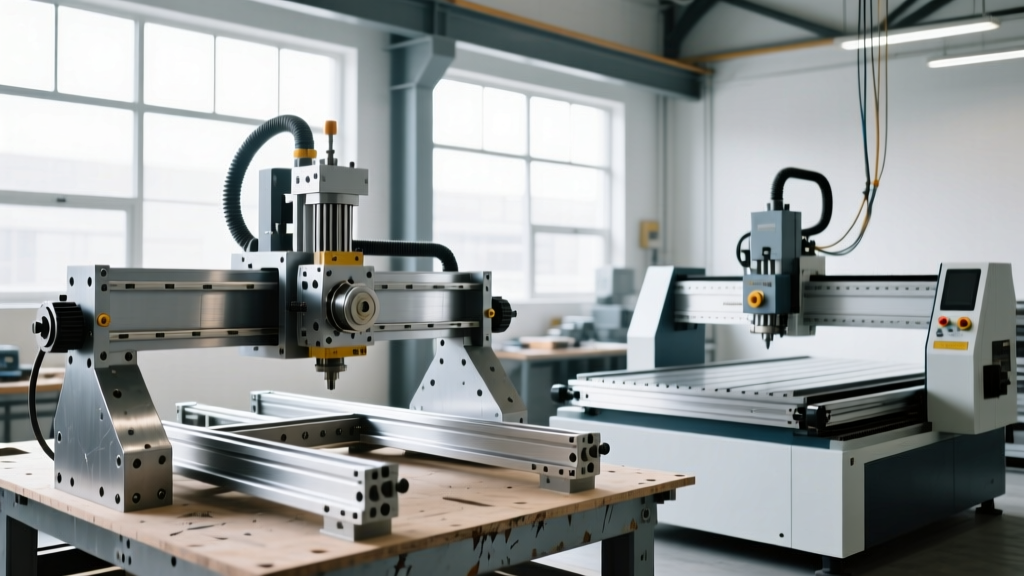
- X/Y Axes (Precision Belts & Linear Rails): Unlike rack-and-pinion systems found on industrial $20,000+ routers, the X and Y axes use steel-reinforced belts running on profile linear guide rails. This provides high rapid traverse speeds (up to 300 IPM) and smooth finishes on 3D contours, but introduces a specific maintenance requirement regarding belt tension.
- Closed-Loop Steppers: The NEMA 23 closed-loop stepper motors feature integrated encoders. If the cutter encounters a hard inclusion in a piece of MDF or takes too aggressive of a bite in aluminum, the motor detects the positional error and either corrects it or halts the machine, preventing the ruined parts and lost time associated with traditional open-loop stepper 'lost steps'.
Real-World Material Limits and Tooling Constraints
The X-Carve Pro is equipped with a 1.5kW (approx. 2 HP) air or water-cooled spindle. While 1.5kW is ample for routing, it dictates strict parameters when prototyping in metals.
The ER11 Collet Bottleneck: The 1.5kW spindle uses an ER11 collet system. The absolute maximum shank diameter an ER11 can hold is 7mm (0.275"). While you can use 1/4" shank endmills with precision collets, you cannot use 1/2" shank tooling. This limits your ability to use heavy-duty roughing endmills for aggressive metal removal, forcing you to rely on smaller tooling and lighter stepovers.
Material-Specific Prototyping Parameters
| Material | Prototyping Viability | Recommended Tooling & Strategy |
|---|---|---|
| Delrin / POM | Excellent | 2-flute carbide, high RPM (18k+), aggressive feed rates to prevent chip welding. |
| 6061 Aluminum | Good (with limits) | 3-flute ZrN coated carbide. Max DOC 0.5mm per pass. Mandatory mist lubrication. |
| Carbon Fiber (G10) | Excellent | Diamond-coated or solid carbide compression bits. Strict dust extraction required. |
| Mild Steel | Poor | Not recommended. Machine lacks the mass and spindle torque for reliable steel milling. |
For deep insights into micromachining and selecting the correct endmill geometries for non-ferrous prototyping, resources like the Harvey Tool In the Loupe engineering blog provide indispensable feeds, speeds, and toolpath strategies that apply directly to the X-Carve's spindle capabilities.
The Easel Pro Ecosystem: Asset or Anchor?
Inventables tightly couples the X-Carve hardware with their cloud-based Easel Pro software. For rapid prototyping, this ecosystem offers distinct advantages and notable drawbacks.
Advantages
- Zero-setup CAM generation for 2.5D parts.
- Integrated machine control and probing routines.
- Cloud storage allows seamless handoffs between design engineers and machine operators.
Drawbacks
- Requires an ongoing subscription ($199/year or $29/month).
- Lacks advanced 3D surfacing and multi-axis toolpath controls.
- Cloud dependency means offline machining requires workarounds or third-party senders.
Expert Workflow Tip: Most professional prototyping labs use Fusion 360 or SolidWorks for CAD/CAM, generate the G-code, and bypass Easel Pro entirely by using a standalone G-code sender like OpenBuilds CONTROL or UGS. If your prototyping involves complex 3D contours or 5-axis indexing (via a rotary add-on), factor the cost of a dedicated CAM license into your total budget.
Critical Maintenance Protocols and Failure Modes
Because the X-Carve Pro relies on belt drives for the X and Y axes, it is subject to specific mechanical wear patterns that V-wheel or rack-and-pinion machines do not experience. To maintain ±0.005" tolerances, implement the following maintenance schedule:
- Belt Tensioning (Every 40 Cutting Hours): Belts stretch under the thermal load of continuous stepper operation and mechanical tension. Use a digital tension meter or the 'pluck' test (aiming for a specific frequency based on belt length) to ensure X and Y belts are matched. Uneven tension causes axis skew and out-of-square parts.
- Linear Rail Lubrication (Monthly): The profile linear rails require light machine oil (not heavy grease, which attracts abrasive MDF and acrylic dust). Wipe the rails with a lint-free cloth and apply a few drops of 3-in-One oil or equivalent way oil to the carriage blocks.
- Collet and Nut Cleaning (Weekly): Spindle runout is the enemy of surface finish and tool life. Remove the ER11 nut, clean the internal taper and the collet with isopropyl alcohol and a brass brush. Even microscopic aluminum chips trapped in the collet taper will induce 0.002"+ of runout at 20,000 RPM, leading to premature endmill fracture.
Competitor Matrix: X-Carve Pro vs. The Market
When sourcing a desktop CNC machine for prototyping, the X-Carve Pro competes directly with the Carbide 3D Shapeoko 5 and the Onefinity Foreman. Understanding the mechanical distinctions is vital for capital allocation.
| Feature | Inventables X-Carve Pro (4x4) | Shapeoko 5 XXL | Onefinity Foreman |
|---|---|---|---|
| Drive System | Belts (X/Y), Ball Screw (Z) | Belts (X/Y), Belt (Z) | Ball Screws (All Axes) |
| Spindle | 1.5kW HSD (Included) | Carbide Compact Router (Makita-based) | 2.2kW VFD Spindle |
| Motion Control | Closed-Loop NEMA 23 | Open-Loop NEMA 23 | Closed-Loop Ball Screw |
| Approx. Price | $5,999 | $2,799 (Router) / $4,200+ (VFD) | $5,499 |
Analysis: The Shapeoko 5 offers a lower entry price but requires significant aftermarket upgrades (like a Z-axis ball screw kit and a VFD spindle) to match the out-of-the-box metal-cutting capability of the X-Carve Pro. The Onefinity Foreman utilizes ball screws on all axes, providing superior heavy-metal rigidity, but its physical footprint and controller ecosystem lack the polished, enterprise-ready plug-and-play refinement that Inventables provides to design studios.
Final Purchasing Framework
The Inventables X-Carve CNC machine is a premium, purpose-built tool for a specific segment of the prototyping market. You should purchase the X-Carve Pro if your primary workflow involves high-volume 2.5D milling of plastics, hardwoods, and light aluminum, and you value a turnkey setup with closed-loop reliability and integrated dust collection routing. You should look elsewhere if your prototyping requires heavy 3D roughing of steel, or if you strictly require a one-time software purchase without cloud dependencies. Budget an additional $800 to $1,200 beyond the base machine price for a high-static-pressure dust extractor, precision ER11 collets, and a dedicated mist lubrication system for non-ferrous metal prototyping.