Build or Buy? The Ultimate Do It Yourself CNC Machine Guide
Compare the true costs, rigidity, and time investment of a do it yourself CNC machine versus turnkey hobbyist routers like the Shapeoko and X-Carve.
The Core Dilemma: Engineering Reality vs. Turnkey Convenience
The decision to construct a do it yourself CNC machine from scratch or purchase a turnkey hobbyist router hinges on three variables: mechanical rigidity, total capital expenditure, and the hidden tax of assembly time. While the maker community often romanticizes the scratch-build process, the reality of modern desktop CNC routing reveals a narrowing gap between high-end modular kits and open-source DIY designs. Understanding the exact mechanical trade-offs—specifically regarding linear motion systems, drive mechanisms, and spindle runout—is critical before committing to a build path.
Quick Verdict: If your primary goal is producing parts in aluminum or hardwoods immediately, a turnkey machine like the Shapeoko 5 offers superior out-of-the-box tramming and software integration. If your goal is achieving industrial-grade rigidity (cast iron/steel construction) on a sub-$2,000 budget and you possess advanced mechanical aptitude, an open-source DIY frame like the PrintNC is the superior engineering choice.Capital Expenditure: The True Cost of Entry
Marketing materials for DIY builds often highlight the raw cost of aluminum extrusions and stepper motors, conveniently omitting the peripheral costs required to make the machine functional and safe. Below is a realistic 2026 cost breakdown comparing a scratch-built steel frame, a modular extrusion kit, and a premium turnkey router.
| Cost Category | PrintNC (Open Source DIY) | OpenBuilds LEAD 1010 (Kit) | Carbide 3D Shapeoko 5 (Turnkey) |
|---|---|---|---|
| Base Frame & Mechanics | $450 - $600 | $1,100 - $1,300 | $1,800 - $2,200 (Includes electronics) |
| Spindle & VFD (1.5kW+) | $350 - $500 | $350 - $500 | N/A (Uses Carbide Compact Router) |
| Electronics & Wiring | $250 - $400 | Included in base kit | Included in base kit |
| Software Ecosystem | $0 (LinuxCNC/GRBL) | $0 (OpenBuilds CONTROL) | $0 (Carbide Motion) |
| Total Estimated Cost | $1,050 - $1,500 | $1,450 - $1,800 | $1,800 - $2,200 |
| Estimated Build Time | 60 - 100+ Hours | 15 - 25 Hours | 4 - 8 Hours |
Mechanical Rigidity and Component Deep-Dive
The limiting factor in any hobbyist CNC router is not the spindle speed, but the mechanical rigidity of the gantry and linear motion systems. When cutting 6061 aluminum, harmonic chatter will destroy endmills and ruin surface finishes if the machine lacks mass and damping characteristics.
Linear Motion: V-Wheels vs. Profile Rails
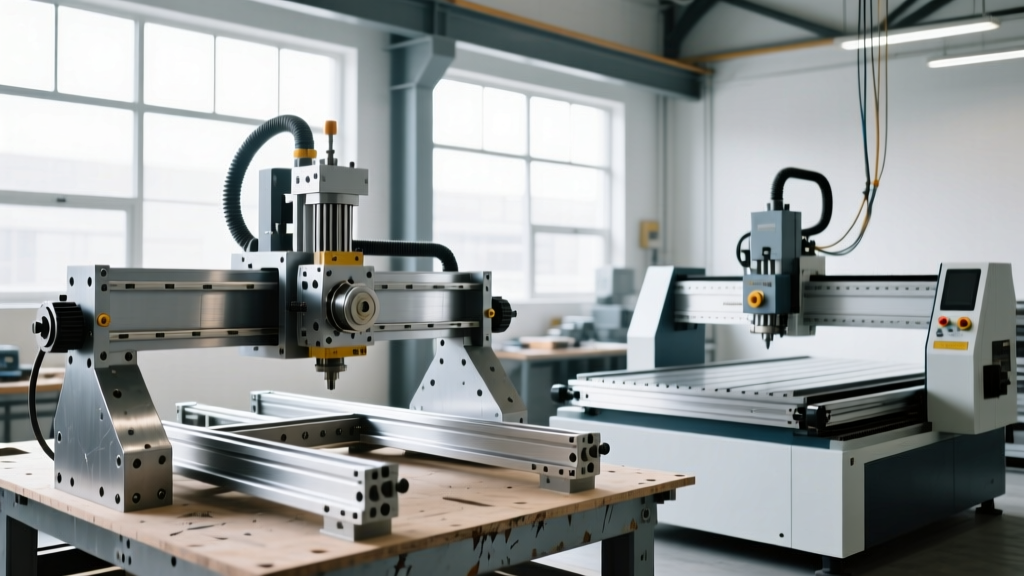
Most entry-level kits and DIY extrusion builds rely on polycarbonate V-wheels riding on aluminum C-beams. While cost-effective, V-wheels introduce micro-deflections under lateral cutting loads. According to engineering analyses documented by CNC Cookbook, upgrading to linear profile rails (such as HIWIN HGH15 or MGN12H carriages) reduces lateral deflection by up to 80%. If you are building a do it yourself CNC machine specifically for metalworking, linear rails bolted to a welded steel frame are non-negotiable.
Drive Systems: The Backlash Battle
The drive system translates rotational stepper motor force into linear axis movement. Your choices dictate your machine's backlash and repeatability:
- GT2/GT3 Timing Belts: Common on the X and Y axes of budget machines. They suffer from elastic stretch under heavy cutting loads, making them unsuitable for precise pocketing in metals.
- T8 Lead Screws: An improvement over belts, offering high static load capacity. However, standard Acme/T8 lead screws suffer from inherent backlash and high friction, requiring anti-backlash nuts and frequent lubrication.
- SFU1204 Ball Screws: The gold standard for DIY CNC builds. As detailed in technical literature on ball screws, the recirculating ball bearings reduce friction to near-zero and eliminate backlash when paired with double-nut preloading. If you are sourcing your own parts, mandate C7 or C5 ground ball screws for the X and Y axes.
"The biggest mistake first-time DIY builders make is overspending on a 2.2kW water-cooled spindle while pairing it with a flimsy aluminum extrusion gantry. A 500W spindle on a massively overbuilt steel frame will outperform a 2.2kW spindle on a flexible frame every single time in aluminum." — Machining Community Consensus
Electronics and Control Ecosystems
The brain of your do it yourself CNC machine dictates your workflow, probing capabilities, and error handling. Turnkey machines like the X-Carve or Shapeoko utilize closed ecosystems (Easel, Carbide Motion) that restrict G-code manipulation but prevent catastrophic beginner errors. DIY builds require you to choose an open architecture:
FluidNC / GRBL
Best for: Woodworking, plastics, and light aluminum.
Pros: Runs on cheap ESP32 microcontrollers, Wi-Fi enabled, massive community support.
Cons: Lacks advanced rigid tapping, closed-loop stepper integration is complex.
LinuxCNC
Best for: Heavy DIY builds, steel machining, and 4th-axis integration.
Pros: Real-time kernel, true closed-loop servo support, advanced G-code support.
Cons: Steep learning curve, requires dedicated PC hardware with parallel port or Mesa Ethernet cards.
Top 3 Alternatives to Scratch-Building
If the prospect of sourcing SFU1204 ball screws, wiring a VFD, and tramming a gantry to 0.001-inch tolerances sounds unappealing, consider these three distinct market alternatives that bridge the gap between DIY and industrial.
1. The Open-Source Heavyweight: PrintNC
The PrintNC is not a kit you buy; it is a set of open-source CAD files and a bill of materials. You source the steel tubing, laser-cut plates, and mechanical components locally. It yields a machine with the mass and rigidity of a $15,000 industrial router for roughly $1,500. It is the ultimate do it yourself CNC machine for serious hobbyists who want to machine steel and titanium but lack the capital for a Tormach.
2. The Modular Compromise: OpenBuilds LEAD 1010
Available directly from OpenBuilds, this kit utilizes high-quality aluminum extrusions, NEMA 23 steppers, and an integrated control board. It eliminates the sourcing headache of a scratch build while still requiring mechanical assembly. It is highly modular, allowing you to upgrade from V-wheels to linear rails or add a laser module later.
3. The Turnkey Standard: Carbide 3D Shapeoko 5
The Shapeoko 5 represents the ceiling of the hobbyist turnkey market. It features a rigid steel-reinforced gantry, integrated limit switches, and a proprietary software ecosystem. You sacrifice the ability to easily swap the controller or spindle, but you gain immediate, reliable production capability out of the box.
Decision Matrix: Which Path Should You Take?
Use this logical flow to determine your optimal build strategy:
- Do you need to machine ferrous metals (steel/iron) regularly?
- Yes: Abandon aluminum extrusion kits. Build a PrintNC or buy a used industrial VMC.
- No: Proceed to step 2.
- Is your primary material hardwoods, acrylics, or non-ferrous metals (aluminum/brass)?
- Yes: Proceed to step 3.
- Do you value your time at more than $25/hour, and do you need parts immediately?
- Yes: Buy a Shapeoko 5 or Onefinity Foreman.
- No: Build an OpenBuilds kit or source a custom DIY ball-screw build.
Critical Post-Build Upgrades to Budget For
Regardless of whether you build or buy, entry-level machines require specific upgrades to achieve professional tolerances and maintain a safe shop environment. Allocate an additional $400 to $800 in your budget for the following:
- Spindle Upgrades: The standard Makita-style trim routers included with many kits suffer from 0.005+ inch runout and poor duty cycles. Upgrade to a 1.5kW air-cooled or water-cooled VFD spindle with an ER11 collet to reduce runout to 0.0008 inches.
- Dust Collection & Chip Extraction: Routing MDF or carbon fiber without a high-static-pressure dust shoe is a severe respiratory hazard. Integrate a Dust Deputy cyclone separator with a minimum 500 CFM blower.
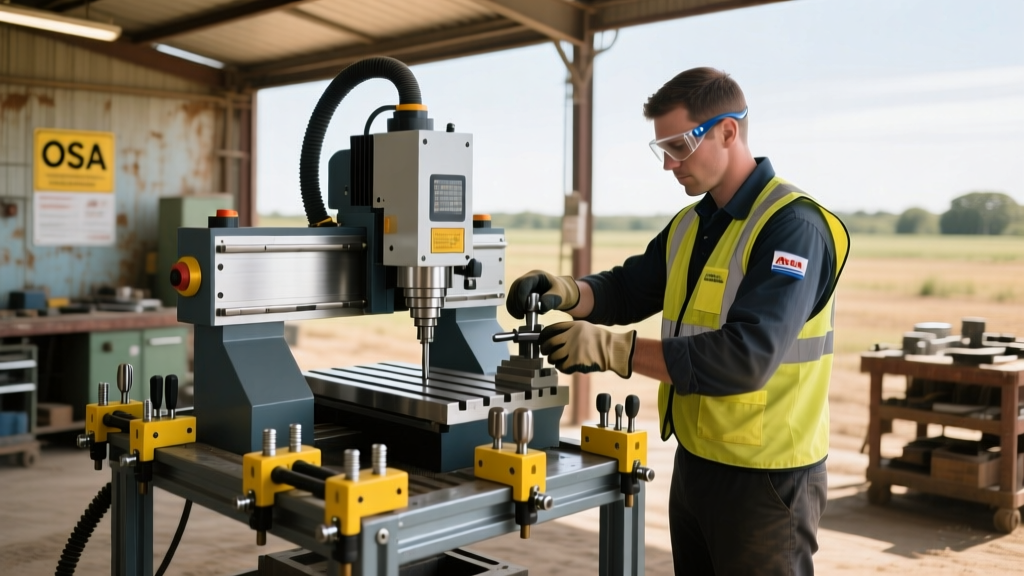
- Workholding: Abandon double-sided tape and toggle clamps. Invest in a CNC-specific vacuum table setup or a modular T-track fixture system with low-profile toe clamps to maximize Z-axis clearance and prevent tool collisions.
Ultimately, a do it yourself CNC machine is a rewarding engineering project that yields unparalleled customization, but it demands a strict adherence to mechanical tolerances and a willingness to troubleshoot complex electromechanical systems. Choose the path that aligns with your shop's production goals, not just your initial budget constraints.