Troubleshooting Machine Tool Monitor Failures on Liquidated CNC Assets
Diagnose and repair dead, flickering, or unresponsive machine tool monitors on auctioned CNC equipment with this component-level troubleshooting guide.
Procuring CNC machinery from industrial liquidations and auctions—whether through Ritchie Bros, EquipNet, or Heritage Global Partners—often presents a high-reward, high-risk scenario. While the mechanical axes and spindles of a liquidated Mazak, Haas, or Okuma may be in pristine condition, the machine tool monitor (HMI panel) is frequently the first casualty of the auction environment. Machines left sitting in unclimate-controlled warehouses or outdoor yards for 12 to 24 months suffer severe environmental degradation to their electronic displays.
Troubleshooting a machine tool monitor on an auctioned asset requires a different diagnostic approach than fixing one on an active shop floor. This guide details the component-level repair protocols, environmental failure modes, and modern retrofit strategies required to bring liquidated CNC displays back to operational status in 2026.
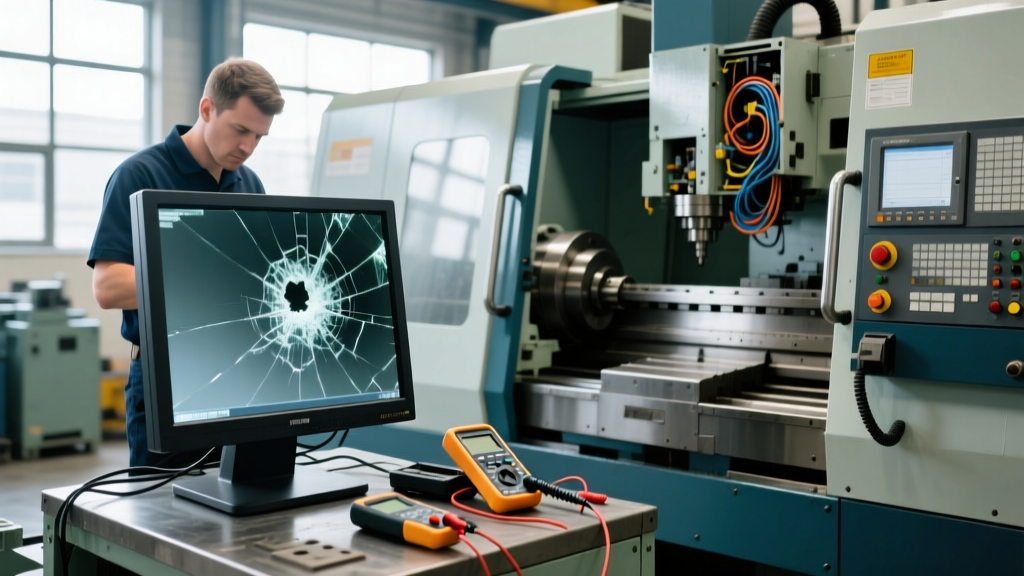
CRITICAL WARNING: The 24VDC Boot-Loop TrapBefore applying main power to a liquidated CNC, verify the 24VDC power supply feeding the HMI. Degraded power supplies in auctioned machines often output 21V to 22V. While this is enough to illuminate the backlight, it will cause the machine tool monitor's logic board to continuously reset, resulting in a 'boot-loop' that mimics a dead LCD matrix. Always test with a Fluke 87V multimeter at the I/O board terminals before condemning the display.
The Liquidation Environment: Specific HMI Failure Modes
Standard shop-floor monitor failures are usually caused by coolant ingress or physical impact. Liquidated assets, however, suffer from 'static environmental decay.' Understanding these specific failure modes dictates your troubleshooting sequence.
- Polarizer Film Delamination: Extreme temperature cycling in unheated auction yards causes the adhesive on the LCD's outer polarizer film to crystallize and peel. This results in a 'white-out' or 'black-out' screen where the backlight works, but no image is visible.
- Electrolytic Capacitor Drying: Monitors manufactured between 2008 and 2018 (common in liquidations today) rely on electrolytic capacitors in the backlight inverter. Years of thermal cycling without regular power-on 'reforming' causes the electrolyte to evaporate, leading to immediate inverter failure upon first power-up.
- Resistive Touch Digitizer Oxidation: Older Siemens OP77B or Fanuc A89L series panels use resistive touchscreens. High humidity in outdoor storage oxidizes the indium tin oxide (ITO) layers, causing 'ghost touches' or dead zones on the screen grid.
Component-Level Diagnostic Protocol
When you take delivery of an auctioned CNC and the machine tool monitor fails to initialize, bypass the OEM's proprietary diagnostics and go straight to the hardware layer.
Step 1: Input Voltage and Fuse Isolation
- Locate the 24VDC input terminals on the rear of the HMI panel. According to OEM documentation from Fanuc America, the acceptable voltage range is 24VDC ± 10% (21.6V to 26.4V).
- Measure the voltage under load. If it drops below 21.6V when the monitor attempts to boot, the fault lies in the machine's main power supply unit (PSU), not the monitor.
- Check the internal SMD fuses on the monitor's logic board. On Fanuc A89L-0001-0504 models, the 2A surface-mount fuse frequently blows due to shorted decoupling capacitors caused by moisture ingress during outdoor storage.
Step 2: Backlight Inverter vs. LCD Matrix Testing
If the monitor has power but the screen is black, you must isolate the backlight from the video signal.
- The Flashlight Test: Shine a high-lumen LED flashlight at an oblique angle against the screen while the machine is booting. If you can faintly see the boot text or coordinate display, the LCD matrix and logic board are functional; the CCFL/LED backlight or inverter board has failed.
- Inverter Output Check: For older CCFL-backlit liquidated monitors, use a high-voltage probe to check the inverter output. A healthy CCFL inverter outputs 600V to 1,200V AC. If you read 0V, the inverter's step-up transformer or switching MOSFETs have failed due to capacitor degradation.
Repair vs. Retrofit Decision Matrix
Once the fault is isolated, you must decide whether to repair the OEM machine tool monitor or retrofit a modern Industrial PC (IPC). The auction purchase price usually justifies a retrofit, but lead times may force a repair. Maintenance strategies highlighted by the Society of Manufacturing Engineers emphasize minimizing MTTR (Mean Time To Repair) for secondary assets.
| Strategy | Target Hardware | Estimated Cost (2026) | Lead Time | Long-Term Reliability |
|---|---|---|---|---|
| OEM Replacement | Fanuc / Siemens / Okuma Original | $2,800 - $4,500 | 4 - 12 Weeks | High (but repeats legacy flaws) |
| Third-Party Repair | Component-level inverter/LCD fix | $450 - $850 | 1 - 3 Weeks | Medium (polarizer may still degrade) |
| Modern IPC Retrofit | Advantech / Siemens SIMATIC IPC | $1,200 - $2,200 | 3 - 5 Days | Very High (Projected capacitive touch) |
| Open-Source CNC Screen | Raspberry Pi Compute Module 4 + LinuxCNC | $300 - $600 | Immediate | Low (Requires heavy integration) |
Executing the IPC Retrofit on Liquidated Machines
If the auctioned machine features an obsolete monitor (e.g., a Siemens TP177B or an early Okuma OSP CRT display), repairing it is a poor capital allocation. Retrofitting with a modern IPC provides superior visibility, multi-touch capabilities, and immunity to the environmental failures that plagued the original unit.
Hardware Selection for the Retrofit
For a 15-inch display replacement, the Advantech TPC-1582H or the Siemens SIMATIC IPC277E are the industry standards in 2026. Both feature projected capacitive (PCAP) touchscreens, which are entirely immune to the coolant and humidity issues that destroy resistive screens.
Signal Interfacing Protocol
Liquidated machines rarely come with their original I/O manuals. To interface a new IPC with the legacy CNC controller:
- Identify the Video Protocol: Legacy Fanuc and Mitsubishi controllers often use proprietary RGB or early DVI-I outputs. You will need an active signal converter (e.g., a Matrox or generic industrial DVI-to-HDMI scaler) to bridge the controller to the modern IPC's HDMI/DisplayPort input.
- Emulate the Keypad: OEM monitors include physical membrane keypads for cycle start, feed hold, and overrides. When removing the old monitor, carefully extract the keypad matrix. Use a USB keypad emulator (like a Hagstrom KE16) to map the physical buttons to the new IPC, ensuring the operator retains tactile control without relying solely on the touchscreen.
- Mounting Fabrication: Auctioned machines often have non-standard or damaged monitor arms. Fabricate a custom 1/4-inch aluminum VESA mount plate that bolts directly to the existing operator console, utilizing the original swivel mechanism if it is mechanically sound.
Expert Insight: When retrofitting an IPC on a liquidated Haas or Mazak, do not mount the new display directly over the existing ventilation louvers of the operator pendant. Liquidated machines often have clogged internal pendant fans. Blocking the remaining airflow with a larger, hotter IPC will cook the pendant's internal I/O boards within six months.
Frequently Asked Questions
Can I use a standard commercial monitor instead of an industrial IPC?
No. Standard commercial monitors lack the necessary EMI/RFI shielding required in a CNC environment. The high-frequency noise generated by the spindle VFD (Variable Frequency Drive) and servo amplifiers will cause severe visual artifacting and touch-digitizer ghosting on consumer-grade displays. Always use an IPC rated for at least IEC 61000-6-2 industrial immunity.
The auctioned machine's monitor turns on, but the touch coordinates are inverted. How do I fix this?
This is a common software glitch when a machine's CMOS battery dies during long-term liquidation storage, causing the CNC controller to lose its touch calibration parameters. On Fanuc controls, access the maintenance screen (usually by holding the soft keys under the screen during boot) and run the 'Touch Panel Calibration' utility. On Siemens HMI panels, access the ProSave calibration menu via the control panel applet.
How do I safely transport a machine tool monitor if I am removing it before shipping the auctioned CNC?
If you are stripping the monitor to ship it separately, wrap the LCD glass in anti-static, low-residue polyethylene foam. Do not use standard bubble wrap, as the static charge can damage the exposed logic board connectors, and the pressure points can crack the LCD matrix if the crate is dropped. Store the monitor in a climate-controlled environment (above 50°F / 10°C) to prevent the liquid crystals from freezing and expanding, which will permanently shatter the internal glass substrates.