5-Axis CNC Machining at Home for Complex Geometries
Discover how to achieve complex geometries with 5-axis CNC machining at home. Compare desktop models, CAM workflows, and setup costs for 2026.
The Reality of Multi-Axis CNC Machining at Home
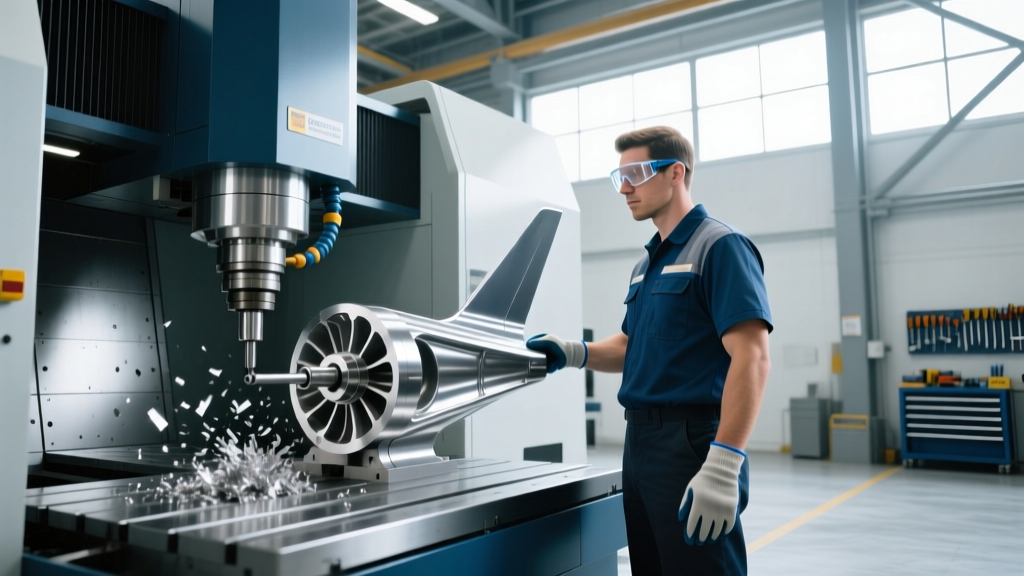
Transitioning from 3-axis to multi-axis CNC machining at home unlocks the ability to produce complex geometries—such as impellers, turbine blisks, and undercut aerospace brackets—in a single setup. Historically reserved for industrial facilities with massive capital budgets, 5-axis technology has scaled down to the prosumer and advanced home garage market. However, achieving tight tolerances on compound angles requires more than just purchasing a desktop mill; it demands a rigorous understanding of kinematics, Rotary Tool Center Point (RTCP) calibration, and specialized toolpath generation.
⚠️ The RTCP Imperative: In 5-axis machining, RTCP allows the controller to dynamically adjust the X, Y, and Z linear axes as the rotary axes move, keeping the tool tip exactly on the programmed vector. If your home machine lacks true RTCP, or if the pivot length is miscalibrated by even 0.001 inches, machining a compound curve will result in immediate tool gouging or catastrophic crashes.2026 Desktop & Prosumer 5-Axis Hardware Matrix
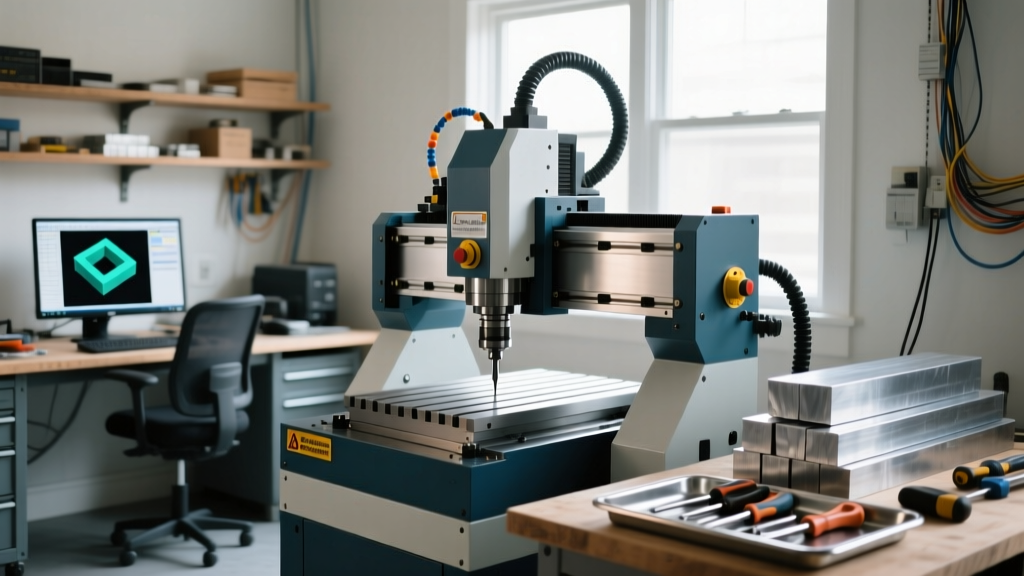
Selecting the right equipment for multi-axis CNC machining at home depends heavily on your available space, power infrastructure, and the physical size of your complex parts. Below is a comparison of the leading platforms available to advanced hobbyists and micro-manufacturers.
| Machine Model | Approx. Price (USD) | Work Envelope (XYZ) | Spindle / RPM | Kinematics & Controller |
|---|---|---|---|---|
| Pocket NC V2-50 | $5,200 | 4.5' x 5.0' x 3.5' | 50,000 RPM (ER11) | TRRT Trunnion / LinuxCNC |
| Tormach 1100MX (w/ 5-Axis Add-on) | $18,500 - $22,000 | 18' x 11' x 16' | 10,000 RPM (BT30) | TRRT Trunnion / PathPilot |
| Haas UMC-500 (Prosumer Garage) | $75,000+ | 20' x 16' x 16' | 15,000 RPM (CAT40) | Integrated Trunnion / Haas NGC |
Kinematics: Trunnion Tables vs. Swivel Heads
Understanding machine kinematics is critical when programming complex geometries. Most desktop and prosumer 5-axis machines utilize TRRT (Table Rotary / Table Rotary) kinematics, commonly known as a trunnion table. In this setup, the A-axis (tilt) and C-axis (rotation) are mounted to the machine bed, moving the workpiece while the spindle remains fixed on the Z-axis.
Calibrating the Pivot Length
The pivot length is the exact distance from the spindle gauge line to the center of rotation of the trunnion table. On industrial machines like the Haas UMC-500, this is verified using a wireless probing system (WIPS) that automatically maps the rotary axes and updates the machine parameters. For home machinists using a Tormach or Pocket NC, pivot length calibration often requires manual indicator sweeps or specialized probing macros. If you change the tooling setup or physically bump the trunnion table, you must re-verify the center of rotation (COR) before running multi-axis toolpaths.
CAM Software and Post-Processor Selection
Multi-axis CNC machining at home fails or succeeds in the CAM environment. Generating 3-axis G-code is trivial; generating collision-free 5-axis toolpaths requires advanced CAM software capable of machine simulation.
- Autodesk Fusion (Manufacturing Extension): The undisputed standard for home 5-axis. The Manufacturing Extension add-on unlocks 'Swarf Machining' for straight walls with compound angles and 'Multi-Axis Contour' for blisks and impellers. Crucially, Fusion includes native machine simulation to detect trunnion collisions before G-code is exported.
- Mastercam Multiaxis: While expensive (often exceeding the cost of a desktop mill), it remains the industry standard for complex aerospace geometries. Home shops doing contract machining often use Mastercam to verify toolpaths that Fusion struggles to optimize.
- Post-Processor Realities: Never use a generic 'FANUC 5-Axis' post-processor. You must use a post specifically tuned for your machine's exact kinematic chain. A TRRT post outputs different rotary coordinate values than an RRRT (swivel head) post. Download machine-specific posts directly from the Autodesk HSMPost Library or your machine manufacturer.
Workholding Strategies for Complex Geometries
The primary challenge of 5-axis machining is maintaining tool clearance while the part tilts up to 120 degrees. Standard 6-inch milling vises will cause the spindle or toolholder to collide with the vise body when the B or A-axis exceeds 30 degrees of tilt.
- Dovetail Workholding: Machine a dovetail profile into the underside of your raw stock. Use low-profile clamps (such as Mitee-Bite Pitbull clamps or Kurt DX4 dovetail jaws) to grip the part securely. This leaves all five sides of the part exposed for machining.
- Custom Soft Jaws with Relief Pockets: For high-volume home production, machine aluminum soft jaws that include deep relief pockets. This allows the trunnion to tilt fully without the toolholder striking the vise jaws.
- Sacrificial Towers: Mount the workpiece to a sacrificial aluminum or Delrin tower. The tower acts as an extension, raising the part high enough above the trunnion platter to prevent the spindle nose from colliding with the table during extreme C-axis rotations.
Pro Tip: According to Sandvik Coromant's multi-axis machining guidelines, minimizing tool overhang is the single most effective way to reduce chatter in 5-axis milling. Always program your CAM software to use the shortest possible tool extension required to clear the part geometry.
Tooling for Low-Torque, High-RPM Environments
Desktop 5-axis machines like the Pocket NC utilize high-speed, low-torque spindles (often 50,000 RPM but with less than 1 HP). You cannot use standard 1/2-inch industrial endmills. Instead, you must rely on micro-grain carbide tooling designed for high-speed machining (HSM).
For machining 6061-T6 aluminum on a desktop 5-axis, utilize 3-flute AlTiN-coated stub endmills (e.g., Harvey Tool or Helical Solutions). A 1/8-inch diameter stub endmill with a 0.100-inch length of cut (LOC) provides the necessary rigidity to prevent deflection. Because the ER11 collet system limits shank sizes to 7mm, toolholders must be precision balanced to prevent vibration at 40,000+ RPM. Use chipload calculations rather than traditional MRR (Material Removal Rate) metrics; aim for a chipload of 0.0008' to 0.0012' per tooth to ensure the tool cuts rather than rubs, which is critical when spindle torque is limited.
Facility Upgrades: Power, Air, and Coolant
Before executing your first 5-axis toolpath, evaluate your home shop's infrastructure. While desktop machines run on standard 110V/15A circuits, stepping up to a Tormach 1100MX or a used Haas UMC-500 requires significant facility upgrades.
- Power: Prosumer mills require 220V single-phase or 3-phase power. For a Haas UMC in a residential garage, you will need a high-quality rotary phase converter (e.g., Phase-A-Matic) or a VFD-driven phase converter to supply clean 3-phase power, ensuring the spindle drives and coolant pumps operate without faulting.
- Compressed Air: 5-axis machines utilize air purge systems to keep chips out of the rotary axis seals. You need a dedicated air compressor delivering at least 5 CFM at 90 PSI, equipped with a coalescing filter and desiccant dryer. Moisture in the air lines will destroy the pneumatic clutches inside a trunnion table.
- Coolant Management: Multi-axis machining generates complex chip evacuation scenarios. Flood coolant is mandatory for deep pocketing and titanium work. Ensure your garage floor is sealed with epoxy and equipped with a drainage catch or a high-capacity mist collector to manage aerosolized coolant.
Mastering multi-axis CNC machining at home bridges the gap between hobbyist fabrication and professional contract manufacturing. By investing in precise workholding, rigorously calibrating your kinematics, and leveraging advanced CAM simulation, you can produce aerospace-grade complex geometries from a residential garage.