Using a CNC Machine for Desktop Prototyping: 2026 Buyer Guide
Discover the best desktop CNC machines for prototyping in 2026. Learn setup requirements, material limits, and top models for small-scale manufacturing.
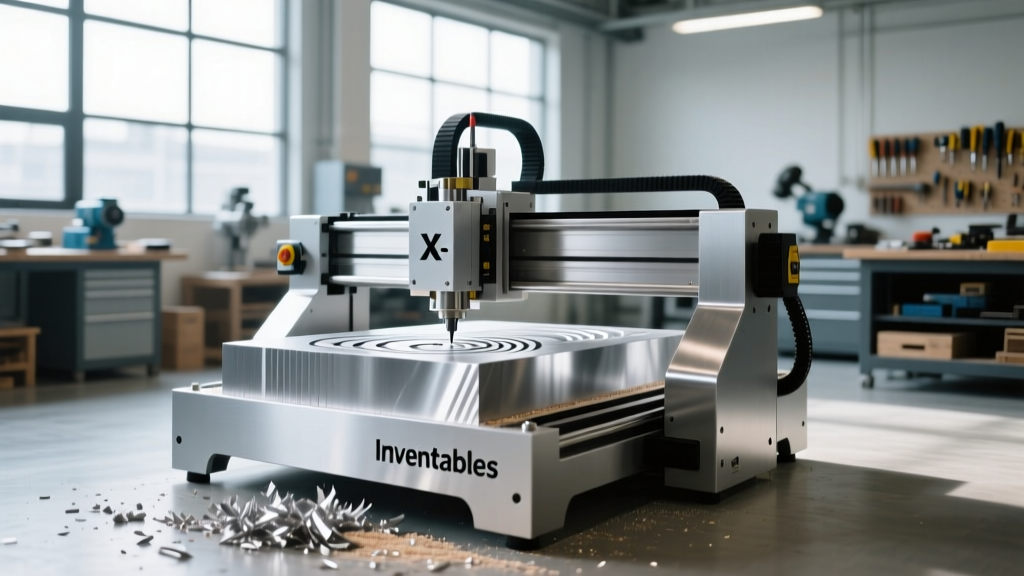
Transitioning from CAD models to physical prototypes requires precision, but industrial floor space and 5-figure budgets are not always available. When using a CNC machine in a confined workspace like an engineering office, university lab, or home garage, the constraints shift dramatically. Desktop CNC milling machines have evolved from underpowered hobbyist toys into rigid, capable prototyping tools that can reliably machine engineering-grade plastics, PCBs, and non-ferrous metals. However, the marketing claims of 'desktop-friendly' often obscure the physical realities of chip evacuation, acoustic noise, and spindle rigidity.
The Reality of Desktop CNC Prototyping
The primary compromise in desktop CNC milling is the trade-off between footprint and mass. Rigidity in machining is a function of weight and structural geometry. A 5,000-lb Haas VF-2 absorbs harmonic vibrations effortlessly; a 150-lb desktop mill relies on tight tolerances, high-quality linear guides, and aggressive damping to achieve acceptable surface finishes. For prototyping, this means you must adapt your CAM strategies. Instead of taking deep, aggressive roughing passes with a 1/2-inch endmill, desktop prototyping demands high-speed machining (HSM) techniques: shallow step-downs, high feed rates, and smaller diameter tooling to keep cutting forces below the machine's stall threshold.
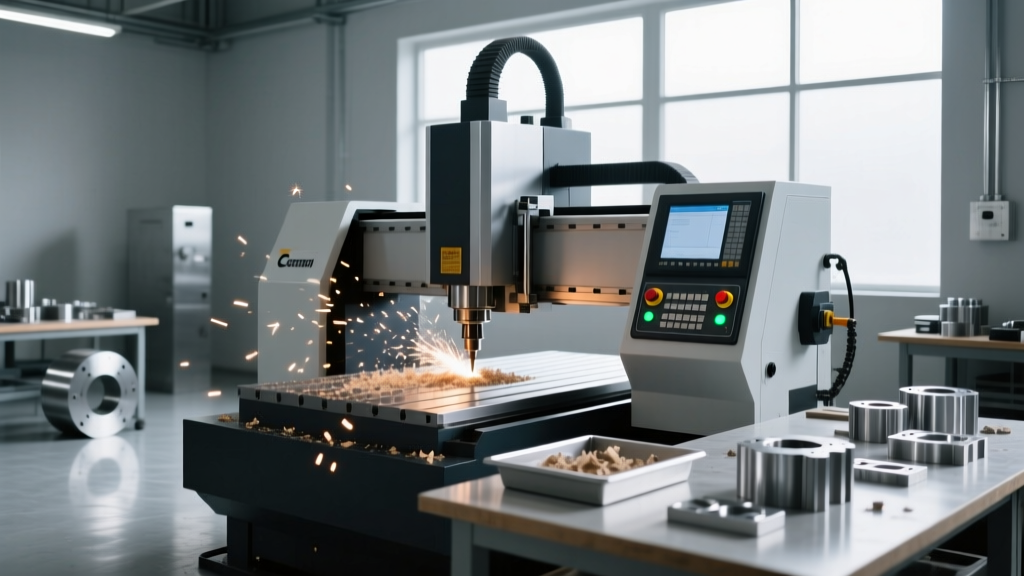
Workspace Environment Warning: Do not underestimate the acoustic and particulate output of desktop milling. Cutting 6061 aluminum at 15,000 RPM generates high-frequency spindle whine and sharp, hot chips. If your desktop CNC is not fully enclosed with active dust extraction, you cannot safely operate it in a shared office environment or a room with sensitive electronics (like 3D printers or oscilloscopes) due to conductive aluminum dust infiltration.Core Specifications That Dictate Prototyping Success
When evaluating equipment for small-scale manufacturing, ignore the 'XYZ travel' marketing numbers and focus on the mechanical transmission and spindle interface.
Spindle Runout and Collet Constraints
Total Indicator Runout (TIR) at the tool tip determines your minimum achievable feature size and tool life. High-end industrial spindles maintain a TIR of 0.0002 inches or less. Quality desktop mills like the Bantam Tools or Pocket NC series typically achieve 0.0005 to 0.001 inches TIR. This is acceptable for prototyping but means you must use premium, balanced endmills. Furthermore, most desktop machines utilize ER-11 collets, which physically cap your maximum tool shank diameter at 7mm (just over 1/4 inch). If your prototype requires 3/8-inch or 1/2-inch shank tooling for heavy facing operations, an ER-11 spindle will force you to look at larger benchtop models.
Drive Systems: Belts vs. Ball Screws
Belt-driven gantries (common in sub-$2,000 routers) suffer from micro-deflection under lateral cutting loads, resulting in poor surface finishes on metals. For functional prototyping in metals and dense engineering plastics like Delrin or PEEK, insist on machines utilizing ball screws or precision-ground lead screws with anti-backlash nuts. This ensures that when the tool engages the material, the axis does not deflect, maintaining tight dimensional tolerances (typically ±0.002 inches on well-tuned desktop units).
2026 Desktop CNC Comparison Matrix
The market has consolidated around a few highly capable units that bridge the gap between maker-space routers and entry-level VMCs. Below is a technical comparison of the leading desktop prototyping machines available this year.
| Feature | Carbide 3D Nomad 3 | Bantam Tools Desktop CNC | Pocket NC V2-50 |
|---|---|---|---|
| Base Price (Approx.) | $2,799 | $3,999 | $5,499 |
| Axes | 3-Axis | 3-Axis | 5-Axis (Simultaneous) |
| Spindle Speed | 2,000 - 20,000 RPM | Up to 24,000 RPM | Up to 24,000 RPM |
| Drive Mechanism | Precision Lead Screws | Ball Screws / Linear Guides | Harmonic Drives / Zero-Backlash |
| Best Use Case | Wax, Plastics, Soft Metals | PCBs, Aluminum 6061, Fixtures | Micro-machining, Titanium, Complex 5-Axis |
Data sourced from official manufacturer specifications for the Carbide 3D Nomad 3, the Bantam Tools Desktop CNC, and the Pocket NC V2-50.
Material Constraints and Coolant Realities
Desktop machines excel at machining machinable wax (for mold masters), acrylics, Delrin (POM), and brass. However, engineering teams often purchase desktop mills specifically to prototype in 6061-T6 aluminum. While entirely possible, cutting aluminum on a desktop CNC introduces the coolant problem.
Aluminum requires lubrication to prevent chip welding (built-up edge) on the cutting tool. Industrial VMCs use flood coolant. On a desktop machine, flood coolant is a non-starter due to spillage and electrical hazards. You must rely on mist coolant systems (air-atomized cutting fluid) or manual application of tapping fluids like Tap Magic. Mist systems require an external air compressor, which completely destroys the 'quiet desktop' illusion. If you cannot accommodate a 20-gallon air compressor and a mist extraction hood, restrict your aluminum prototyping to very shallow finishing passes using single-flute, high-polish carbide endmills designed for dry aluminum cutting.
Hidden Costs of Desktop Ownership
The base price of the machine is only the entry fee. Budget for the following prototyping necessities:
- Workholding (Crucial): Standard T-slot clamps often interfere with the Z-axis clearance on desktop mills. Invest in low-profile toggle clamps, custom sacrificial MDF spoilboards with M4 threaded inserts, or specialized vacuum tables. Budget $300–$500 for workholding.
- Premium Tooling: Because desktop spindles lack the torque of industrial counterparts, you need sharp, high-quality carbide. Harvey Tool or Helical Solutions micro-endmills (1/16" and 1/32" diameters) are mandatory for fine details. Expect to spend $40+ per endmill.
- CAM Software: While basic 2.5D profiling can be done in free software, true 3D surfacing for ergonomic prototypes requires professional CAM. Fusion 360 (with advanced machining extensions) or Mastercam Discover are standard, adding $500–$1,500 annually to your overhead.
FAQ: Edge Cases in Desktop Milling
Can I cut titanium or stainless steel on a desktop CNC?
Only on highly specialized, rigid 5-axis desktop units like the Pocket NC, and even then, only in micro-scale applications (e.g., medical or aerospace micro-components). Attempting to mill 304 stainless steel on a belt-driven or standard lead-screw desktop router will destroy the machine's linear guides and stall the stepper motors instantly due to the material's work-hardening properties and high shear strength.
Do I need a dedicated 220V circuit?
No. The primary advantage of desktop CNCs is their compatibility with standard 110V/120V 15-amp household circuits. However, you must ensure the CNC spindle and the air compressor/vacuum are not on the exact same breaker, or the inrush current from the compressor kicking on will cause a voltage drop that triggers a stepper motor fault or resets the CNC controller mid-job.
How accurate are desktop CNCs for press-fit tolerances?
With proper calibration, thermal warm-up (running the spindle at 10,000 RPM for 15 minutes to stabilize thermal expansion), and high-quality tooling, machines like the Bantam and Nomad can reliably hold ±0.002" to ±0.003" tolerances. This is sufficient for most press-fit pins and snap-fits in prototyping, but falls short of the ±0.0005" required for high-precision aerospace bearing seats.