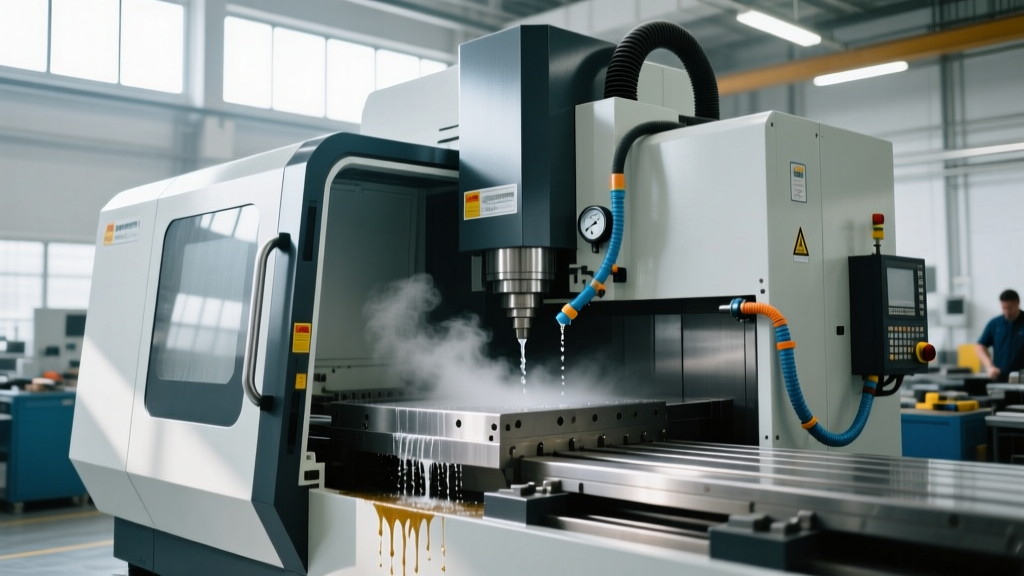
Mastering Machining and CNC Technology: Controller Interfaces
Train operators on Fanuc, Siemens, and Heidenhain interfaces. Master machining and CNC technology controller types for safer, faster production.
The Central Nervous System of Modern Manufacturing
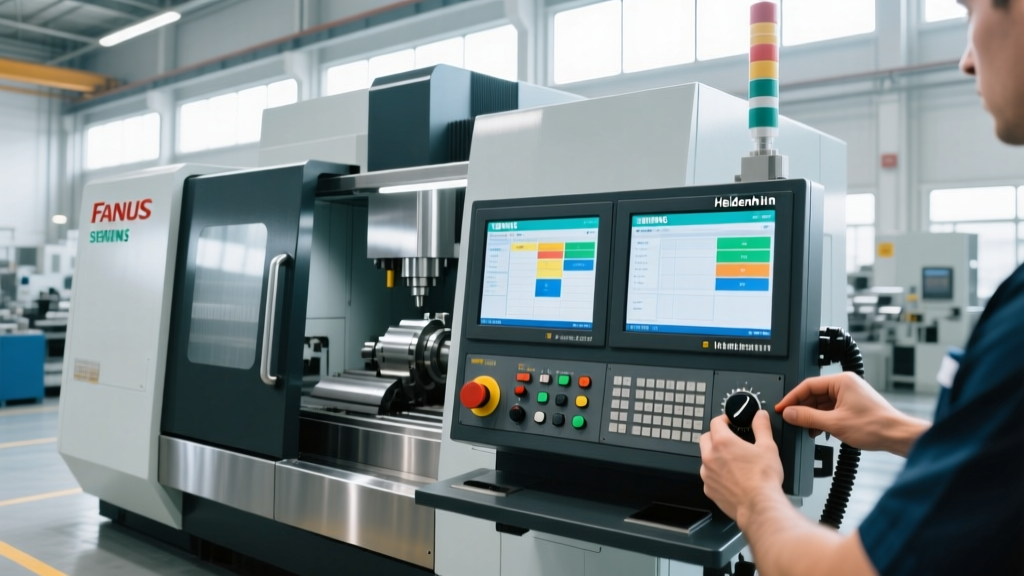
The controller interface is the central nervous system of any machine tool. In the realm of machining and CNC technology, an operator's ability to fluently navigate this interface dictates cycle times, scrap rates, and shop floor safety. While legacy training often focused heavily on G-code memorization, modern operator training must prioritize Human-Machine Interface (HMI) ergonomics, conversational programming workflows, and macro-variable monitoring. A crash caused by a misunderstood soft-key menu can cost upwards of $45,000 in spindle repairs and downtime. This guide provides actionable, platform-specific training frameworks for the industry's dominant controller architectures.
The Big Three: Interface Architectures Compared
Before diving into platform-specific training, shop managers must understand the fundamental architectural differences between the primary controller families. Selecting the right training module depends entirely on the HMI paradigm the operator is facing.
| Controller Platform | Primary Interface Paradigm | Target Operator Profile | Conversational Capability | Approx. Machine Cost Adder |
|---|---|---|---|---|
| Fanuc 0i-F Plus | Soft-key driven, traditional G-code focus | High-volume production, G-code proficient | Manual Guide i (Optional) | Baseline (Included) |
| Siemens Sinumerik 840D sl | Touch-first, app-based Operate HMI | Complex 5-axis, aerospace, job shops | ShopMill / ShopTurn (Native) | +$15,000 - $25,000 |
| Heidenhain TNC 640 | Klartext conversational, graphical smartSelect | Mold & die, prototype, toolroom | Klartext (Native) | +$10,000 - $18,000 |
Fanuc 0i-F Plus: Training for the Industry Standard
Fanuc dominates the global market, making the 0i-F Plus the most common interface operators will encounter. The 15-inch touch display with iHMI (intelligent Human Machine Interface) modernizes the legacy Fanuc experience, but training must bridge the gap between old habits and new capabilities.
Critical Training Directives for Fanuc
- Custom Macro Monitoring: Train operators to map macro variables (#100 through #199) to the 'Custom' screen tab. This allows real-time tracking of tool life and part counts without interrupting the main program view. For example, mapping #101 to 'Parts Completed' gives supervisors a glanceable metric on the shop floor.
- iHMI Tool Management: Move operators away from manual MDI tool offset entry. The iHMI graphical tool management screen reduces offset input errors (e.g., typing 4.000 instead of 0.400) by requiring visual confirmation of tool geometry and wear values before they are written to the registry.
- Background Editing: Teach the use of the 'BG-EDIT' soft key. Operators can modify the next part's program while the current part is actively cutting, reducing machine idle time by up to 12% per shift.
- Diagnostic Alarm Handling: When a servo error occurs (e.g., Alarm 411), train operators to navigate to [SYSTEM] -> [DIAGN] rather than simply pressing Reset. The diagnostic screen reveals the exact follow-up error value, helping maintenance distinguish between a mechanical bind and a tuning issue.
Siemens Sinumerik Operate: Mastering Touch Ergonomics
The Siemens Sinumerik 840D sl with the Operate HMI represents a paradigm shift toward smartphone-like touch navigation. Featuring a 19-inch capacitive multi-touch display, this platform is heavily favored in 5-axis aerospace and medical machining where complex toolpaths require constant visual verification.
"Sinumerik's native conversational environments, ShopMill and ShopTurn, eliminate the need for CAM post-processor reliance for 80% of standard shop-floor geometries, drastically reducing programming lead times." - Siemens Machine Tools Division
Operator Best Practices for Sinumerik
- Program Step (SBL) Mode: For first-part prove-outs, train operators to use SBL (Single Block Line) rather than standard Single Block. SBL stops the machine after every single G-code or conversational line, providing granular control that standard Fanuc Single Block lacks.
- Contour Turning Cycles: In ShopTurn, teach operators to use the graphical contour editor rather than typing G71/G72 cycles. The visual simulator immediately highlights gouging risks in undercut geometries before the cycle start button is ever pressed.
- Area vs. Program Manager Navigation: Operators must master the 'Area' concept (Machine, Program Manager, Program, Parameter, Diagnosis). A common bottleneck is operators getting lost in the file directory. Train them to use the dedicated hardware or soft 'Area' keys to instantly snap back to the active machine view.
Heidenhain TNC 640: Conversational Fluency and Collision Avoidance
Heidenhain's TNC 640 is the gold standard for mold, die, and complex 5-axis contouring. Its proprietary Klartext (plain text) conversational language is highly intuitive, processing up to 30,000 blocks per second. Training here focuses on leveraging graphical aids and dynamic safety nets.
Key Training Modules for TNC 640
Pro Tip: smartSelect IntegrationTrain operators to use the 'smartSelect' graphical tree structure. Instead of memorizing cycle numbers (e.g., Cycle 232 for facing), operators can visually navigate the smartSelect menu to choose cycles, view parameter definitions, and automatically insert the correct Klartext syntax into the program.
- Dynamic Collision Monitoring (DCM): This is a critical safety feature. Operators must be trained to verify the machine's kinematic description file before enabling DCM. If the physical setup (e.g., a 3-inch vise riser or a custom tombstone) is not modeled in the DCM database, the system will trigger false positive E-stops, halting production unnecessarily.
- Visual Tool Inspection: Utilize the TNC's integrated camera interface (if equipped) or the graphical tool measurement screen to verify tool breakage mid-cycle. Teach operators to use the 'Interrupt' soft key, which safely retracts the tool to a clearance height for inspection without losing the active coordinate position.
- Klartext Q-Parameters: Similar to Fanuc macros, Q-parameters allow for parametric programming. Train advanced operators to use Q-parameters for family-of-parts programming, reducing setup time for variant geometries by up to 40%.
Controller Migration: A Framework for Retraining Operators
When a shop acquires a new machine with an unfamiliar controller, the learning curve can destroy profitability for the first 90 days. Use this decision framework to structure operator retraining and minimize scrap during the transition period.
| Transition Path | Primary Cognitive Friction Point | Targeted Training Intervention |
|---|---|---|
| Fanuc to Siemens | Coordinate Systems (G54-G59 vs. Zero Offsets) | Map Siemens 'Zero Offsets' directly to Fanuc 'Workpiece Coordinate Systems' via physical cheat sheets mounted on the enclosure. |
| Fanuc to Heidenhain | G-code vs. Klartext Syntax | Conduct a 2-week 'Translation Bootcamp' focusing on mapping G01/G02/G03 to L/CC/C Klartext commands using dry-run simulators. |
| Siemens to Fanuc | Lack of Native Conversational | Invest in Manual Guide i licensing ($3,500-$5,000) to provide a graphical bridge for operators reliant on ShopMill workflows. |
Universal Safety Protocols for Interface Interaction
Regardless of whether the machine runs on Fanuc, Siemens, or Heidenhain architecture, strict interface interaction protocols must be ingrained during operator training to prevent catastrophic collisions.
- The 0% Feed Override Rule: Before pressing Cycle Start on any new program or after a tool change, the Feed Override dial must be physically turned to 0%. The operator then gradually increases it to 100% while monitoring spindle load meters and chip formation. Never trust the programmed feed rate on the first pass.
- Machine Lock Verification: During offline program verification, operators must engage the physical 'Machine Lock' switch. This prevents axis servo engagement while allowing the controller to process the code and flag syntax errors, over-travel alarms, or missing tool calls.
- Single Block with Rapid Override: When running Single Block for the first 10 lines of a new program (especially Z-axis approach moves), the Rapid Override must be set to 25% or lower. A rapid traverse crash at 100% override will shatter the spindle taper and destroy the casting before the operator's thumb can reach the Feed Hold button.
- Distance-to-Go Monitoring: Train operators to keep their eyes on the 'Distance-to-Go' digital readout on the position screen, not just the physical tool. If the Distance-to-Go reads 2.000 inches but the tool visually appears 0.100 inches from the part, the work offset (G54) is incorrectly set. Abort immediately.