Industrial vs Hobby CNC: Software for CNC Machine Control
Compare industrial and consumer CNC architectures. Explore how software for CNC machine control, G-code look-ahead, and RTCP kinematics differ.
The Architectural Divide in CNC Control Stacks
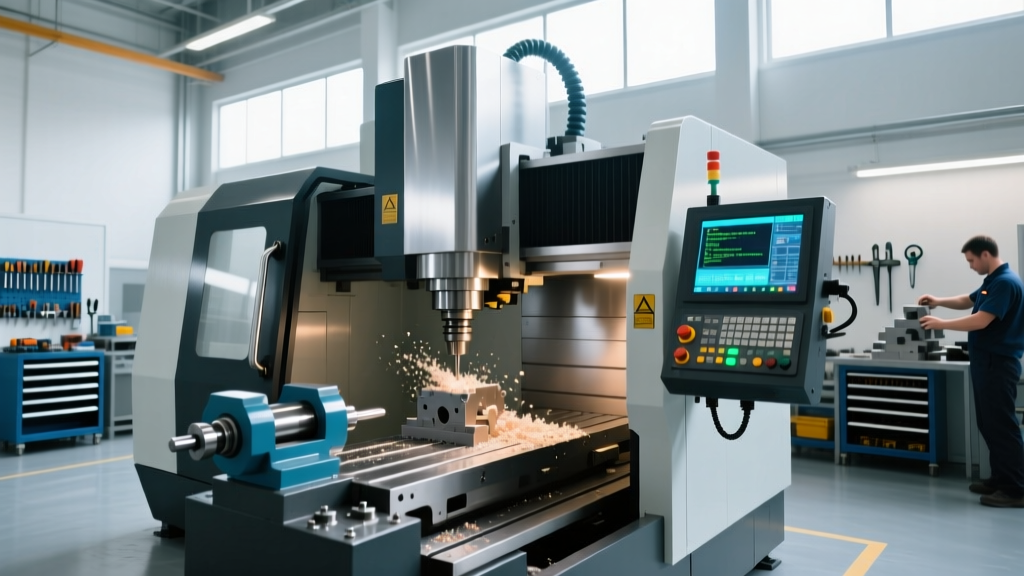
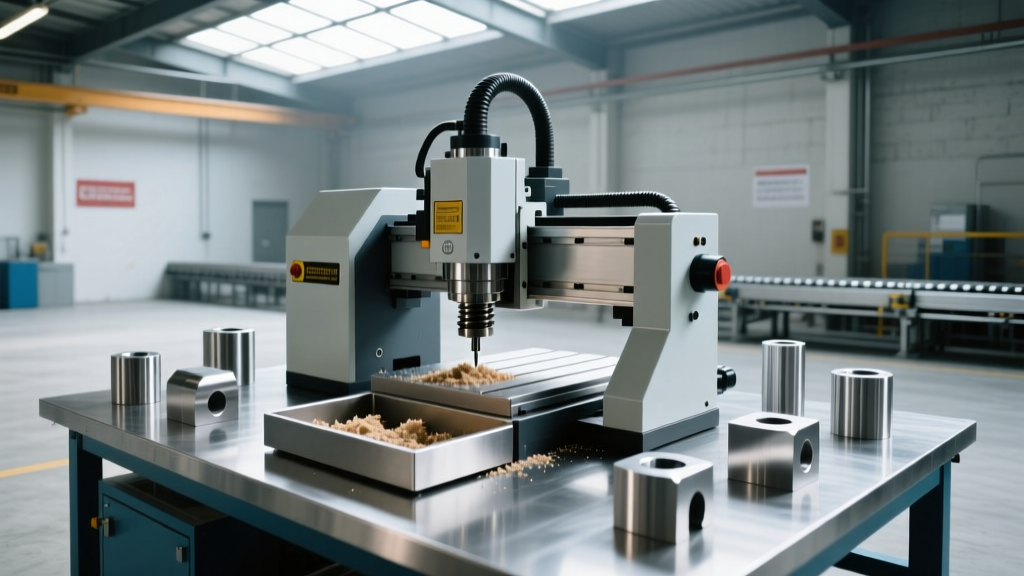
The physical rigidity of a CNC router or mill dictates its mechanical limits, but the true bottleneck in precision manufacturing lies in the control stack. When evaluating an industrial machining center like a Haas VF-2SS against a consumer-grade router like a Shapeoko 5 Pro, the hardware differences are obvious. However, the underlying software for CNC machine operations represents a fundamentally different approach to kinematic calculation, G-code parsing, and real-time motion planning.
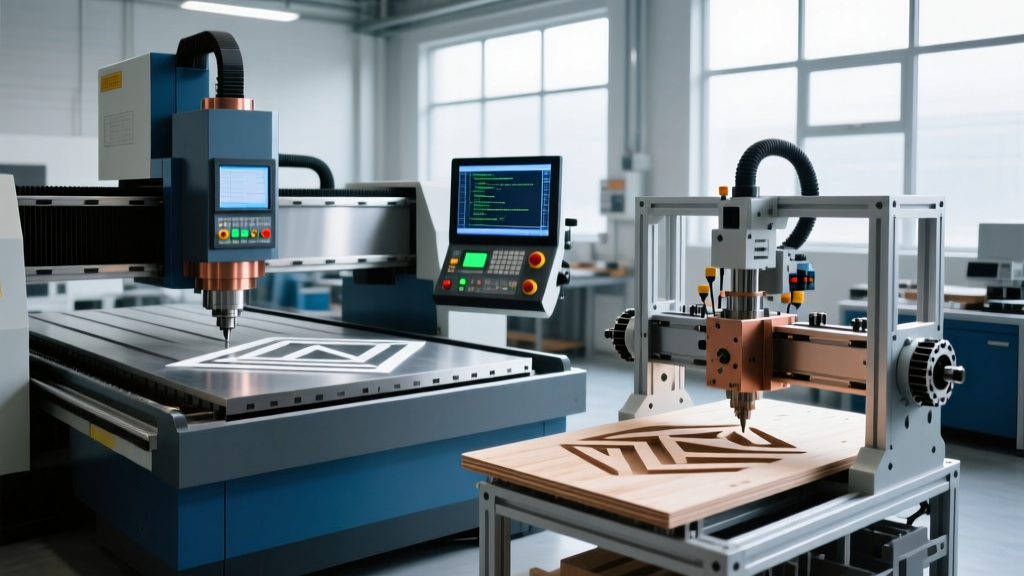
Industrial controllers operate on proprietary Real-Time Operating Systems (RTOS) designed to process thousands of motion blocks per second while simultaneously managing spindle load, thermal compensation, and tool wear. Consumer machines typically rely on open-source firmware like GRBL or FluidNC, running on microcontrollers that prioritize cost-efficiency over computational depth. Understanding this software divide is critical before committing to a machine class or CAM ecosystem.
Technical Callout: The Look-Ahead DisparityIndustrial controllers (e.g., Fanuc 31i, Haas NGC) utilize a look-ahead buffer of 200 to 1,000+ G-code blocks. This allows the software to anticipate sharp directional changes and decelerate the axes smoothly, maintaining a constant chip load. Consumer firmware like GRBL v1.1 typically maxes out at a 16 to 24-block look-ahead buffer due to the SRAM limitations of 8-bit AVR microcontrollers, resulting in visible stuttering and dwell marks on complex 3D contours.
Control Layer Specifications: Processing Speed and Interpolation
The core metric for evaluating CNC control software is block processing speed—measured in blocks per minute (BPM) or blocks per second (BPS). This determines how fast the machine can execute micro-segmented toolpaths generated by CAM software without starving the buffer.
| Controller Platform | Target Market | Architecture | Block Processing Speed | Look-Ahead Buffer | Native RTCP Support |
|---|---|---|---|---|---|
| Haas NGC (Next Gen Control) | Industrial | Proprietary RTOS / Linux base | ~3,400 BPM | 300+ blocks | Yes (G43.4) |
| Fanuc 31i-B5 | Industrial (5-Axis) | Proprietary RTOS | Up to 10,000 BPM | 1,000+ blocks | Yes (TCPC) |
| GRBL v1.1 | Consumer / Hobby | 8-bit AVR (ATmega328p) | ~2,400 BPM (40 BPS) | 16 - 24 blocks | No (Requires CAM linearization) |
| FluidNC (ESP32) | Prosumer / Upgraded Hobby | 32-bit Dual-Core ESP32 | ~12,000 BPM (200 BPS) | Up to 256 blocks | Experimental / Limited |
The G-Code Translation Bottleneck
When selecting software for CNC machine workflows, the translation of CAD geometry into G-code reveals a massive divergence. Industrial machines accept native spline interpolation (e.g., G5.1 or G6.2 NURBS commands). The CAM software outputs a single mathematical curve, and the controller's software calculates the servo motor movements in real-time. Consumer machines generally lack spline interpolation support. The CAM software must approximate curves by outputting thousands of tiny linear G1 movements. This data bloat can easily overwhelm a consumer controller's serial connection, causing the machine to pause mid-cut, which ruins surface finishes on materials like aluminum or brass.
Kinematics and the RTCP Divide
Rotary Tool Center Point (RTCP) is the most critical differentiator in 5-axis CNC software. In an industrial environment, the controller software handles RTCP natively. The programmer outputs the tool tip coordinates (X, Y, Z) and the tool vector (I, J, K or A, C axes). As the rotary axes (e.g., trunnion table) tilt, the industrial software dynamically calculates the non-linear kinematic transformations required to keep the tool tip exactly on the programmed path, adjusting the linear axes in real-time.
Consumer 5-axis setups (often retrofitted desktop mills or DIY routers) lack the computational overhead and closed-loop servo feedback for native RTCP. Instead, they rely on CAM-side linearization. Software like Autodesk Fusion Manufacturing must calculate the exact inverse kinematics on the PC, outputting a massively dense G-code file consisting of microscopic linear segments to approximate the rotary movement.
Warning: The Hidden Cost of CAM LinearizationRelying on CAM-side linearization for consumer 5-axis work introduces severe tolerance stacking. If your physical machine's rotary axis centerline is off by even 0.002 inches from the mathematical model in your CAM software, the linearized G-code will drive the tool off the part surface. Industrial RTCP software continuously reads encoder feedback to correct this dynamically; consumer open-loop steppers cannot.
CAD/CAM Post-Processor Economics
The software for CNC machine translation requires a post-processor—a script that converts generic toolpath data into machine-specific G-code. The economics and complexity of post-processors scale dramatically between industrial and consumer tiers.
- Consumer Tier: Generic post-processors (e.g., "Grbl - Generic", "Mach3") are free and built into most hobbyist CAM packages. They output standard 3-axis G-code (G0, G1, G2, G3) and basic M-codes (M3, M5, M8). Customization is usually limited to toggling spindle delay times or changing the decimal precision.
- Prosumer Tier: Software like Mastercam or Siemens NX requires verified post-processors. A customized post-processor for a specific 4-axis indexer or a Haas UMC-500 typically costs between $1,500 and $3,500 from a certified reseller. This ensures safe retract cycles, optimal tool-change positions, and correct macro variable mapping.
- Enterprise Tier: Full 5-axis simultaneous posts for aerospace applications (e.g., generating code for a Mazak Variaxis) involve rigorous simulation and collision detection verification, often costing upwards of $5,000 to $10,000 to develop and certify.
Decision Framework: Matching Software to Production Requirements
Choosing between industrial and consumer hardware is ultimately a decision about the software ecosystem you are willing to support. Use this framework to determine your required control tier:
Scenario A: 2.5D Milling and Signage (Wood, Plastics, Soft Aluminum)
Recommended Stack: Consumer hardware (Shapeoko, X-Carve) + GRBL/FluidNC + VCarve Pro or Fusion 360 (Hobby License).
Why: Toolpaths consist of long, continuous G1/G2/G3 moves. The 16-block look-ahead of GRBL is sufficient, and native RTCP is unnecessary. Total software cost: $0 to $545/year.
Scenario B: Complex 3D Contouring (Molds, Aerospace Prototyping)
Recommended Stack: Industrial hardware (Haas Mini Mill, Tormach PCNC 1100 with Mach4 or PathPilot) + Mastercam Mill 3D or Fusion 360 (Commercial).
Why: 3D finishing passes generate millions of micro-segments. You need a controller capable of processing >2,000 BPM with a deep look-ahead buffer to prevent dwell marks on the mold surface. Total software cost: $1,500 - $4,500+.
Scenario C: 5-Axis Simultaneous Machining (Impellers, Turbine Blades)
Recommended Stack: Industrial 5-Axis (DMG Mori, Mazak) + Siemens Sinumerik / Fanuc 31i + Siemens NX or hyperMILL.
Why: Native RTCP is non-negotiable for maintaining tool-tip contact on undercuts. CAM-side linearization will fail to maintain the required surface finish and will trigger constant out-of-bounds errors due to non-linear rotary interpolation. Total software cost: $15,000+.
Summary of Technical Realities
The phrase "software for CNC machine control" encompasses vastly different engineering paradigms depending on the hardware class. Consumer firmware optimizes for accessibility and low-cost microcontrollers, sacrificing deep look-ahead buffers and native kinematic transformations. Industrial control software is a highly specialized, closed-loop RTOS environment designed to execute complex mathematical interpolations at high speeds. Upgrading your physical machine without simultaneously upgrading your CAM software and post-processor infrastructure will inevitably result in a bottleneck that limits your manufacturing capability.