Desktop CNC Prototyping vs Robot Loading CNC Machine Guide
Compare desktop CNC prototyping systems with robot loading CNC machine cells. Explore costs, ROI, footprint, and integration for R&D labs in 2026.
R&D labs, university engineering departments, and agile job shops face a critical inflection point when transitioning from single-part validation to bridge production. The bottleneck is rarely CAD design; it is machine tending. While a high-end desktop CNC machine for prototyping offers unparalleled accessibility and low initial capital expenditure, scaling to 50-part validation runs exposes the limitations of manual loading. This is precisely when engineers begin evaluating a robot loading CNC machine cell. Choosing between these two paradigms requires a rigorous analysis of spindle rigidity, material constraints, cobot integration costs, and software interoperability.
Quick Decision Framework
- Choose Desktop CNC: For 1-10 part iterations, engineering plastics, soft aluminum (6061), strict footprint limits, and budgets under $8,000.
- Choose Robot-Loaded Cell: For 50+ part bridge runs, hard metals (stainless, titanium), unattended 'lights-out' weekend machining, and budgets exceeding $65,000.
The Case for High-End Desktop CNC Prototyping
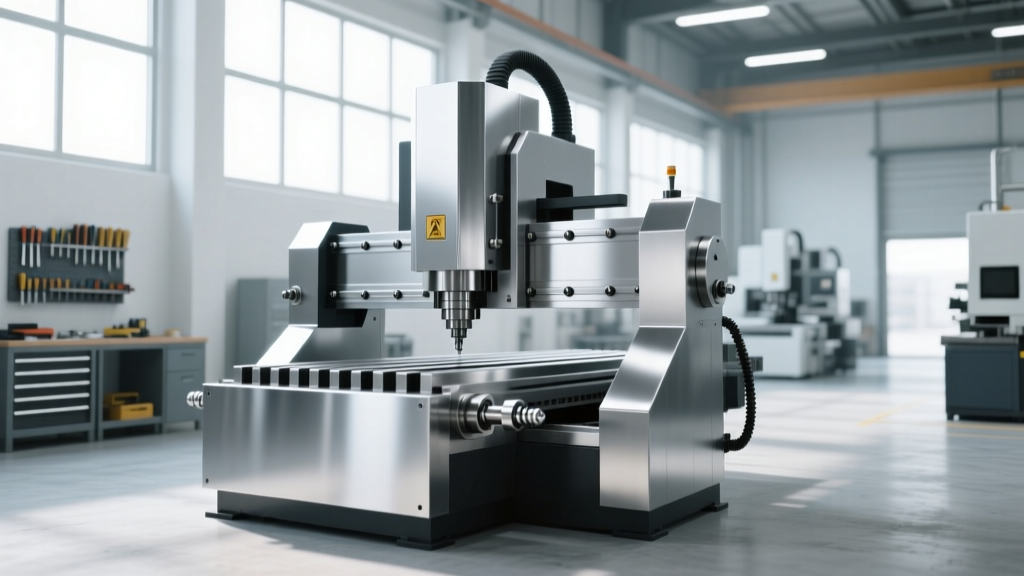
Modern desktop CNC mills have evolved far beyond the hobbyist routers of the past decade. In 2026, industrial-grade desktop mills feature closed-loop stepper motors, linear guides, and high-frequency spindles capable of holding tolerances within ±0.001 inches over a 4-inch travel. These machines are designed to sit on a standard workbench in an office environment, requiring only standard 110V/120V power and no flood coolant infrastructure.
Top Models and Real-World Costs
The Bantam Tools PCNC 440 remains the benchmark for R&D labs. Priced at approximately $4,599 for the base unit (with the high-speed spindle upgrade pushing the total near $5,800), it offers a 10,000 RPM spindle and a rigid cast-iron frame. It excels at machining Delrin, PEEK, and 6061 aluminum, but struggles with aggressive material removal rates (MRR) in steel due to its 0.75 HP spindle motor limitation.
For aerospace prototyping requiring complex geometries, the Pocket NC V2-50 provides true 5-axis simultaneous machining in a desktop footprint. With a 42,000 RPM spindle and a price tag hovering around $5,000, it is purpose-built for micro-milling wax patterns, titanium medical implants (using light depth-of-pass strategies), and intricate impellers. However, its work envelope is restricted to roughly 4.5 x 5.0 x 4.0 inches, making it useless for larger enclosure prototyping.
Scaling Up: The Robot Loading CNC Machine Cell
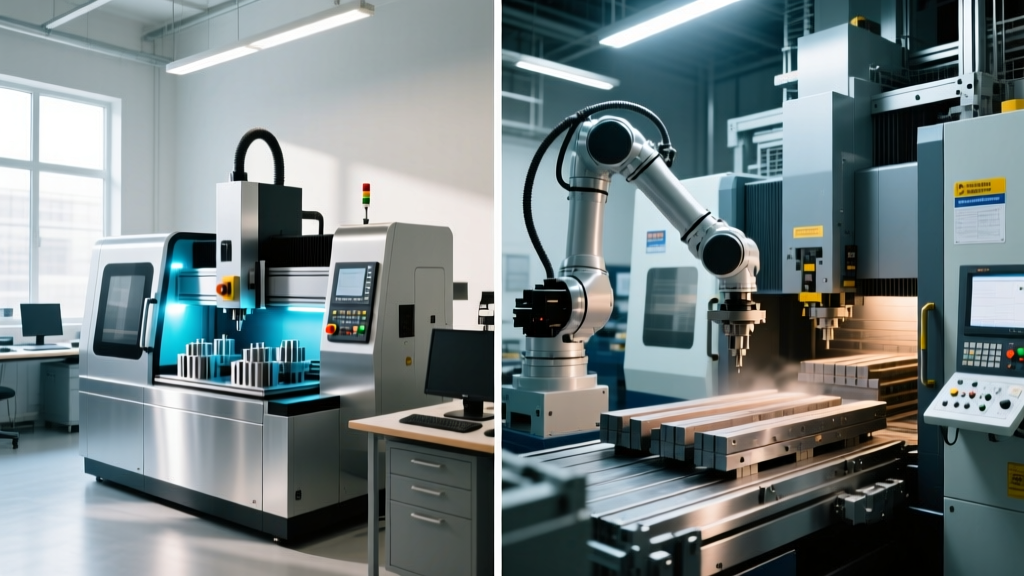
When prototyping transitions into short-run production or extensive design-of-experiments (DOE) testing, manual loading becomes a massive liability. A robot loading CNC machine setup typically pairs a light industrial vertical machining center (VMC) with a 6-axis collaborative robot (cobot). This configuration enables 'lights-out' manufacturing, allowing the machine to run unattended through the night and over weekends.
Anatomy of a Light Industrial Tending Cell
A standard entry-level robot-loaded cell in 2026 consists of a Haas Mini Mill 2 (base price ~$38,000) paired with a Universal Robots UR5e or FANUC CRX-10iA/L cobot (approximately $35,000 - $45,000 including the pedestal, safety scanning, and end-of-arm tooling). The total cell footprint requires roughly 40 square feet of floor space, including safety perimeter fencing and the raw material staging rack.
The primary advantage of a cobot-tended cell is not just speed; it is the elimination of human-induced variance in part seating. Pneumatic vises actuated via the CNC's M-codes ensure identical clamping force for every single part in a 500-piece validation run, drastically reducing scrap rates in tight-tolerance aerospace brackets.
End-of-Arm Tooling (EOAT) Realities
The success of a robot loading CNC machine cell hinges on the gripper. Dual-gripper setups (such as the OnRobot RG2 or Schunk EGP) are mandatory for efficient tending. The robot extracts the finished part with Gripper A, rotates its wrist 180 degrees, and loads the raw blank with Gripper B, reducing the machine's idle door-open time from 12 seconds down to 3 seconds. For raw stock that varies in diameter, engineers must integrate servo-electric grippers with programmable stroke widths, adding $4,000 to $6,000 to the cell's hardware cost.
Head-to-Head Comparison Matrix
| Metric | Desktop CNC (e.g., PCNC 440) | Robot-Loaded Cell (UR5e + Mini Mill) |
|---|---|---|
| Capital Expenditure | $4,500 - $6,500 | $75,000 - $95,000 |
| Spindle Power | 0.75 HP - 1.0 HP | 7.5 HP - 15 HP |
| Material Limits | Plastics, Wood, Soft Aluminum | Steel, Titanium, Inconel, Hard Alloys |
| Setup Time (Job Change) | 5 - 15 Minutes | 45 - 90 Minutes (Jaw & Path teaching) |
| Unattended Runtime | Limited by manual tool changes | 24+ Hours (with auto tool changer) |
| Facility Requirements | Standard 110V, Office Desk | 220V 3-Phase, Compressed Air, Floor Mount |
Software and Integration Realities
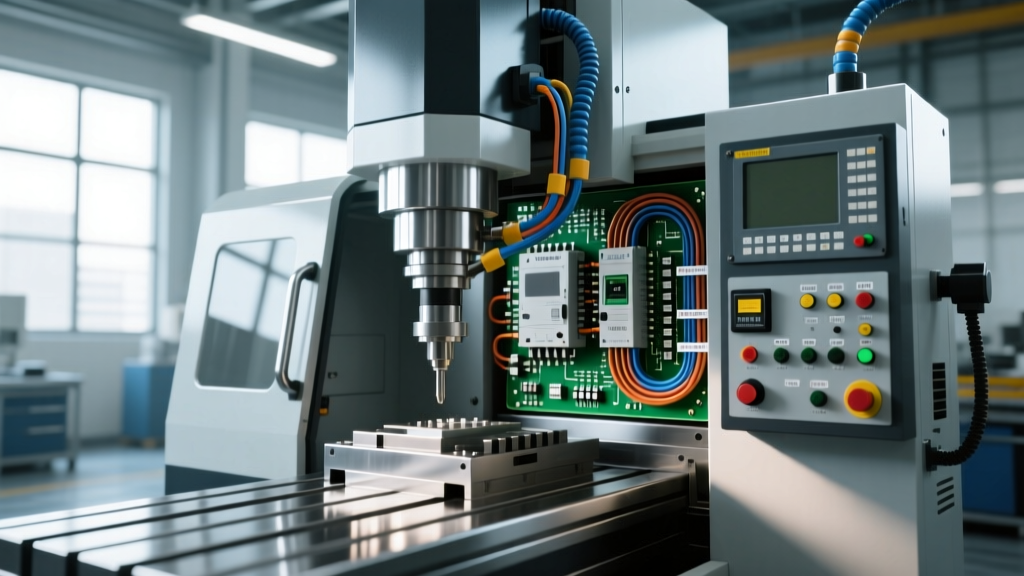
The software divide between these two approaches is stark. Desktop CNC prototyping relies heavily on integrated CAD/CAM ecosystems like Fusion 360 or Inventor HSM. Toolpaths are generated, simulated, and posted directly to the machine via USB or local network in minutes. The operator manages tool length offsets manually using a paper shim or a simple electronic probe.
Conversely, programming a robot loading CNC machine requires bridging two distinct software environments: the CNC's CAM post-processor and the robot's kinematic simulator. Modern integrators use platforms like RoboDK or native URCap plugins (such as the Machine Tending URCap) to map the robot's coordinate system to the CNC vise. Engineers must program specific M-codes (e.g., M64/M65) into the G-code to trigger the pneumatic vise open/close sequence, and utilize digital I/O signals to tell the cobot when the machining cycle is complete and the door is open. Failing to synchronize the CNC's cycle-start relay with the robot's safety-rated stop state is the most common cause of catastrophic crashes during initial cell commissioning.
Final Procurement Framework for Engineering Managers
Before issuing a purchase order, run your specific prototyping workflow through this 4-step validation checklist:
- Audit Material Hardness: If your DOE requires machining 17-4 PH stainless steel or Ti-6Al-4V for functional fatigue testing, bypass desktop units entirely. The lack of flood coolant and spindle torque on desktop machines will result in tool breakage and ruined stock.
- Calculate the Tending ROI: Divide your engineer's fully burdened hourly rate by the cycle time. If a part takes 45 minutes to machine and you need 100 variations, that is 75 hours of an engineer manually pressing 'cycle start'. A robot cell pays for itself in pure labor recapture within 14 months in this scenario.
- Verify 3-Phase Power: Many R&D labs are located in commercial office parks lacking 220V 3-phase power. Installing a rotary phase converter or upgrading the building's electrical panel can add $5,000 to $12,000 to the hidden costs of a robot-loaded VMC cell.
- Evaluate Stock Standardization: Robot cells thrive on predictability. If your prototyping requires loading wildly different raw stock geometries (e.g., round bar, then a flat plate, then a casting) in the same shift, the time spent re-teaching the cobot's pick-and-place waypoints will negate the automation benefit. Stick to manual desktop loading for high-mix, low-volume chaos.
Ultimately, desktop CNC machines serve as the ultimate sandbox for geometric validation, while robot-loaded cells act as the bridge to functional, material-certified production. Align your procurement with the physical reality of your testing requirements, not just the allure of automation.