Different Types of CNC Machines: Desktop Prototyping Guide
Explore the different types of CNC machines for desktop prototyping. Compare 3-axis mills, 5-axis micro-mills, and routers with real specs and costs.
The Prototyping Mandate: Why Engineering Teams Choose the Benchtop
When evaluating the different types of CNC machines, engineering teams and R&D labs often default to industrial VMCs (Vertical Machining Centers). However, for iterative prototyping, the footprint, cost, and facility requirements of a 3-ton Haas or DMG Mori are prohibitive. Desktop CNC machines bridge the gap between 3D printing and full-scale production machining, offering subtractive manufacturing capabilities in a standard 120V office or lab environment.
The primary advantage of benchtop machining is iteration velocity. A design engineer can machine a functional 6061-T6 aluminum bracket in four hours, test it, modify the CAD, and cut the next revision the same day. This eliminates the 2-to-4 week lead times and IP exposure associated with outsourcing to job shops. According to the Society of Manufacturing Engineers (SME), localized rapid prototyping reduces product development cycles by up to 35% when engineers have direct access to subtractive tooling.
Decision Matrix: Is Desktop Right for Your Application?- Choose Desktop if: You need functional metal/plastic prototypes under 6 inches in any dimension, require tolerances of ±0.002" or better, and want to maintain IP in-house.
- Choose Industrial/Outsourced if: Your parts exceed 12x12x6 inches, require heavy roughing passes on hardened steels, or demand aerospace-certified material traceability and CMM inspection reports.
Breaking Down the Different Types of CNC Machines for the Benchtop
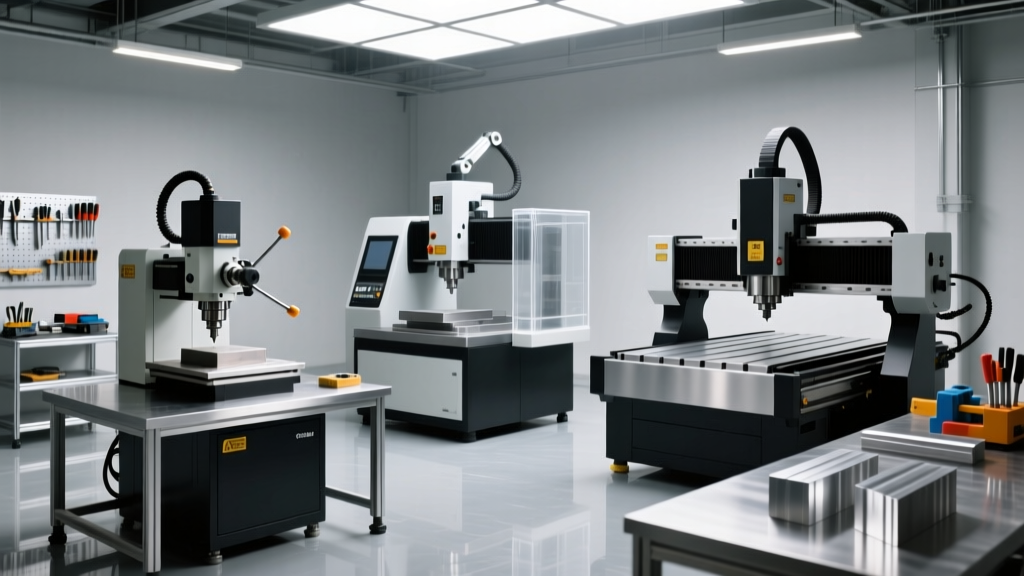
The term "desktop CNC" encompasses several distinct machine architectures. Selecting the correct type depends entirely on your material matrix, geometric complexity, and tolerance requirements.
1. 3-Axis Precision Desktop Mills (The Workhorses)
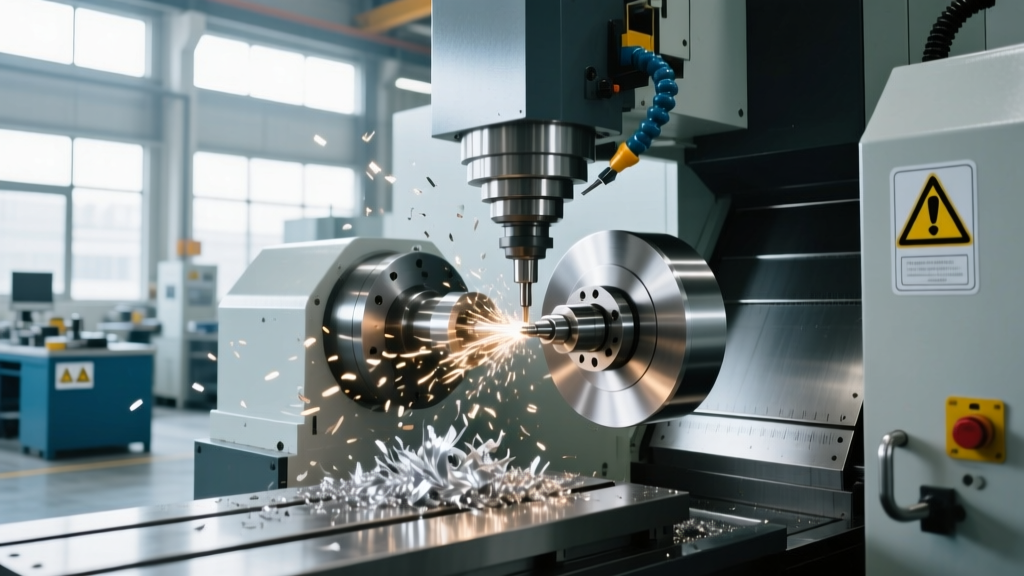
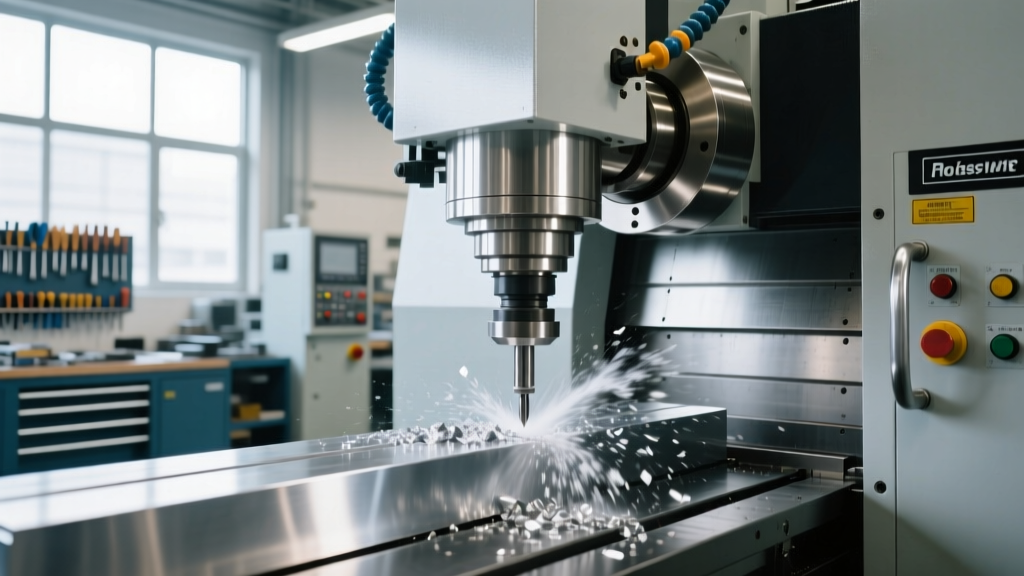
For standard 2.5D and 3D milling of aluminum, brass, and engineering plastics, a rigid 3-axis desktop mill is the optimal choice. The Bantam Tools Desktop CNC Milling Machine represents the current benchmark in this category. Unlike hobbyist routers retrofitted with ball screws, purpose-built desktop mills feature enclosed work areas, automatic tool length probing, and high-frequency spindles.
- Spindle & Collet: Typically equipped with a 250W to 500W brushless DC spindle and ER11 collets. The ER11 footprint limits tool shank diameters to 7mm (approx. 1/4"), which is sufficient for 90% of micro-milling and prototyping endmills.
- Rigidity & Material: Capable of machining 6061 and 7075 aluminum. However, due to the lower mass of the cast-aluminum or steel-plate frame, operators must limit the Depth of Cut (DOC) to 0.050" and Radial Depth of Cut (RDOC) to 5% of the tool diameter to prevent chatter and stalling.
- Pricing: $4,000 – $5,500 (including probing and software licenses).
2. 5-Axis Micro-Mills (Complex Geometry Specialists)
When prototyping aerospace impellers, medical bone screws, or multi-angle fluidic manifolds, 3-axis machines require multiple setups, introducing cumulative indicatation errors. Desktop 5-axis machines solve this by manipulating the workpiece rather than the spindle.
The Pocket NC V2-50 utilizes a tilting B-axis (-15° to +135°) and a continuous C-axis (360°). This kinematic arrangement allows for simultaneous 5-axis machining in a footprint smaller than a microwave.
- Kinematics & Drives: Uses harmonic drive gearboxes on the rotary axes to eliminate backlash, a critical requirement for maintaining ±0.001" positional accuracy during simultaneous contouring.
- Limitations: The work envelope is extremely restricted (roughly 4.5" diameter by 3.5" height). Furthermore, the 120W spindle is designed for high-speed, low-chip-load machining. It excels in titanium and Inconel only at micro-scales (e.g., using 0.020" endmills), but is primarily used for aluminum and PEEK.
- Pricing: $5,500 – $7,000 (depending on educational vs. commercial licensing).
3. Desktop Gantry Routers (Large-Format Fixturing)
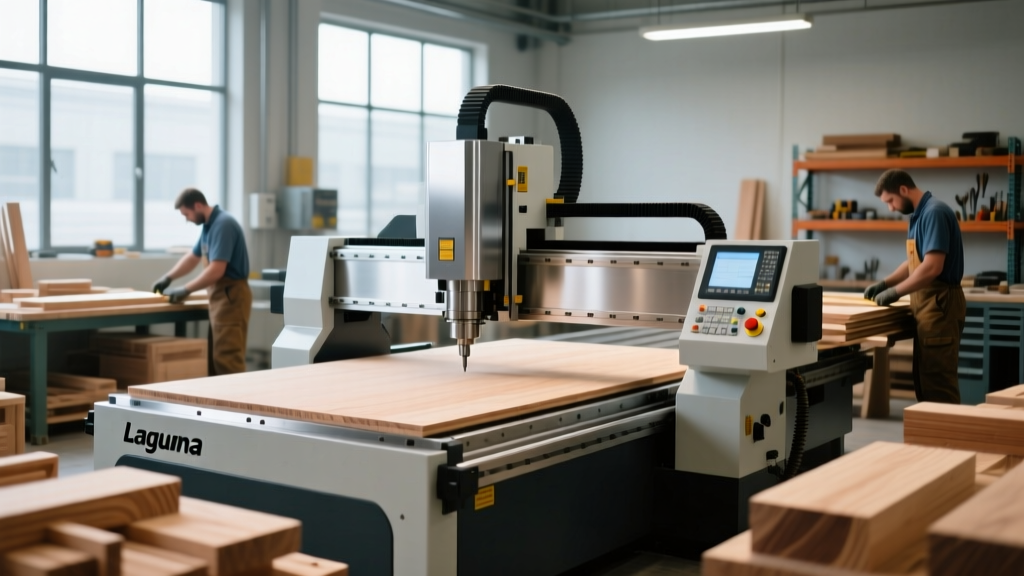
If your prototyping involves large carbon-fiber composite layups, custom injection mold patterns from high-density urethane (Renshape), or aluminum fixture plates for assembly lines, you need a desktop gantry router. Machines like the Inventables X-Carve Pro offer a 4-foot by 4-foot cutting area.
- Spindle Power: Usually feature 2HP (1.5kW) VFD-controlled spindles with ER20 collets, allowing the use of 1/2" shank tooling for heavy material removal.
- Tolerance Reality: While excellent for +/- 0.005" work, the long ballscrews and belt-driven gantries are subject to thermal expansion and deflection. Do not use gantry routers for tight-tolerance metal mating parts.
- Pricing: $9,000 – $12,000 (including dust collection and enclosures).
Specification & Cost Comparison Matrix
| Machine Type | Example Model | Work Envelope (X,Y,Z) | Spindle / Tooling | Best Application | Est. Cost (2026) |
|---|---|---|---|---|---|
| 3-Axis Precision Mill | Bantam Tools PCNC | 7" x 9" x 3.3" | 250W / ER11 | Tight-tolerance aluminum & plastic parts | $4,299 |
| 5-Axis Micro-Mill | Pocket NC V2-50 | 4.5" dia x 3.5" | 120W / ER11 | Complex aerospace/medical micro-parts | $5,500 |
| Gantry Router | X-Carve Pro | 48" x 48" x 4" | 2HP VFD / ER20 | Large fixtures, composites, mold patterns | $10,999 |
| Desktop Lathe | TAIG Micro Lathe CNC | 6.5" swing x 12" | 1/4 HP / ER16 | Shafts, pins, and rotational prototypes | $2,100 |
Hidden Costs and Mechanical Failure Modes in Desktop Prototyping
Purchasing the machine is only the first capital expenditure. Engineering teams frequently underestimate the operational nuances that differentiate desktop machines from their industrial counterparts.
Thermal Growth and Z-Axis Drift
Industrial VMCs utilize massive cast-iron bases that absorb heat and maintain thermal stability. Desktop machines, constructed from aluminum extrusions or steel plates, are highly susceptible to thermal growth. After 45 minutes of continuous milling, the friction in the Z-axis lead screw and spindle bearings can cause the Z-axis to expand downward by up to 0.005".
⚠️ Mitigation Protocol: Never run a 4-hour toolpath on a desktop mill without programming a mid-cycle pause. Implement a mandatory 15-minute spindle warm-up routine at 10,000 RPM before cutting, and use a tool length probe to re-establish Z-zero every 60 minutes during long operations.Collet Slip and Runout Realities
The ER11 collet system standard on most desktop mills is designed for low-torque, high-speed micro-milling. If an operator attempts aggressive side-milling in 7075 aluminum using a standard 1/4" endmill, the cutting forces will overcome the clamping force of the collet nut, resulting in tool pull-out and scrapped parts. Furthermore, cheap, unbranded ER11 collets can exhibit Total Indicator Runout (TIR) of 0.003" or more, causing uneven flute wear and poor surface finishes.
- The Fix: Invest in precision-ground ER11A collets (guaranteed TIR < 0.0002") from manufacturers like Techniks or Parlec. Limit radial engagement to 5% of the tool diameter when using 1/4" shanks to prevent pull-out.
Swarf Management and Enclosure Integrity
Unlike 3D printers, CNC mills generate sharp, abrasive chips and require cutting fluids or aggressive air blasts. Running a desktop machine "open-air" in a lab environment will result in aluminum chips embedding into nearby electronics and 3D printer rails. Budget at least $800 to $1,200 for a sealed acoustic/dust enclosure and a localized HEPA-filtered vacuum extraction system rated for combustible metal dust.
CAM Software and Post-Processor Realities
Generating G-code for desktop machines requires specific CAM (Computer-Aided Manufacturing) workflows. While Autodesk Fusion 360 and Mastercam support generic 3-axis milling out of the box, 5-axis desktop machines like the Pocket NC require highly specific post-processors to account for their unique non-orthogonal kinematics and rotary center points.
Furthermore, desktop spindles lack the low-end torque of industrial spindles. CAM toolpaths must be optimized for Adaptive Clearing or **Trochoidal Milling**. These toolpaths maintain a constant, light radial load and high axial depth, keeping the spindle in its optimal high-RPM power band (typically 15,000 to 24,000 RPM) and preventing the low-RPM stalling that plagues conventional offset toolpaths on benchtop hardware.
Final Procurement Checklist
Before issuing a purchase order for a desktop CNC, verify the following infrastructure requirements:
- Power: Ensure dedicated 120V/15A circuits. Sharing a circuit with lab microwaves or space heaters will cause voltage sags that trigger VFD spindle faults mid-toolpath.
- Tooling Inventory: Budget $1,500 for initial tooling. This should include Harvey Tool micro-endmills, Helical Solutions aluminum-specific roughers, and a digital edge finder or 3D touch probe.
- Workholding: Standard T-slot tables require custom fixturing. Allocate funds for a Kurt-style micro-vise, 5C collet blocks, and double-sided adhesive workholding tape (e.g., Nitto Permacel) for thin-walled plastic prototypes.