Top Desktop CNC Machine Models for Prototyping: 2026 Buyer Guide
Compare top desktop CNC machine models for rapid prototyping. Discover work envelopes, spindle specs, and pricing to choose the right benchtop mill.
The Prototyping Viability Framework
Selecting a desktop CNC machine for rapid prototyping requires balancing work envelope constraints against spindle rigidity and positional accuracy. While industrial vertical machining centers (VMCs) offer sub-micron tolerances and high-pressure flood coolant, modern benchtop units now deliver the repeatability needed for functional aerospace, medical, and robotics prototypes. However, the margin for error on a desktop mill is significantly narrower. Misjudging spindle runout or guideway deflection will result in shattered micro-tooling and scrapped parts.
Decision Matrix: Desktop vs. Industrial VMC
- Choose Desktop CNC: For parts fitting within a 10x10x5 inch envelope, utilizing 6061-T6 aluminum, Delrin, or engineering plastics, where batch sizes are 1-5 units and floor space is restricted to a standard lab bench.
- Choose Industrial VMC: For parts requiring hardened steel machining (HRC 45+), deep cavity milling requiring through-spindle coolant, or production runs exceeding 50 units where cycle time directly impacts unit economics.
Critical Hardware Specifications
When evaluating a desktop CNC machine, marketing materials often emphasize top travel speed (e.g., 200 IPM rapid). In prototyping, rapid speed is irrelevant compared to cutting rigidity and rotational precision. Focus your evaluation on these three hardware metrics.
Spindle Runout and Tool Life
Runout is the measure of how far the cutting tool deviates from the exact center of rotation. On an industrial mill, precision ground spindles maintain runout below 0.0002 inches. Many budget desktop routers rely on standard ER11 collets and off-the-shelf brushed motors that exhibit 0.001 to 0.002 inches of runout. If you are prototyping micro-fluidic channels or aerospace brackets using a 0.010-inch carbide end mill, a 0.001-inch runout will cause immediate tool shattering. For serious prototyping, demand a machine with a factory-specified runout of ≤0.0005 inches or invest in precision ground collet systems like those from Harvey Tool.
Guideway Rigidity vs. Belt Deflection
Linear motion systems dictate your machine's ability to hold tolerances under lateral cutting forces. V-wheel systems riding on aluminum extrusions are cost-effective but prone to deformation when taking full-width cuts in aluminum. Profile linear rails (such as Hiwin HGR series) with preloaded ball bearing carriages are mandatory for prototyping functional metal parts. They eliminate the Z-axis droop and X/Y axis chatter that plague belt-driven or V-wheel gantry systems.
2026 Desktop CNC Machine Contenders
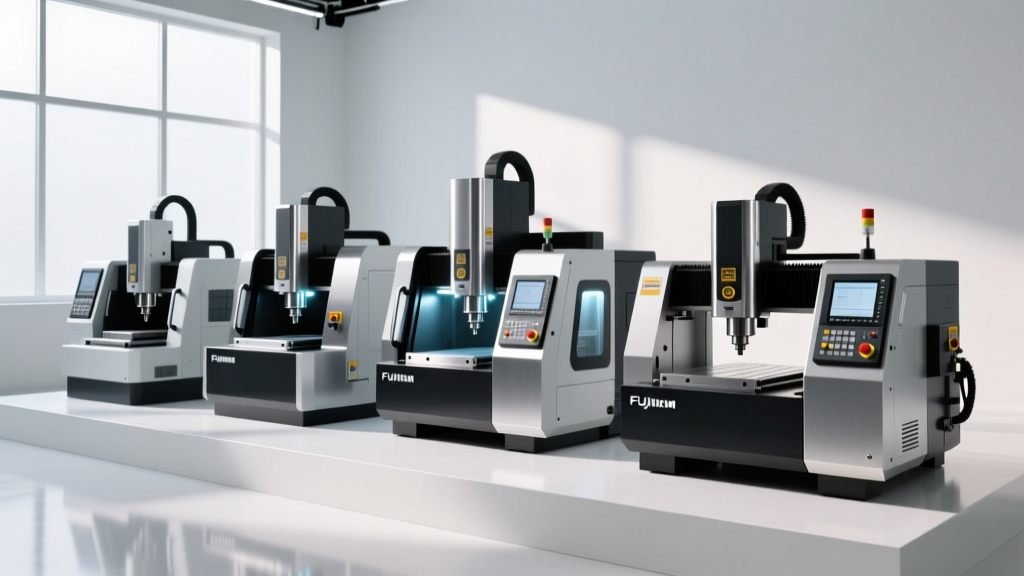
The current market has stratified into three distinct tiers: precision PCB/micro-mills, multi-axis desktop mills, and heavy-duty gantry routers. Here is how the top models perform for prototyping applications.
1. Bantam Tools Desktop CNC Milling Machine (Pro Tier)
The Bantam Tools mill remains the benchmark for high-precision 3-axis desktop milling. Engineered specifically for the engineering lab environment, it features a fully enclosed polycarbonate shell with integrated vacuum porting. The Pro tier utilizes closed-loop NEMA 23 stepper motors and a 20,000 RPM spindle. Its 0.0005-inch repeatability allows for the reliable machining of press-fit pins and tight-tolerance bearing seats in aluminum and brass. Pricing typically ranges from $3,999 to $4,599 depending on the software license and probing package included.
2. Pocket NC V2-10 (5-Axis Simultaneous)
For prototypes requiring complex organic geometries, impellers, or multi-angle porting, 3-axis setups require multiple manual fixturing operations, introducing cumulative datum errors. The Pocket NC V2-10 solves this by offering true 5-axis simultaneous machining on a desktop footprint. Priced at approximately $5,499, it utilizes a 40,000 RPM spindle and a kinematic coupling bed for rapid workholding swaps. The trade-off is a highly restricted work envelope (roughly a 4.5-inch diameter sphere) and the strict requirement for a 5-axis CAM post-processor.
3. Shapeoko 5 Pro
If your prototyping involves larger, lower-tolerance enclosures, carbon fiber sheets, or oversized plastic manifolds, the Shapeoko 5 Pro offers the best work envelope per dollar. At $2,199, it provides a 16x16x4 inch cutting area. Unlike its predecessors, the 5 Pro utilizes linear profile rails on all axes, vastly improving rigidity. However, it relies on a Makita RT0701C trim router as a spindle. While capable of 30,000 RPM, it lacks the low-end torque required for aggressive metal removal rates (MRR) in steel, limiting its metal prototyping utility primarily to aluminum and soft alloys.
Comparative Specification Matrix
| Feature | Bantam Tools Pro | Pocket NC V2-10 | Shapeoko 5 Pro |
|---|---|---|---|
| Base Price | $3,999 | $5,499 | $2,199 |
| Work Envelope (XYZ) | 7.0 x 9.0 x 3.3 in | 4.5 in sphere | 16.0 x 16.0 x 4.0 in |
| Spindle Speed | 20,000 RPM | 40,000 RPM | 30,000 RPM (Router) |
| Linear Motion | Precision Ball Screws | Zero-Backlash Lead Screws | Profile Linear Rails |
| Best Prototyping Use | High-tolerance 3-axis metal parts | Complex 5-axis aerospace geometries | Large composite/plastic enclosures |
Hidden Costs: Tooling and CAM Software
The purchase price of a desktop CNC machine is only the entry fee. Prototyping requires a dedicated tooling and software budget that frequently exceeds the cost of the machine itself in the first year.
- CAM Software Licensing: While basic 2.5D toolpaths can be generated in free software, complex 3D surfacing and 5-axis simultaneous toolpaths require advanced CAM. Autodesk Fusion 360 offers a robust free tier for hobbyists, but commercial prototyping labs must budget for the paid manufacturing extension to access advanced multi-axis toolpaths and simulation verification.
- Micro-Tooling Inventory: Standard hardware store end mills will not suffice. You must stock solid carbide end mills with specialized coatings (like ZrN for aluminum or AlTiN for steel). Expect to spend $25 to $45 per end mill for high-quality micro-tooling under 1/8 inch in diameter.
- Workholding: The standard T-slot or spoiler board is inadequate for precision metal prototyping. Budget an additional $300 to $800 for a precision machinist vise, modular fixturing systems (like Mitee-Bite), and a dial indicator for tramming the vise to the machine table.
Mitigating Chatter in Micro-Milling
Chatter is the self-excited vibration that occurs when the cutting force interacts with the natural frequency of the machine-tool-workpiece system. On a desktop CNC machine, which inherently lacks the mass of a 10,000-lb cast-iron VMC, chatter is the primary cause of poor surface finishes and tool breakage.
Expert Insight: When roughing 6061-T6 aluminum on a desktop mill with a 1/4-inch carbide end mill, avoid conventional full-width slotting. Instead, utilize adaptive clearing toolpaths (trochoidal milling). Maintain a radial depth of cut (RDOC) of 5% to 10% of the tool diameter, while maximizing the axial depth of cut (ADOC) up to 1.5x the tool diameter. This keeps lateral forces low enough to prevent gantry deflection while maintaining a high metal removal rate.
Furthermore, always employ a minimum quantity lubrication (MQL) mist system when cutting metals on a benchtop unit. Flood coolant requires extensive sealing and a sump pump system that most desktop enclosures cannot support. An air-driven MQL system spraying a mist of isopropyl alcohol or specialized cutting fluid will clear chips from the flutes and prevent aluminum welding to the cutting edge, extending tool life by up to 300% compared to dry cutting.
By matching the machine's kinematic capabilities to your specific material and tolerance requirements, a desktop CNC machine transitions from a mere hobbyist toy to a highly capable rapid prototyping asset, drastically reducing lead times for functional hardware validation.