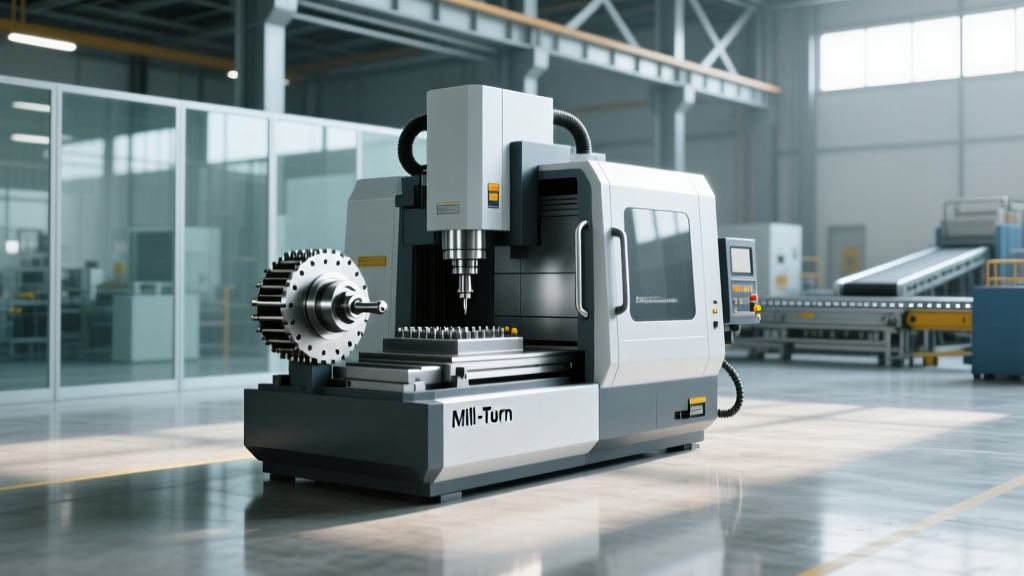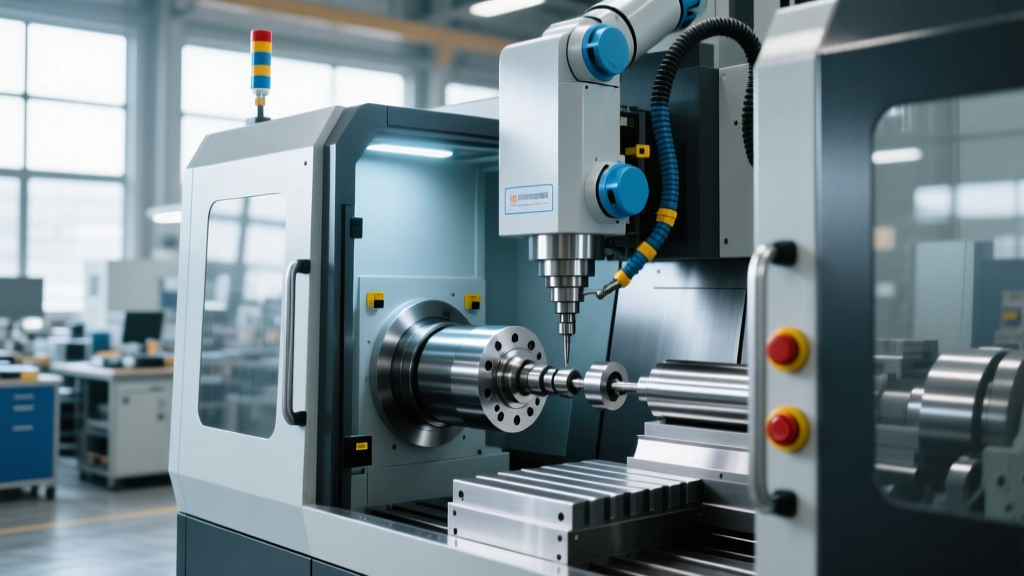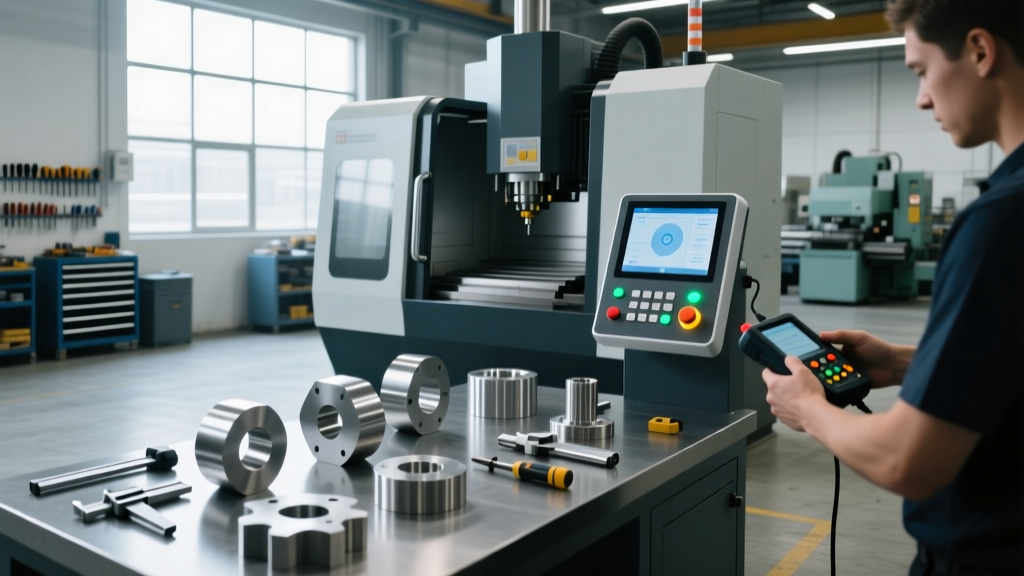
Mastering CNC Machine Hobby Controllers: Interface Training
Master your CNC machine hobby with our expert guide to controller types, interfaces, and operator training best practices for GRBL, FluidNC, and Mach4.
The Architecture of Hobby CNC Controllers
The transition from manual machining to a CNC machine hobby hinges entirely on the operator's fluency with the controller interface. A common pitfall for beginners is conflating the user interface (UI) software with the motion controller hardware. To operate a machine safely and accurately, you must understand the division of labor: the UI (like Universal Gcode Sender or Mach4) generates and streams G-code, while the motion controller (an Arduino, ESP32, or dedicated FPGA board) translates those commands into precisely timed electrical pulses for the stepper or servo drivers.
Training must begin with this hardware-software handshake. If the UI drops a serial packet due to USB latency, a robust motion controller with an onboard buffer will maintain the toolpath. If the controller lacks buffering, the machine will stutter, potentially ruining the workpiece or breaking an end mill.
Comparison Matrix: Top Hobby CNC Interfaces
Selecting the right controller ecosystem dictates your training pathway. Below is a functional comparison of the dominant interfaces in the hobbyist space, reflecting current hardware capabilities and pricing.
| Controller Ecosystem | Hardware Brain | Typical Cost (2026) | Best Application | Primary Interface Software |
|---|---|---|---|---|
| GRBL 1.1 | 8-bit Arduino (Uno/Nano) | $20 - $45 | Entry-level routers, pen plotters, basic laser engraving | Universal Gcode Sender (UGS), Candle |
| FluidNC v3.x | 32-bit ESP32 (e.g., MKS DLC32) | $60 - $130 | Mid-tier routers, multi-axis lasers, Wi-Fi enabled setups | FluidNC WebUI, FluidTerm |
| Mach4 Hobby | PC + Ethernet SmoothStepper (ESS) | $250 - $350 | Heavy-duty hobby mills, plasma tables, lathe conversions | Mach4 Native Screen Sets |
| LinuxCNC | PC/Raspberry Pi + Mesa FPGA | $150 - $300 | Servo-driven retrofits, 4/5-axis simultaneous machining | Axis, Gmoccapy, QtDragon |
Operator Training: Mastering the GRBL & FluidNC Ecosystem
For 80% of hobbyists entering the CNC machine hobby space, GRBL or its modern 32-bit successor, FluidNC, is the starting point. Training operators on these platforms requires strict adherence to configuration parameters, as these systems lack the automated setup wizards found in industrial Fanuc or Haas controls.
Decoding the '$' Parameters (GRBL)
GRBL relies on EEPROM-stored '$' settings. An operator must memorize or keep a cheat sheet for the critical motion parameters. According to the official GRBL v1.1 configuration wiki, the most frequently modified settings during initial machine commissioning include:
- $100, $101, $102 (Steps/mm): The mathematical translation of motor steps to physical travel. Calculated as: (Steps per rev × Microstepping) / Lead Screw Pitch. For a standard SFU1204 ball screw (4mm lead) with 1/16 microstepping on a 200-step motor, this value is exactly 800.000.
- $110, $111, $112 (Max Rate mm/min): The absolute speed limit. Setting this too high without adjusting acceleration will cause the steppers to stall and lose position.
- $120, $121, $122 (Acceleration mm/sec²): The ramp-up speed. A heavy MDF spoilboard on the X-axis requires a lower acceleration value (e.g., 500 mm/sec²) compared to the lightweight Z-axis carriage (e.g., 1500 mm/sec²).
The FluidNC Paradigm Shift
FluidNC replaces the '$' parameter database with a config.yaml file hosted on the ESP32's SPIFFS storage. Training operators on FluidNC requires basic YAML syntax literacy. The advantage is immense: operators can define complex kinematics, map custom pins for relays, and configure spindle PWM frequencies directly in the text file without recompiling firmware. The WebUI allows for real-time jogging and macro button execution over Wi-Fi, eliminating the USB cable entirely—a massive win for electrical noise mitigation.
Mach4 and LinuxCNC: Stepping Up to Industrial-Grade Hobby Control
When a CNC machine hobby evolves into heavy milling (e.g., cutting 6061-T6 aluminum with 1/2" end mills) or requires closed-loop servo control, GRBL's 8-bit architecture bottlenecks. Operators must graduate to PC-based kernel-level or FPGA-based controllers.
Expert Insight: The Latency Problem
Never run Mach4 or LinuxCNC using a standard PC parallel port or raw USB-to-serial adapters for pulse generation. Windows and standard Linux desktop kernels are non-real-time. A background process (like a Windows update or USB polling interrupt) can delay a step pulse by milliseconds, resulting in a catastrophic loss of position. Always use an external motion controller like the Warp9 Ethernet SmoothStepper (ESS) for Mach4, or a Mesa 7i96S FPGA card for LinuxCNC. These devices buffer the toolpath and generate hardware-timed pulses independent of the PC's operating system jitter.
For LinuxCNC, operators must learn to interpret the LinuxCNC latency test (HAL Latency Histogram). A maximum jitter value under 20,000 nanoseconds is generally acceptable for servo tuning; anything above 50,000 ns requires BIOS optimization (disabling C-states, SpeedStep, and hyperthreading) or dedicated hardware.
Step-by-Step Interface Calibration Workflow
Standardize your operator training with this exact commissioning sequence. Do not attempt to cut material until all five phases are verified.
- Establish Baseline Communication: Connect via USB at 115200 baud (GRBL) or connect to the ESP32 AP (FluidNC). Send a
?status query. Verify the controller reports 'Idle' and not 'Alarm'. - Verify Direction and Limits: With the machine powered but motors disengaged (if possible), command a +X jog in the UI. Physically verify the gantry moves toward the home switch. Manually trigger the limit switch with your finger; the UI should immediately report an 'Alarm: Hard Limit' state.
- Execute Homing Cycle: Run the
$Hcommand. The machine must seek the switches, back off, and seek them again at a crawl speed to establish the precise machine zero (G53). - Spindle PWM Calibration: Command
M3 S1000. Use a tachometer or the VFD display to verify actual RPM. If the UI requests 10,000 RPM but the spindle runs at 8,000 RPM, adjust the$30(Max RPM) parameter or the FluidNC YAML PWM scaling curve to match the physical reality of your VFD. - Soft Limits Activation: Once homing is reliable, enable soft limits (
$20=1in GRBL). Jog the machine to the extreme edges of your physical travel to ensure the software stops the motion before the gantry crashes into the physical end stops.
Troubleshooting Callout: Common Interface-to-Motion Failures
Diagnostic Matrix: EMI and Signal Loss
The most pervasive issue in the CNC machine hobby environment is Electromagnetic Interference (EMI) generated by spindle VFDs and stepper drivers, which corrupts the low-voltage data lines between the UI and the controller.
- Symptom: UI randomly reports 'Alarm: Reset' or 'Hold' during spindle ramp-up.
Fix: The USB cable is acting as an antenna. Replace it with a high-quality, double-shielded USB cable with ferrite cores, or route the USB cable at least 6 inches away from the spindle power cables. Better yet, upgrade to an Ethernet-based or Wi-Fi-based controller. - Symptom: Machine loses steps only when the spindle is under heavy load.
Fix: Ground loop. Ensure the VFD ground, spindle body, machine chassis, and controller board ground are all tied to a single, common earth ground star point. Do not daisy-chain grounds. - Symptom: 'Alarm 9: Homing Fail' despite switches clicking.
Fix: EMI is triggering the limit switch inputs falsely, or the pull-up resistors on the controller board are too weak. Add 10kΩ external pull-up resistors to the limit switch lines or switch to Normally Closed (NC) switch wiring, which is inherently more resistant to noise-induced false triggers.
Best Practices for G-Code Streaming
Even with a perfect hardware setup, poor streaming practices will ruin parts. As noted in CNC Cookbook's comprehensive guide to controller software, the UI's streaming engine matters. When running complex 3D contouring toolpaths with thousands of microscopic line segments (G1 moves), the controller's serial buffer can starve.
Operators must enable Character Counting or **Aggressive Pre-Parsing** in their sender software (like UGS Platform). This ensures the UI feeds the next line of G-code the exact millisecond a buffer slot opens, maintaining a continuous, fluid motion path without micro-pauses that cause dwell marks on the finished material. Always dry-run complex 3D toolpaths with the spindle disabled and the Z-axis offset raised by 50mm to verify the UI can sustain the required baud-rate throughput without stuttering.