Operator Training Across Different Types of CNC Machines: Controllers
Master operator training across different types of CNC machines by comparing Fanuc, Siemens, Haas, and Mazak controller interfaces and cross-training frameworks.
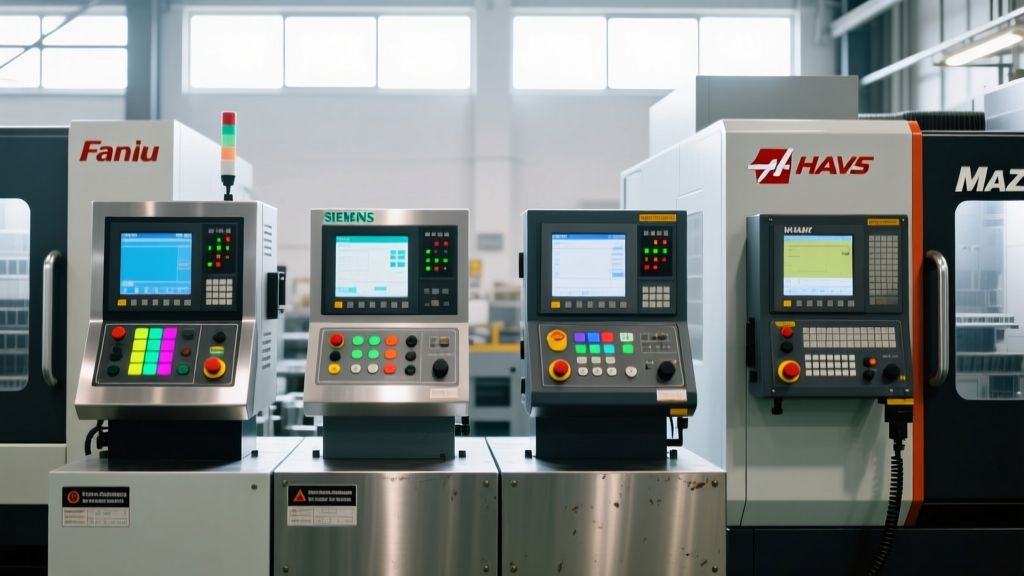
When manufacturing facilities diversify their fleets, they inevitably acquire different types of CNC machines to handle varying part geometries, materials, and tolerances. However, the most significant barrier to operator proficiency is rarely the machine kinematics; it is the controller interface. A machinist who can effortlessly program a 5-axis toolpath on a Haas UMC-750 may experience a severe productivity drop—and increased crash risk—when transitioning to a DMG MORI equipped with a Siemens Sinumerik ONE or a Mazak VARIAXIS running SmoothG.
⚠️ Critical Training Warning: Assuming standard ISO G-code behaves identically across all controller types is the leading cause of low-speed crashes during cross-training. Dialect variations in tool length compensation and canned cycles will result in spindle collisions if operators are not explicitly trained on controller-specific syntax.The Controller Ecosystem: Training Matrix and Interface Paradigms
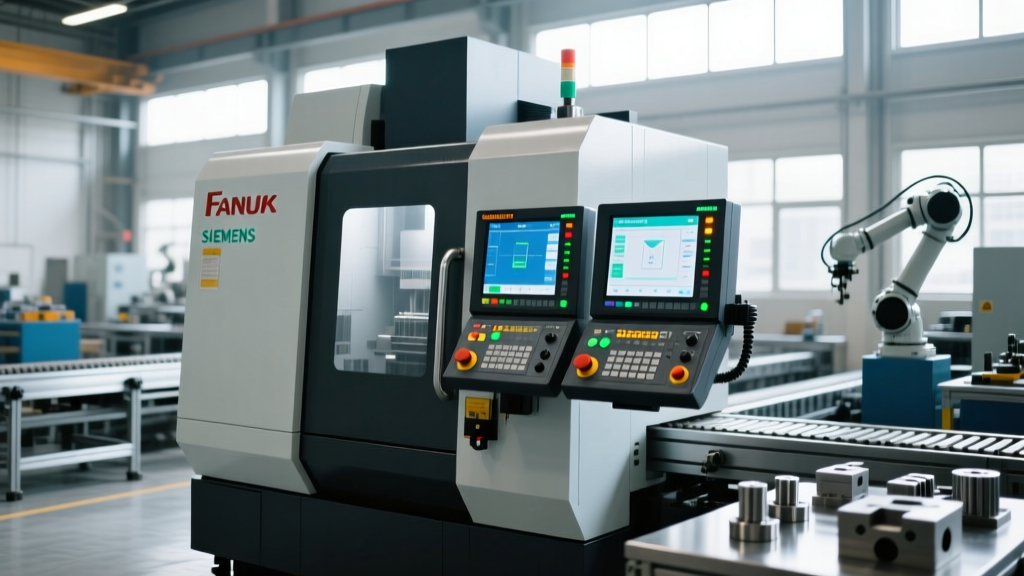
To build an effective training program, shop floor managers must first categorize the controllers in their facility by their underlying programming philosophy. Controllers generally fall into three paradigms: strict ISO/G-code, conversational, and hybrid touch-interface systems. Understanding these paradigms dictates the curriculum required for operator certification.
| Controller Model | UI Paradigm | Avg. Cross-Training Time | Primary Machine Types |
|---|---|---|---|
| Fanuc 31i/32i-B5 | ISO / Macro B | Baseline (0 hrs) | VMCs, HMCs, Lathes |
| Siemens Sinumerik ONE | Conversational / Touch | 40–60 hrs | 5-Axis Mills, Mill-Turns |
| Haas NGC | Hybrid ISO / VPS | 16–24 hrs | VMCs, Lathes, Routers |
| Mazak SmoothG | Mazatrol Conversational | 45–65 hrs | Integrex, VARIAXIS |
| Heidenhain TNC 640 | Conversational / ISO | 50–70 hrs | High-End 5-Axis Mills |
Fanuc 31i/32i-B5: The ISO Baseline
Fanuc remains the global standard for CNC control, functioning as the baseline against which other systems are measured. Training on Fanuc interfaces heavily emphasizes traditional ISO G-code and Macro B programming (using variables #100 through #199). Operators must master manual data input (MDI) for offset adjustments and understand the rigid structure of Fanuc's modal groups. According to Fanuc America's official CNC documentation, the 31i-B5 series supports up to 5 simultaneous axes, requiring operators to undergo rigorous training in rotary axis center-point programming (G68.2) when operating 5-axis mills.
Siemens Sinumerik ONE: Digital Twin and Conversational
The Siemens Sinumerik ONE represents a paradigm shift from line-by-line coding to visual, conversational programming via ShopMill and ShopTurn. The interface relies on a 15.6-inch multi-touch display and integrates a digital twin capability. Training operators on Sinumerik ONE requires shifting their mindset from memorizing G-codes to understanding process cycles and parametric inputs. The 'Safety Integrated' functions also require specific certification, as operators must understand how to safely acknowledge and reset safety door and axis-limit interlocks without triggering a full control reboot.
Proprietary Hybrids: Haas NGC and Mazak SmoothG
Haas Automation's Next Generation Control (NGC) features a 15-inch 1080p display and a highly intuitive Visual Programming System (VPS). While it accepts standard G-code, its proprietary macros and simplified tool-offset menus make it highly accessible. Conversely, the Mazak SmoothG utilizes a 19-inch capacitive touch screen with a tilt bezel, heavily favoring Mazatrol conversational programming. As noted in Haas CNC's technical overview of the NGC, the control's integrated USB networking and graphical toolpath verification drastically reduce setup times, but operators moving to Mazak must relearn toolpath generation entirely through Mazatrol's 'Unit' based system rather than linear code blocks.
Cross-Training Framework: Transitioning Operators Between Machine Types
Moving a proficient operator from one controller ecosystem to another requires a structured, phased approach. Rushing this process leads to scrapped parts and damaged spindles. Implement this 4-step framework when cross-training staff across different types of CNC machines:
- Phase 1: HMI Navigation and Emergency Protocols (4 Hours)
Before writing a single line of code, the operator must master the physical and digital Human-Machine Interface. This includes locating the E-stop, understanding the specific feed-hold and single-block behaviors, and navigating the alarm history menu. Every controller handles alarm clearing differently; Heidenhain requires explicit error-reset sequences, while Haas often allows immediate cycle restart after clearing the physical fault. - Phase 2: Offset Management and Work Coordinates (12 Hours)
This is the highest-risk phase. Operators must learn where work offsets (G54-G59) are stored, how tool length and radius offsets are measured, and how the controller handles wear offsets. For example, on a Fanuc control, tool length is typically applied viaG43 H01, whereas on a Heidenhain TNC 640 in conversational mode, tool axis compensation is managed via theLaxis call orM128for 5-axis tool center point management. - Phase 3: Program Verification and Dry Runs (16 Hours)
Operators must learn the specific graphical trace and simulation tools native to the new controller. Siemens Sinumerik ONE's 'Program Test' mode allows for 3D material removal simulation without axis movement, while Mazak's 'Toolpath Check' requires the operator to set specific verification boundaries. Training must emphasize that a clean graphical trace does not guarantee a crash-free cycle if work offsets are incorrectly mapped. - Phase 4: Syntax Dialects and Advanced Cycles (20+ Hours)
Only after mastering setup and verification should operators learn controller-specific canned cycles, high-speed machining codes, and macro programming.
Managing Offset Collisions and Syntax Dialects
The most dangerous assumption an operator can make is that G-code is universal. Different types of CNC machines utilize distinct dialects for high-speed machining and precision contouring. Below is a troubleshooting matrix for common syntax collisions encountered during cross-training:
Syntax Collision Quick-Reference Matrix
| Function | Haas NGC | Fanuc 31i | Heidenhain TNC 640 |
|---|---|---|---|
| Precision Contouring | G187 (P1-P4) | G61 (Exact Stop) / G64 | M97 (Isochronous) / Cycle 32 |
| Tool Length Comp. | G43 / G44 | G43 / G44 | L (Axis Call) / Tool Table |
| Peck Drilling | G83 (Q value) | G83 (Q value) | CYCL DEF 203 (Universal Pecking) |
When an operator inputs a Haas G187 P3 (High Speed) into a Fanuc control that does not recognize the parameter, the Fanuc control will either throw a syntax alarm or, worse, ignore the P-value and run in standard G64 (cutting mode), resulting in poor surface finishes on contoured aerospace components.
Verification Protocols: Beyond the Graphical Trace
According to workforce development guidelines published by the Society of Manufacturing Engineers (SME), modern operator training must integrate rigorous verification protocols that extend beyond the controller's native graphical trace. Graphical traces only verify the programmed toolpath against the digital stock model; they do not verify the physical reality of the machine setup.
"The most critical skill for a multi-machine operator is not writing code, but verifying the physical offset chain. A perfect program will still crash a $40,000 spindle if the Z-axis work offset is measured from the machine table instead of the top of the vise jaw."
To enforce best practices, facilities should mandate the 'Three-Touch Verification' rule for operators running unfamiliar controller types:
- Touch 1 (Physical): Manually jog the tool to the workpiece zero point using a 0.0005" feeler gauge or electronic probe to verify the Z-axis offset.
- Touch 2 (Digital): Run the controller's native 3D simulation with the 'Machine Lock' and 'Z-Axis Disable' features engaged to verify rapid traverse movements (G00) do not violate fixture boundaries.
- Touch 3 (Kinetic): Execute the first operation with the rapid override dial set to 5% and the distance-to-go display active, pausing 0.100" above the part to verify the absolute machine coordinates match the expected Z-depth.
Investing in Controller-Specific Certification
While on-the-job cross-training is necessary, relying solely on peer-to-peer training often passes down bad habits and localized workarounds. OEM-specific training modules typically cost between $1,200 and $2,500 per seat, providing deep-dive access to proprietary macro variables and maintenance-level alarm diagnostics. For shops operating mixed fleets of different types of CNC machines, investing in formal controller certification reduces setup times by an average of 22% and decreases crash-related downtime by over 40% within the first year of implementation.