Heavy Equipment Fleet Maintenance Software: 2026 Service Guide
Compare top heavy equipment fleet maintenance software for 2026. Learn how to automate service schedules, track parts, and reduce yellow iron downtime.
The Operational Reality of Yellow Iron Maintenance
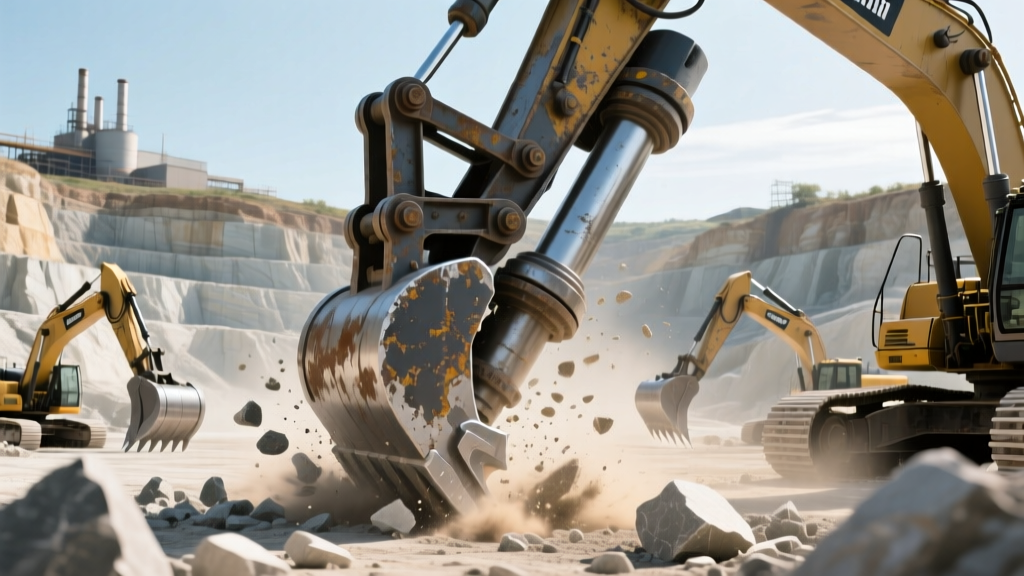
Managing a mixed fleet of heavy earthmoving equipment requires more than a shop whiteboard and a master spreadsheet. When a Caterpillar 336 excavator drops a hydraulic main pump because a 500-hour fluid analysis was missed, the collateral damage extends far beyond the $8,500 replacement part. You are paying for the 14 hours of shop labor to tear down the valve block, the $1,200 in lost daily production, and the expedited freight fees for OEM components.
Transitioning from reactive firefighting to predictive scheduling requires dedicated heavy equipment fleet maintenance software. In 2026, the market has shifted away from generic CMMS (Computerized Maintenance Management Systems) toward platforms built specifically for the harsh realities of dirt, grease, and decentralized job sites. This guide breaks down how to select, configure, and deploy these systems to lock in your 250/500/1000-hour service cadences.
The True Cost of Missed Intervals:According to industry benchmarks tracked by the Association of Equipment Management Professionals (AEMP), unplanned downtime on heavy earthmoving equipment costs fleets an average of $800 to $1,500 per day, per machine. Fleets utilizing automated telematics-triggered PM (Preventative Maintenance) schedules report a 22% reduction in catastrophic component failures compared to calendar-based scheduling.
2026 Software Comparison Matrix: The Heavy Hitters
Not all maintenance platforms are engineered for the construction yard. A system designed for HVAC fleets will fail when tasked with tracking undercarriage wear on a John Deere 850K dozer. Below is a technical comparison of the leading heavy equipment fleet maintenance software platforms currently dominating the market.
| Platform | Best Application | Telematics Integration | Offline Field Mode | Estimated Pricing |
|---|---|---|---|---|
| MaintainX | Shop floor digitization & SOP enforcement | API via Zapier/Make | Yes (Full sync) | $10-$15 / user / mo |
| Fleetio | Mixed fleets (Yellow iron + support trucks) | Native (Geotab, Samsara) | Yes (Mobile app) | $8-$12 / asset / mo |
| HVI (Heavy Vehicle Inspections) | DOT compliance & heavy CVSA inspections | Limited | Yes | Custom ($150+ / yard) |
| Trimble Tenna | Enterprise earthmoving & asset utilization | Native Trimble / Cat | Partial | Enterprise Quote |
Automating the 250 / 500 / 1000-Hour Service Cadence
Heavy diesel engines and hydraulic systems operate on strict hour-based intervals, not calendar months. Relying on a 30-day calendar trigger for a machine that runs 16 hours a day in a mining application guarantees severe under-maintenance. Modern software allows you to build dynamic PM triggers based on live engine hour data.
Configuring the 250-Hour Trigger (The Walkaround & Grease)
- Action: Automated work order generation sent to the field lube technician's tablet.
- Checklist Requirements: Swing circle bearing grease (specify exact number of pumps, e.g., 8 pumps of Mobilgrease XHP 322), track tension measurement, and cutting edge wear assessment.
- Software Setup: Configure the software to trigger at 240 hours, giving the lube tech a 10-hour buffer to service the machine before it crosses the 250-hour threshold.
Configuring the 500-Hour Trigger (Fluids & Filters)
- Action: Shop bay reservation and parts kit staging.
- Checklist Requirements: Engine oil and filter (e.g., Cat 1R-0750), fuel/water separator drain, and hydraulic oil sampling for SOS (Scheduled Oil Sampling) lab analysis.
- Software Setup: Link the 500-hour PM directly to the inventory module. When the work order opens, the software should automatically reserve the specific Bill of Materials (BOM) in the parts room so the mechanic isn't searching for filters while the machine sits idle on the rack.
Configuring the 1000-Hour Trigger (Deep System Service)
- Action: Major component inspection and fluid swaps.
- Checklist Requirements: Hydraulic tank fluid replacement, swing drive oil change, and valve lash adjustment.
- Software Setup: Flag this as a 'High Priority / Extended Downtime' PM. The software should automatically notify the project manager that the machine will require 8-12 hours of shop time, allowing them to adjust site logistics and bring in a rental replacement if necessary.
Telematics and the AEMP 2.0 Standard
The most critical feature of any heavy equipment fleet maintenance software in 2026 is its ability to ingest telematics data without manual hour entry. Manual hour logging by operators is notoriously inaccurate, often leading to PMs that are hundreds of hours late.
'If your maintenance software requires a shop foreman to manually type in engine hours from a daily paper ticket, you are already losing the battle against unplanned downtime. The software must pull hours directly from the machine's ECM via the AEMP 2.0 standard.'
— Fleet Maintenance Director, Top 50 US Earthmoving Contractor.
The Equipment World publication frequently highlights the necessity of the AEMP (Association of Equipment Management Professionals) 2.0 Telematics Standard. This API standard allows mixed fleets—say, a yard containing Caterpillar, Komatsu, and Volvo machines—to push standardized data payloads (Engine Hours, Fuel Burn, Fault Codes, Idle Time) into a single software dashboard. When configuring your software, demand native AEMP 2.0 API integration. If a vendor relies on third-party scraping or manual CSV uploads, look elsewhere.
Integrating the Parts Room with Service Schedules
A service schedule is only as effective as the parts available to execute it. The leading cause of extended PM downtime is a mechanic waiting on a backordered hydraulic return filter.
The BOM-to-PM Pipeline
- Master Asset Record: Enter the exact machine serial number and model (e.g., Volvo A40G Hauler) into the software.
- BOM Mapping: Upload the OEM Bill of Materials for all standard PM kits. Map the 500-hour service to Part #11415599 (Volvo Spin-on Oil Filter).
- Min/Max Automation: Set a minimum stock threshold of 4 units. When the software detects that three A40G haulers are approaching their 480-hour mark, it automatically calculates the required filters, sees inventory is at 2, and drafts a PO (Purchase Order) to the local dealer for approval.
Field Adoption: Overcoming the 'Grease and Tablets' Friction
The best heavy equipment fleet maintenance software will fail if the field technicians refuse to use it. Heavy equipment mechanics and lube techs work with greasy gloves, in freezing rain, and in areas with zero cellular service.
Implementation Pitfall Alert:Do not mandate laptop-based CMMS entry for field PMs. If the software does not have a mobile-native application with a robust Offline Mode that caches work orders and allows photo uploads (for documenting cracked hoses or worn sprockets) while offline, your data integrity will collapse. Technicians will revert to paper, and the shop foreman will spend Friday afternoons doing double-entry.
Best Practices for Field Rollout
- Ruggedized Hardware: Pair the software with IP68-rated tablets (like the Samsung Galaxy Tab Active series) mounted in the service truck, not the technician's personal smartphone.
- Voice-to-Text Notes: Train mechanics to use the software's voice dictation feature to log inspection notes while walking around the machine, rather than trying to type with gloves on.
- Photo Mandates: Configure the software to require at least three timestamped photos (e.g., fluid levels, track wear, cutting edge) before a PM work order can be marked 'Complete'. This creates an undeniable digital paper trail for warranty claims.
Strategic Deployment Checklist
Before signing an annual contract with a software vendor, ensure you can check the following boxes:
- [ ] The platform supports AEMP 2.0 telematics ingestion for automated hour tracking.
- [ ] Mobile apps feature true offline caching with background synchronization upon reconnection.
- [ ] The inventory module supports BOM mapping to specific PM intervals.
- [ ] The system allows for custom digital checklists tailored to specific machine classes (e.g., distinct checklists for articulated haulers vs. crawler dozers).
By anchoring your maintenance strategy to a purpose-built platform, you shift your shop's culture from reactive repairs to engineered reliability, ensuring your yellow iron stays on the dirt and out of the bay.