CNC Machine Programming Approaches: Manual vs CAM vs Conversational
Compare CNC machine programming methods. We analyze manual G-code, CAM software, and conversational controls to help you choose the right workflow.
The Evolution of CNC Workflows in 2026
Choosing the right CNC machine programming method dictates your shop's throughput, scrap rate, and profitability. While modern manufacturing relies heavily on automated toolpath generation, manual G-code and conversational controls remain indispensable for specific production scenarios. The optimal approach depends on part geometry, batch size, and the specific CNC control architecture on your floor.
Quick Decision Matrix
- Manual (G-Code): Best for simple turning, quick program edits at the control, and macro-driven parametric parts.
- CAM Software: Mandatory for 3D contouring, 5-axis simultaneous machining, and complex mold/die work.
- Conversational: Ideal for high-mix/low-volume job shops needing sub-15-minute setup times for prismatic parts.
Manual G-Code Programming: Precision and Parametrics
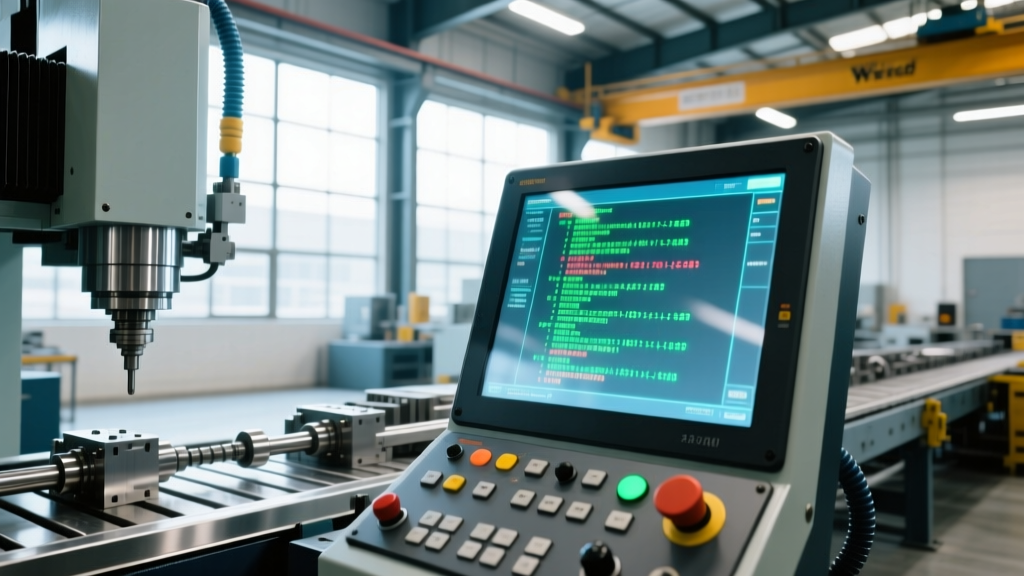
Manual programming involves writing RS274 (G-code) and M-code line-by-line. While often viewed as a legacy skill, it remains the backbone of CNC turning and parametric milling. According to the National Institute of Standards and Technology (NIST), the RS274NGC standard continues to govern how interpreters process motion commands across modern Fanuc, Haas, and Mitsubishi controls.
Real-World Applications and Edge Cases
Manual programming excels when utilizing canned cycles (G81-G89) for drilling and tapping, or cutter radius compensation (G41/G42) for finish passes. However, its true power in 2026 lies in Macro B programming. By leveraging local variables (#1-#33) and system variables (#1000+), programmers can create parametric routines that automatically adjust toolpaths based on real-time probe measurements.
Warning: Manual 5-axis programming is virtually obsolete for production environments. The mathematical complexity of calculating tool center point control (TCP) vectors (G43.4/G43.5) manually introduces an unacceptable risk of catastrophic machine crashes. Always use CAM or conversational wrappers for multi-axis kinematics.CAM Software: The Industry Standard for Complex Geometry
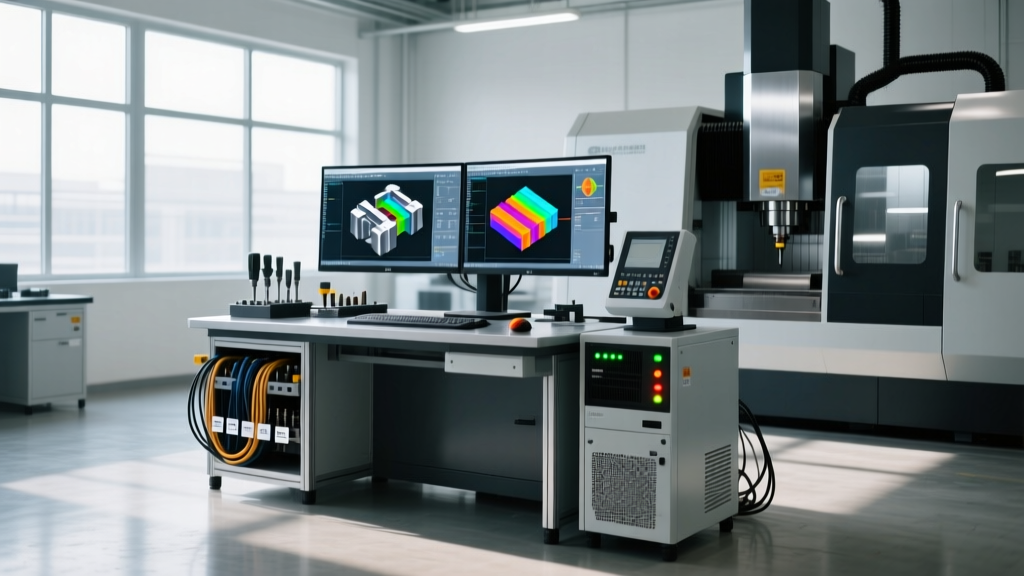
Computer-Aided Manufacturing (CAM) software translates 3D CAD models into machine-readable code via automated toolpath algorithms. In the current landscape, the market is dominated by three distinct tiers of software, each serving different operational needs.
Tier 1: Enterprise & 5-Axis Dominance (Mastercam, Siemens NX)
Mastercam remains the undisputed heavyweight for complex milling and multi-axis turning. A perpetual Mastercam Mill 3D license costs approximately $7,500, with annual maintenance adding $2,200. Its Dynamic Motion technology calculates tool engagement angles in real-time, extending tool life by up to 40% when machining hard metals like Inconel 718. Siemens NX CAM integrates directly with the NX CAD environment, making it the standard for aerospace and automotive OEMs requiring full digital twin simulation.
Tier 2: Cloud-Native & Generative (Autodesk Fusion)
For job shops and mid-sized manufacturers, Autodesk Fusion offers a compelling alternative at roughly $545 per year. Its cloud-based architecture allows for distributed programming, and its 2.5D and 3D milling toolpaths are highly competitive. However, shops relying on Fusion for 5-axis work often find its tool axis control and collision avoidance features less robust than dedicated enterprise solutions.
The Hidden Bottleneck: Post-Processor Configuration
The most frequently overlooked aspect of CAM programming is the post-processor. A generic post will output safe but inefficient code, often missing machine-specific features like high-speed machining (G05.1 Q1) or advanced look-ahead. Purchasing a custom, validated 5-axis post-processor from a reseller typically costs between $1,500 and $3,500. Skipping this step results in hours of manual code editing at the control, negating the time saved by the CAM software.
Conversational Programming: Speed on the Shop Floor
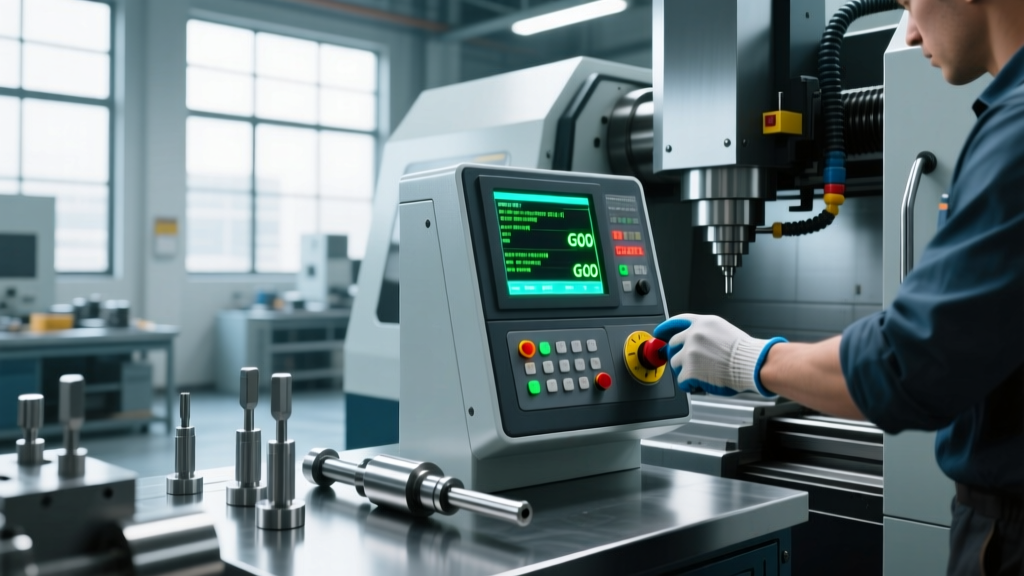
Conversational controls allow machinists to program parts directly at the machine using graphical prompts, bypassing CAD/CAM entirely. This method is proprietary to specific control manufacturers, most notably Mazak's Mazatrol and Haas' Intuitive Programming System (IPS).
Mazak SmoothAi vs. Haas IPS
Mazatrol SmoothAi utilizes advanced AI-assisted toolpath generation and voice-guided setup, drastically reducing the cognitive load on operators. A machinist can program a complex turning profile with live tooling in under 20 minutes. Haas IPS, while less advanced in AI integration, offers a highly intuitive, menu-driven interface that excels at 2.5D milling and basic turning. IPS allows operators to easily import DXF files directly to the control, automatically generating toolpaths for pockets and contours without leaving the shop floor.
'The shift toward conversational programming in high-mix environments isn't about replacing CAM; it's about eliminating the queue. If a part takes 10 minutes to machine, spending 45 minutes in the CAM office to program it destroys your overall equipment effectiveness (OEE).' — Production Engineering Review, 2025
Cost, Time, and ROI Comparison Matrix
To quantify the operational impact of these CNC machine programming methods, we analyzed the workflow for a standard 6061-T6 aluminum bracket featuring 2.5D pockets, drilled holes, and a 3D contoured fillet.
| Method | Software Cost (Annual) | Training Time to Proficiency | Programming Time (Sample Part) | Setup/Proving Time |
|---|---|---|---|---|
| Manual G-Code | $0 (Built-in) | 6 - 12 Months | 45 Minutes (Fails on 3D contour) | 20 Minutes |
| CAM (Enterprise) | $2,200 (Maintenance) | 3 - 6 Months | 12 Minutes | 15 Minutes |
| CAM (Cloud) | $545 | 1 - 3 Months | 15 Minutes | 15 Minutes |
| Conversational | $0 (Included w/ Control) | 1 - 2 Weeks | 18 Minutes | 5 Minutes |
Strategic Implementation: The Hybrid Workflow
The most profitable machine shops in 2026 do not rely on a single CNC machine programming method. Instead, they deploy a hybrid workflow tailored to the part lifecycle:
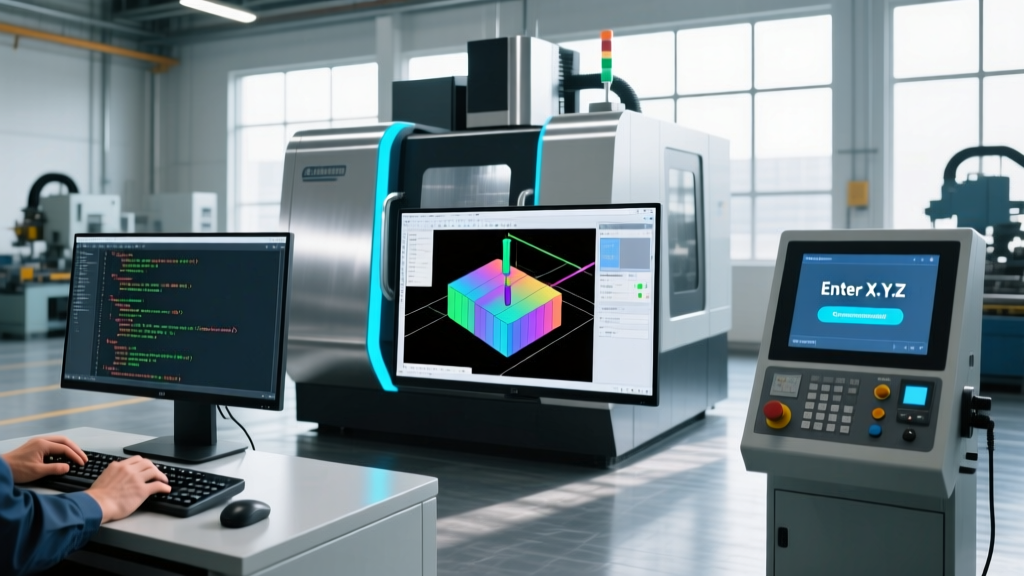
- First-Article & Complex Geometry: Utilize enterprise CAM software to generate optimized, collision-checked toolpaths. Run the program through a digital twin simulator (like Vericut) before it ever reaches the shop floor.
- Production Tweaks & Optimization: Use manual G-code editing at the control to fine-tune feed rates, adjust G41/G42 wear offsets, and insert M00 optional stops for mid-cycle inspection.
- Rush Orders & Fixturing: Deploy conversational programming to quickly machine custom soft jaws, fixture plates, or replacement parts without tying up the CAM programmer's workstation.
Final Verdict
If your shop primarily produces prismatic parts with standard 2.5D features in batches of 1 to 50, investing in machines with advanced conversational controls (like Mazak or Haas) will yield the highest ROI by drastically reducing non-cut time. Conversely, if you are machining aerospace structural components, impellers, or complex medical implants, a robust CAM infrastructure with custom post-processors and machine simulation is non-negotiable. Manual G-code remains a critical foundational skill, ensuring your operators can troubleshoot, optimize, and maintain control over the automated code generated by your software stack.