CNC Programming and Machining: CAM vs G-Code vs Conversational
Compare CNC programming and machining workflows. Analyze manual G-code, CAM software, and conversational controls for shop floor efficiency.
The Core Dilemma in Modern CNC Programming and Machining
Choosing the right workflow for CNC programming and machining is no longer a simple binary between punching G-code at the keypad and generating toolpaths in an office. Modern machine shops must navigate a triad of methodologies: manual G-code editing, full-feature Computer-Aided Manufacturing (CAM) software, and machine-integrated conversational controls. Each approach carries distinct capital requirements, learning curves, and optimal use cases. Selecting the wrong workflow results in bottlenecked spindle time, exorbitant software maintenance fees, or scrapped aerospace tolerances.
This analysis breaks down the technical and financial realities of these three pillars, providing shop owners and lead programmers with a concrete framework to optimize their manufacturing stack.
Key Decision Metrics
- Part Complexity: 2.5D prismatic vs. 5-axis simultaneous aerospace contours.
- Volume & Turnaround: High-mix/low-volume job shop vs. dedicated production runs.
- Capital Allocation: $500/year cloud subscriptions vs. $15,000+ perpetual seat licenses.
Manual G-Code: The Foundational Baseline
Despite the proliferation of AI-driven toolpath generation, manual G-code (governed by the RS274D standard and ISO 6983) remains the bedrock of CNC programming and machining. Writing or editing code directly at the machine control is not about replacing CAM; it is about rapid intervention and fundamental machine mastery.
Where Manual G-Code Excels
Manual programming is unmatched for simple 2D profiling, facing, and basic hole patterns. A skilled machinist can write a G83 peck drilling cycle or adjust a G41/G42 cutter compensation vector in seconds, bypassing the need to boot up a laptop, regenerate a toolpath, and transmit the file via DNC.
- Shop Floor Edits: Tweaking feedrates (
F), spindle speeds (S), or depth-of-cut (Z) on the fly to eliminate chatter. - Macro Programming: Utilizing parametric variables (e.g.,
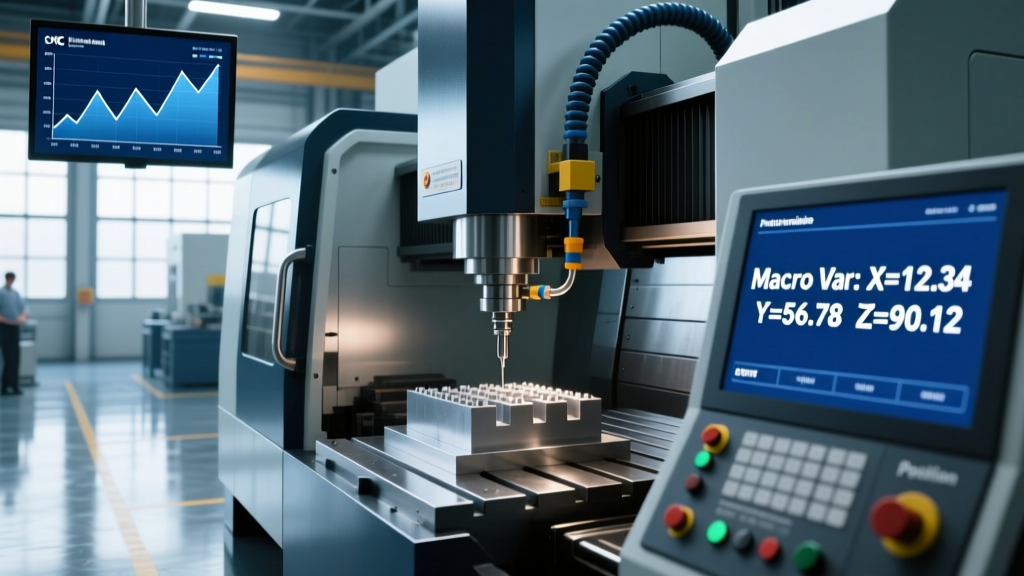
#100) to create family-of-parts subroutines that adapt to different raw material stock sizes without CAM regeneration. - Post-Processor Troubleshooting: Identifying and stripping out erroneous rotary axis moves (like
A90. B0. C0.) generated by a flawed CAM post-processor before a crash occurs.
"A programmer who relies 100% on CAM without understanding the underlying G-code is a liability on the shop floor. When the post-processor outputs a rapid move into a vise jaw, only G-code literacy saves the spindle."
CAM Software: The Heavyweight Contenders
For 3D surfacing, multi-axis milling, and complex mill-turn operations, CAM software is mandatory. However, the market is heavily segmented by price and capability. Below is a comparative analysis of the three dominant platforms utilized in modern CNC programming and machining.
| Feature / Software | Autodesk Fusion (Manufacturing Extension) | Mastercam Mill 3D / Mill-Turn | GibbsCAM (Multi-Tasking) |
|---|---|---|---|
| Pricing Model (2026) | ~$1,490 / 3-yr subscription | ~$10,000+ perpetual + ~$2,200/yr SMA | ~$12,000+ perpetual + annual maintenance |
| 5-Axis Simultaneous | Included (Cloud-solved toolpaths) | Requires separate 5-Axis license (~$15k) | Included in MTM / 5-Axis modules |
| Mill-Turn / MTM | Basic support; struggles with complex B-axis | Industry standard, but steep learning curve | Best-in-class for Mazak Integrex / DMG MORI |
| Learning Curve | Low (UI resembles CAD, cloud-native) | High (Deep parameter trees, legacy UI elements) | Medium (Visual process sheets) |
The Hidden Costs of CAM Implementation
When budgeting for CAM, shops frequently overlook the ancillary costs of deployment. A seat of Mastercam is only the beginning. To run a 5-axis trunnion table or a 9-axis mill-turn center, you must acquire a custom post-processor. Off-the-shelf generic posts will almost guarantee a machine crash due to incorrect rotary kinematics or improper coolant code mapping (e.g., failing to map high-pressure coolant M178 codes for specific machine builders).
Custom post-processor development from certified resellers typically costs between $3,000 and $8,000 per machine configuration. Furthermore, cloud-based alternatives like Autodesk Fusion mitigate local hardware costs by offloading toolpath calculation to cloud servers, a critical advantage for job shops that cannot afford $5,000 dedicated CAM workstations.
Conversational CNC: Bridging the Gap on the Floor
Conversational programming eliminates G-code entirely, replacing alphanumeric syntax with visual, menu-driven questionnaires. The operator inputs material type, tool geometry, and part dimensions, and the machine control generates the proprietary toolpath internally.
Platform Leaders in Conversational Machining
- Mazak Mazatrol (SmoothAi): The undisputed leader in conversational CNC. The latest SmoothAi controls feature voice-assisted programming and direct 3D CAD model import at the control. It excels in high-mix environments where a single operator manages multiple multi-tasking machines.
- Haas Intuitive Programming System (IPS): Standard on all Haas Automation mills and lathes. IPS is highly effective for 2.5D milling, pocketing, and basic turning cycles, though it lacks the sophistication required for complex 3D contouring or 5-axis work.
- Okuma OSP (Advanced One-Touch): Integrates conversational setup with Okuma's Thermo-Friendly Concept, allowing operators to program and compensate for thermal growth directly through the conversational interface.
Conversational programs are proprietary and locked to the specific machine brand (and often the specific control generation). A Mazatrol program written in 2018 cannot be natively transferred to a Haas or a newer Mazak control without specialized CAM translation software. If your shop relies on conversational programming, you are permanently tethered to that OEM's ecosystem.
Decision Framework: Optimizing Your Shop's Workflow
To maximize spindle utilization and minimize programming overhead, apply this decision matrix based on your shop's specific production profile.
Scenario A: The High-Mix Job Shop (Prototypes & One-Offs)
Recommended Stack: Cloud-CAM (Fusion 360) + Manual G-Code Overrides.
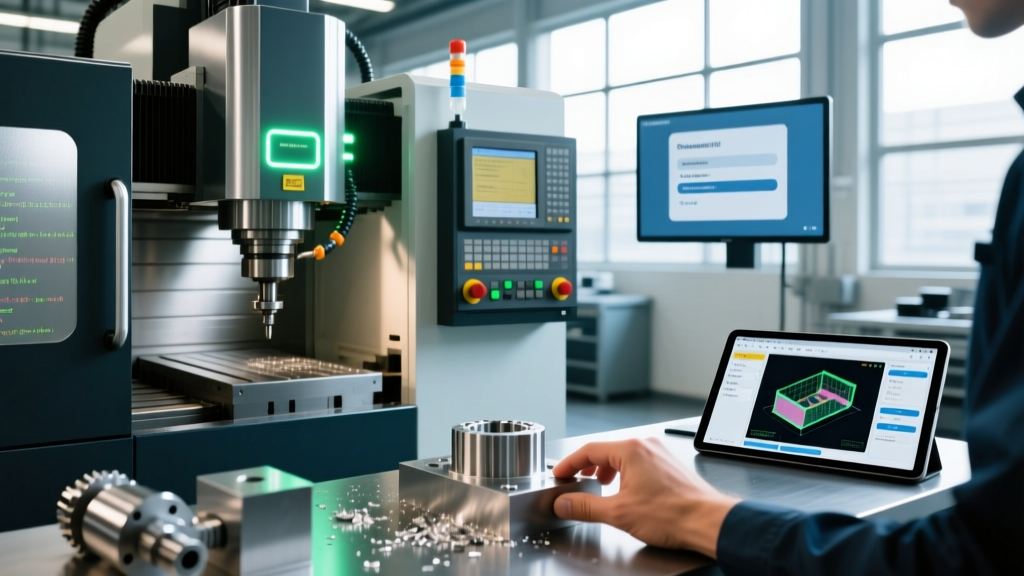
Rationale: Job shops cannot justify $15,000 perpetual CAM licenses for low-margin prototype work. Cloud CAM allows rapid iteration. Machinists use manual G-code at the control to add chamfers or adjust probing routines (G65 P9810) without returning to the CAD terminal.
Scenario B: The Aerospace / Medical Production Floor
Recommended Stack: Mastercam / GibbsCAM + Dedicated Post-Processors.
Rationale: Tight tolerances (±0.0002") and complex 5-axis geometries demand verified, collision-free toolpaths. The capital expenditure on premium CAM and custom posts is offset by the elimination of scrapped titanium/Inconel parts and reduced setup times via proven, repeatable code.
Scenario C: The Lights-Out Turnkey Cell
Recommended Stack: Conversational (Mazatrol) + Automated Pallet Pools.
Rationale: For dedicated production cells running families of similar parts, conversational programming allows floor operators to adjust offsets and create sister-tool subroutines without requiring a dedicated, off-floor CAM programmer.
Summary: Aligning Software with Spindle Time
Effective CNC programming and machining is not about choosing a single 'best' software; it is about deploying the right tool for the specific geometric and economic constraints of the part. Manual G-code remains essential for floor-level troubleshooting and macro automation. Premium CAM software is non-negotiable for multi-axis and complex surfacing work, provided the shop budgets for custom post-processors. Conversational controls offer unmatched speed for prismatic parts but sacrifice cross-platform portability. Audit your current part mix, calculate your true programming-to-cut-time ratio, and align your software investments accordingly.