AI & Cloud Trends Reshaping CNC Machine Software in 2026
Discover how AI, cloud computing, and digital twins are transforming CNC machine software in 2026. Explore top platforms, pricing, and adoption strategies.
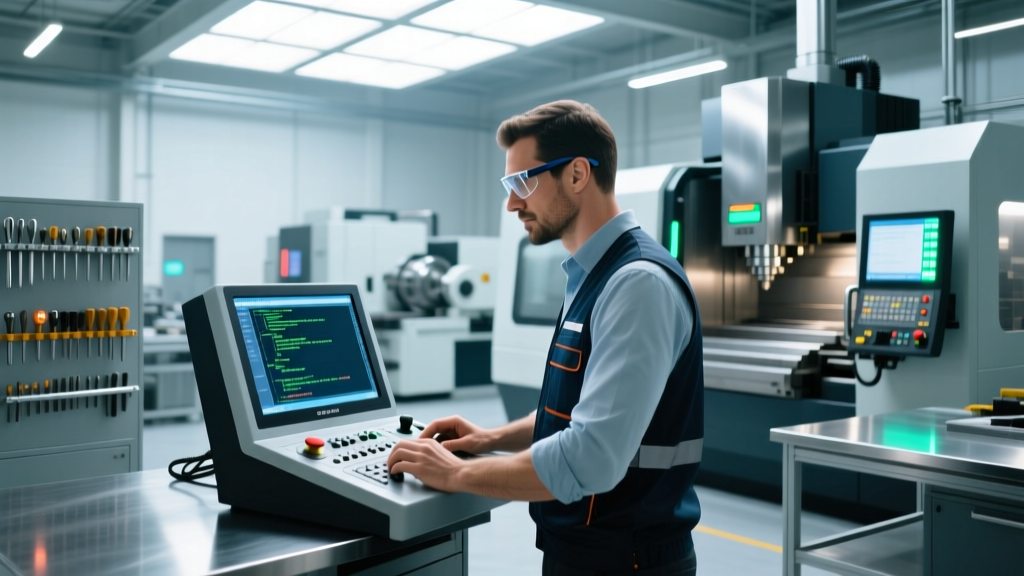
The transition from standalone CAD/CAM workstations to interconnected, AI-augmented manufacturing ecosystems represents the most significant shift in CNC machine software since the adoption of 5-axis simultaneous machining. In 2026, job shops and high-volume manufacturers relying on isolated, dongle-locked offline programming are losing an estimated 14% to 18% in potential spindle utilization due to suboptimal toolpaths and manual verification bottlenecks. Modern CNC machine software is no longer just a G-code generator; it is a predictive, cloud-connected neural network that bridges the gap between virtual toolpath generation and physical spindle load.
The Shift from Offline CAM to Cloud-Native Ecosystems
Historically, CNC programming required heavy, localized compute power and expensive perpetual licenses. Today, cloud-native architectures dominate the market. Platforms like Autodesk Fusion 360 have normalized the SaaS (Software as a Service) model, allowing shops to scale compute resources dynamically during complex 5-axis toolpath calculations. Instead of tying up a $6,000 local workstation for 45 minutes to calculate a 3D roughing path, cloud solvers process the geometry in parallel, returning the toolpath in under 4 minutes.
However, the shift to cloud-based CNC machine software introduces new variables regarding data latency and intellectual property security. While toolpath generation is easily offloaded to the cloud, real-time DNC (Direct Numerical Control) drip-feeding for legacy machines still requires localized edge servers to maintain the sub-50ms latency required to prevent buffer underflows on older Fanuc 18i or 21i controllers.
3-Year Total Cost of Ownership (TCO) Comparison
When evaluating CNC machine software, looking solely at the upfront license cost is a critical error. The table below breaks down the realistic 3-year TCO for a standard 3-axis milling environment, factoring in maintenance, IT overhead, and hardware depreciation.
| Cost Factor | Perpetual On-Premise (e.g., Mastercam Mill 3D) | Cloud-Native SaaS (e.g., Fusion 360 + MFG Extension) |
|---|---|---|
| Base License (3 Years) | $4,500 (Year 1) + $0 (Years 2-3) | $1,635 ($545/yr x 3) |
| Maintenance & Updates | $3,600 ($1,200/yr x 3) | $0 (Included in SaaS) |
| Local Hardware Depreciation | $2,400 (High-end GPU workstation) | $600 (Standard thin-client/laptop) |
| IT Overhead & Backups | $1,500 (Server maintenance, dongle mgmt) | $150 (Minimal local footprint) |
| Total 3-Year TCO | $12,000 | $2,385 |
AI-Powered Toolpath Generation and Collision Avoidance
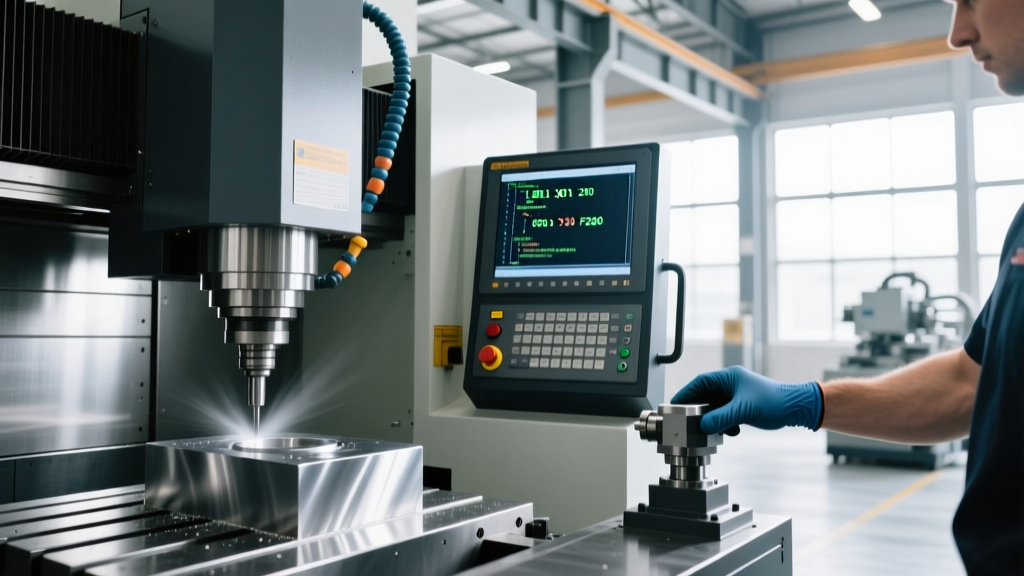
The integration of machine learning into CNC machine software has moved beyond simple geometry recognition. In 2026, AI algorithms analyze historical spindle load data, tool wear telemetry, and material-specific shear strengths to dynamically adjust feed rates and stepovers in real-time. For difficult-to-machine alloys like Inconel 718 or Ti-6Al-4V, AI-driven toolpath optimization modules (such as Mastercam's Dynamic Motion evolution and third-party integrations like MachineMetrics) maintain a constant chip load, reducing tool breakage by up to 32% and cutting roughing cycle times by 18-22%.
Furthermore, AI-enhanced collision avoidance now predicts kinematic singularities in 5-axis simultaneous movements before the post-processor even runs. By mapping the exact physical limits of the machine's rotary axes (e.g., the trunnion table limits on a Haas UMC-750), the software automatically reorients the tool vector to avoid axis reversals that would otherwise leave dwell marks on the workpiece surface.
Industry Insight: AI toolpath optimization is highly dependent on the quality of the digital cutting tool library. Shops that fail to input exact tool stick-out lengths, corner radii, and manufacturer-specific coating data into their CAM software will negate the AI's ability to calculate accurate chip thinning and deflection compensation.
Digital Twins and Real-Time CNC Simulation
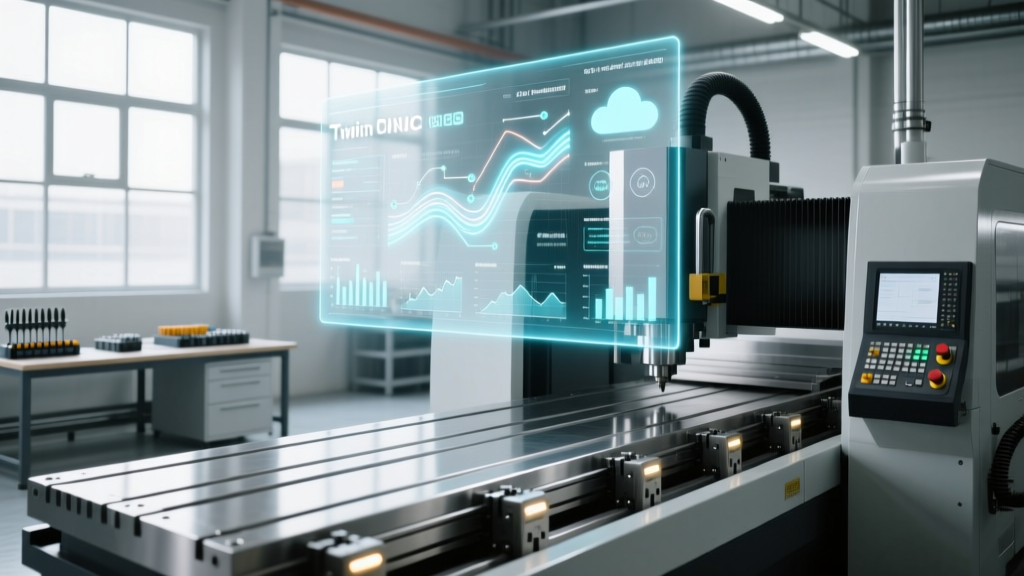
Verifying G-code via basic 3D material removal is no longer sufficient for multi-million-dollar aerospace components. The industry standard has shifted to full kinematic Digital Twins. Siemens SINUMERIK ONE pioneered this by running the exact same CNC control software in the virtual environment as on the physical shop floor. This eliminates the discrepancies caused by traditional CAM simulators that approximate G-code rather than executing it through the controller's actual interpolation algorithms.
Using a digital twin, programmers can perform virtual commissioning, testing PLC logic, safety interlocks, and tool change macros without risking a physical crash. According to NIST's Smart Manufacturing guidelines, implementing digital twin verification reduces physical setup times by an average of 40% and virtually eliminates catastrophic collisions during first-article runs.
⚠️ ITAR and Data Sovereignty WarningFor defense contractors and aerospace machine shops operating under ITAR (International Traffic in Arms Regulations) or EAR (Export Administration Regulations), utilizing public cloud-based CNC machine software requires strict compliance. Ensure your software vendor offers localized, air-gapped server deployments or FedRAMP-certified cloud environments. Uploading controlled unclassified information (CUI) or CAD models of restricted components to standard public SaaS servers is a federal violation.
Hardware Requirements for Local Digital Twin Rendering
While cloud solvers handle heavy toolpath math, rendering a high-fidelity, real-time digital twin of a 5-axis machine with complex fixturing and robotic part loaders requires substantial local GPU power. For smooth 60 FPS playback and accurate collision detection in software like CGTech VERICUT or Hexagon ESPRIT, your engineering workstations must meet the following 2026 minimum specifications:
- GPU: NVIDIA RTX 4000 Ada Generation (or equivalent) with minimum 16GB VRAM.
- CPU: Intel Core i9-14900K or AMD Ryzen Threadripper PRO 7965WX (high single-core clock speed is critical for sequential G-code parsing).
- RAM: 64GB DDR5 ECC (Error-Correcting Code) to prevent memory faults during 12-hour simulation runs.
- Storage: 2TB NVMe PCIe Gen4 SSD (minimum 5,000 MB/s read speeds for rapid loading of massive STL/STEP assembly files).
2026 Procurement Framework: Choosing Your Software Stack
Selecting the right CNC machine software requires aligning the platform's capabilities with your shop's specific production profile. A high-mix, low-volume job shop has vastly different needs than a dedicated medical implant manufacturer running 24/7 lights-out machining.
Decision Matrix by Shop Profile
| Shop Profile | Recommended Software Architecture | Key Feature Priorities | Estimated Annual Spend |
|---|---|---|---|
| High-Mix Job Shop (Prototypes, 1-50 pcs) |
Cloud-Native SaaS (e.g., Fusion 360, Onshape) |
Rapid CAD-to-CAM workflow, integrated PDM, low upfront cost, easy file sharing. | $1,500 - $3,000 per seat |
| Mid-Volume Precision (Automotive, 500-5,000 pcs) |
Hybrid On-Premise/Cloud (e.g., Mastercam, GibbsCAM) |
Advanced multi-axis toolpaths, robust post-processor library, high-speed machining algorithms. | $6,000 - $10,000 per seat |
| Aerospace / Defense (Complex 5-axis, tight tolerances) |
Enterprise Digital Twin (e.g., Siemens NX, CATIA + VERICUT) |
Kinematic simulation, STEP-NC support, ITAR-compliant local hosting, PLM integration. | $15,000 - $25,000+ per seat |
Future-Proofing with STEP-NC and Post-Processor Management
As the industry slowly transitions away from the limitations of ISO 6983 (traditional G-code), forward-thinking shops are investing in CNC machine software that supports STEP-NC (ISO 14649). Unlike G-code, which only tells the machine where to move, STEP-NC embeds the entire CAD geometry, tolerances, and feature data directly into the CNC file. This allows the machine controller to optimize the toolpath locally based on real-time spindle feedback, effectively making the CNC controller an active participant in the CAM process rather than a blind executor.
Regardless of the code format, managing your post-processor library remains a critical vulnerability. In 2026, rely on centralized, cloud-synced post-processor repositories managed by certified developers (such as ICAM Technologies or Postability). Never allow individual programmers to manually edit post-processor code blocks on the shop floor; a single altered G43.4 tool center point control (TCPC) variable can result in a catastrophic $100,000 spindle crash on a 5-axis machine. Standardize your post-processor validation using digital twin simulation before any updated code is deployed to the physical DNC network.