Laguna CNC Machine Maintenance: OEM vs Aftermarket Guide
Master Laguna CNC machine maintenance with our 2026 guide. Compare OEM vs aftermarket parts, troubleshoot errors, and find top repair services.
The Critical Role of Laguna CNC Machine Maintenance
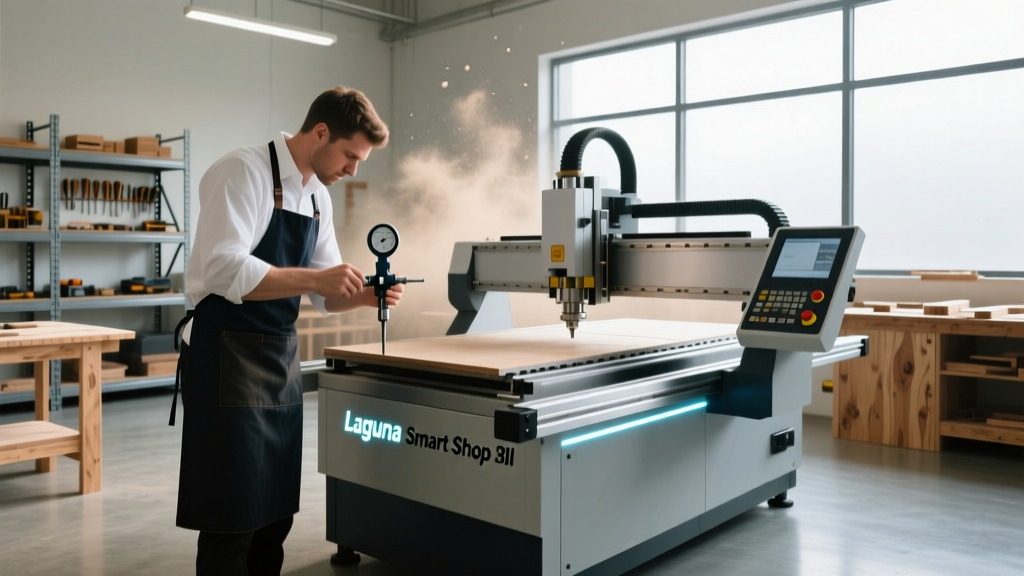
Proper Laguna CNC machine maintenance is the dividing line between a profitable woodshop and one plagued by downtime, scrapped material, and missed deadlines. Whether you operate a Laguna Smart Shop III, an IQ CNC, or the heavy-duty Revo 24, adhering to a strict preventative maintenance schedule ensures micron-level accuracy and extends the operational life of your capital equipment. In 2026, with supply chain lead times for specialized European components still fluctuating, understanding the balance between OEM (Original Equipment Manufacturer) parts and high-quality aftermarket alternatives is essential for minimizing machine downtime.
Neglecting routine upkeep on a CNC router inevitably leads to compounding mechanical issues. Dust infiltration destroys linear bearings, improper spindle warm-up procedures shatter ceramic bearings, and ignored VFD (Variable Frequency Drive) cooling fans result in catastrophic electrical failures. This comprehensive guide breaks down exact maintenance protocols, part sourcing strategies, and when to call in professional reinforcement to keep your Laguna router cutting at peak tolerances.
Common Failure Modes in Laguna Routers
Before diving into schedules, it is crucial to understand where Laguna machines typically fail when maintenance is deferred. The most frequent issues encountered in high-production environments include:
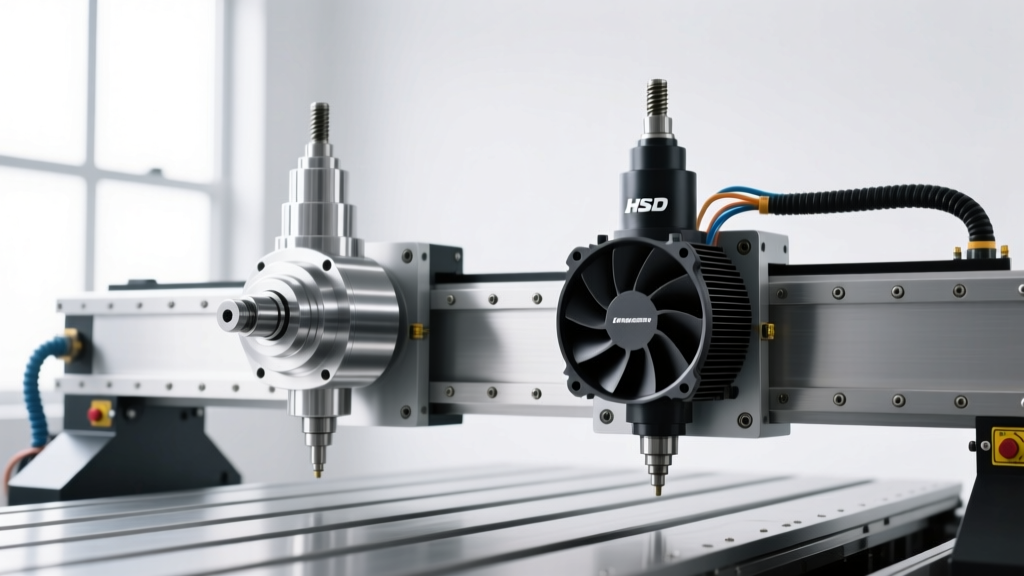
- Spindle Bearing Degradation: HSD and Colombo spindles rely on precision angular contact bearings. Running a 12kW ATC spindle at 24,000 RPM without a proper 10-minute warm-up cycle causes thermal shock, leading to premature bearing seizure.
- Rack and Pinion Backlash: On models like the Smart Shop III, the helical rack and pinion drive system requires precise tensioning. Worn pinion gears or debris buildup in the gear teeth results in X and Y-axis backlash, visible as ghosting on V-carve lettering.
- VFD Overheating and Faults: Yaskawa and Delta VFDs are workhorses, but their internal cooling fans accumulate conductive MDF and PVC dust. This leads to 'ou' (overvoltage) or 'oc' (overcurrent) fault codes, halting production mid-cycle.
- Linear Rail Pitting: Hiwin and THK linear guide blocks are sealed, but the wipers wear out. Once abrasive composite dust bypasses the wiper seals, it pits the rail surface, causing stick-slip friction and ruining surface finish quality.
OEM vs. Aftermarket Parts: A 2026 Cost-Benefit Analysis
When a component fails, shop owners face a critical decision: order OEM parts directly from Laguna Tools' official CNC lineup or source aftermarket alternatives. While OEM parts guarantee exact fitment and preserve your warranty, the 2026 market offers highly reliable aftermarket options for wear items, provided you know which brands to trust.
| Component | OEM Option (Cost / Lead Time) | Aftermarket Alternative (Cost / Lead Time) | Verdict & Recommendation |
|---|---|---|---|
| Spindle (12kW ATC) | HSD ES929 (~$4,200 / 4-6 weeks) | Colombo or HQD (~$2,800 / 2-3 weeks) | Stick to OEM HSD for ATC reliability and exact mounting footprint. |
| Tool Holders (HSK63F) | Laguna Branded (~$220 each) | Techniks or Parlec (~$140 each) | Aftermarket is excellent. Ensure DIN 69893 compliance and check pull-stud retention. |
| Linear Bearings | Hiwin HGH25CA (~$85 each / 1-2 weeks) | Generic Import (~$25 each / 1 week) | Strictly OEM Hiwin or THK. Generic bearings lack the preload consistency for CNC routing. |
| Collets (ER32/ER40) | OEM Standard (~$45 each) | Techniks UltraLOCK (~$65 each) | Aftermarket premium. UltraLOCK collets offer 0.0002" TIR, outperforming standard OEM. |
| VFD Cooling Fans | OEM Proprietary (~$120) | Sanyo Denki or Delta (~$35) | Aftermarket. Match the CFM and voltage specs; brand does not matter for cooling. |
Sourcing strategy is vital. For critical motion components like ball screws and linear rails, the cost of downtime and lost accuracy far outweighs the savings of generic imports. However, for consumables like collets, pull studs, and spindle fans, premium aftermarket brands often exceed OEM specifications at a lower price point.
Step-by-Step Laguna CNC Machine Maintenance Schedule
Skipping your Laguna CNC machine maintenance schedule to meet a production deadline is a false economy. A structured, interval-based approach prevents micro-failures from escalating into major mechanical overhauls. Below is the definitive maintenance matrix for Laguna CNC routers operating in standard 8-hour shifts.
Daily Maintenance Tasks
- Spindle Warm-Up: Never cut at full RPM on a cold spindle. Run a 5-minute macro starting at 6,000 RPM and stepping up to 18,000 RPM to evenly distribute bearing grease.
- Dust Extraction Check: Verify that the 4-inch or 6-inch dust collection shroud is sealing tightly against the spoilboard. Poor extraction forces dust into the Z-axis ball screw.
- Spindle Runout Verification: Use a dial indicator on a fresh HSK63F tool holder. Acceptable TIR (Total Indicator Runout) is below 0.0005". If it exceeds 0.001", clean the taper with isopropyl alcohol and inspect the collet nut.
- Blow-Off Protocol: Use low-pressure air (under 40 PSI) to clear debris from the rack and pinion gears. Warning: High-pressure air will force fine dust past the linear block seals, destroying the bearings.
Weekly and Monthly Intervals
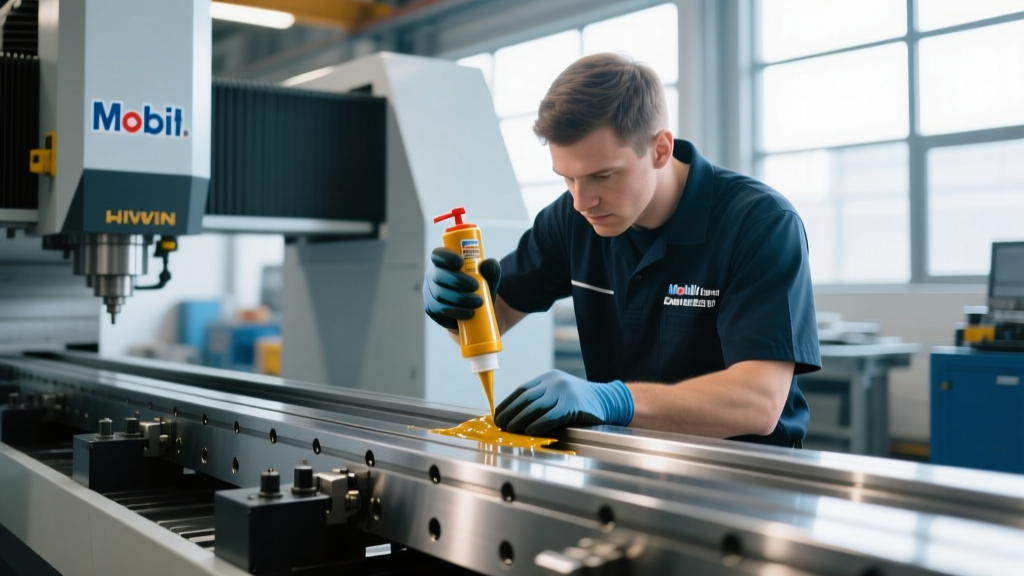
- Linear Rail Lubrication (Weekly): Manually inject grease into the linear block zerk fittings. Use a high-quality lithium complex grease like Mobilith SHC 220 or Kluber Isoflex. Pump until fresh grease purges from the seals, wiping away the old, contaminated grease.
- Z-Axis Ball Screw Inspection (Monthly): Check the ball screw for any signs of brinelling or pitting. Re-apply way oil or NLGI Grade 2 grease depending on your specific Laguna Z-axis configuration.
- VFD and Control Cabinet (Monthly): Open the electrical enclosure and vacuum out dust using a soft brush attachment. Inspect the Yaskawa/Delta VFD cooling fans for bearing noise and replace them if they rattle. Check all terminal block screws for tightness, as thermal cycling can loosen electrical connections over time.
Annual Overhauls
- Rack and Pinion Tensioning: Check the spring tension on the pinion gears. Adjust the eccentric bushings to eliminate backlash while ensuring the gears do not bind, which would cause stepper or servo motor stalling.
- Spindle Bearing Evaluation: If your HSD spindle has surpassed 8,000 to 10,000 cutting hours, send it to a specialized spindle rebuild facility. Replacing ceramic bearings and dynamic seals proactively costs roughly $1,500, whereas a catastrophic failure that scores the rotor shaft can cost over $4,000 to repair.
- Software and Parameter Backups: Export your RichAuto DSP controller parameters, Mach4/WinCNC XML profiles, and VFD parameter sets to a secure cloud drive. Controller corruption is rare but devastating without a backup.
Sourcing a Reliable Laguna Machine Repair Service
Even with flawless preventative care, electronic failures and software glitches occur. When evaluating Laguna CNC machine maintenance costs, factoring in professional repair services is necessary for complex diagnostics. Finding a certified Laguna machine repair service requires vetting their expertise in both the mechanical and electrical domains of CNC routing.
In 2026, authorized Laguna service technicians typically charge between $135 and $185 per hour, plus travel fees. However, many independent CNC automation specialists offer comparable expertise at lower rates. When hiring an independent Laguna machine repair service, ensure they possess experience with 3-phase VFD programming, RichAuto DSP troubleshooting, and servo motor tuning. A qualified technician should arrive with a Fluke multimeter, an oscilloscope for checking servo feedback loops, and a dial indicator for mechanical calibration.
For shops located far from authorized service hubs, establishing a remote support contract is highly recommended. Many top-tier repair services offer telemetric diagnostics, where they connect remotely to your machine's PC or DSP controller to read VFD fault logs and PLC states, resolving software and parameter issues without the need for an expensive on-site visit.
Frequently Asked Questions
How often should I schedule a professional Laguna machine repair service?
For machines running single shifts in clean environments, a professional on-site inspection and calibration every 18 to 24 months is sufficient. However, if you run 24/7 production shifts or machine highly abrasive materials like MDF, carbon fiber, or solid surface acrylics, scheduling a certified technician annually for ball screw backlash compensation and servo tuning is highly recommended to maintain factory tolerances.
Can I use aftermarket collets in my Laguna CNC spindle?
Yes, and in many cases, you should. While OEM collets are reliable, premium aftermarket brands like Techniks (specifically their UltraLOCK or TG series) and Parlec often provide superior clamping force and tighter TIR (Total Indicator Runout) specifications. When machining hardwoods or running aggressive roughing toolpaths, a high-precision aftermarket collet reduces tool chatter and extends endmill life. Ensure you purchase the correct DIN standard (e.g., DIN 6499 for ER32/ER40) and always use a dedicated collet wrench to avoid over-torquing the nut.
What is the most common Laguna CNC machine maintenance mistake?
The most destructive mistake is using high-pressure shop air to clean the machine. While it appears to clear dust effectively, air pressure exceeding 50 PSI forces microscopic abrasive particles past the rubber wiper seals on the Hiwin linear rails and into the Z-axis ball screw nut. Over a few months, this creates a lapping compound that permanently scores the hardened steel rails, resulting in thousands of dollars in replacement costs. Always use a high-volume, low-pressure (HVLP) vacuum system or soft-bristled brushes for cleaning motion components. For deeper technical insights on spindle and motion care, refer to CNC Cookbook's spindle maintenance guidelines.
How do I fix a Yaskawa VFD overcurrent (oc) fault on my Laguna router?
An 'oc' fault indicates the spindle is drawing too much current, often due to a short circuit, a failing spindle bearing creating mechanical drag, or aggressive acceleration parameters. First, disconnect the spindle cables and test the VFD without a load. If the fault persists, the VFD IGBT module is likely damaged and requires replacement. If the fault clears, test the spindle windings with a megohmmeter to check for insulation breakdown. Finally, review your CAM software's ramp-in profiles; plunging directly into solid hardwood without a lead-in arc can spike amperage and trigger the VFD's protective shutdown.