Best Desktop CNC Mills for Prototyping: A Machine Operator CNC Guide
Compare top desktop CNC mills for prototyping. A machine operator CNC buying guide covering Bantam, Tormach, and Pocket NC specs, pricing, and workflows.
The Economics of In-House Desktop Prototyping
Outsourcing precision prototypes to machine shops introduces a 2-to-4-week lead time bottleneck that stifles engineering iteration. For R&D labs, university engineering departments, and agile job shops, bringing a desktop CNC mill in-house transforms a multi-week wait into a 4-hour turnaround. However, transitioning from full-size industrial VMCs to desktop equipment requires a fundamental shift in expectations regarding rigidity, tooling, and workholding.
According to research on advanced manufacturing adoption by the National Institute of Standards and Technology (NIST), rapid in-house prototyping reduces product development cycles by up to 35%. For the modern machine operator, CNC desktop mills are not toys; they are highly capable micro-machining centers that demand strict adherence to feeds, speeds, and toolpath verification.
ROI Calculation: Desktop vs. Outsourced Prototyping
- Outsourced Cost: 5 aluminum prototypes/week @ $180/ea = $46,800 annually.
- In-House Cost: $11,000 (Mill) + $2,500 (Tooling/Vises) + $1,200 (Material) = $14,700 first-year investment.
- Payback Period: Approximately 3.8 months based on machining volume alone, excluding the financial value of accelerated time-to-market.
Core Specifications for Micro-Milling Envelopes
When evaluating desktop machines, a seasoned machine operator must look past marketing claims and focus on structural geometry and spindle dynamics. Desktop mills lack the mass of cast-iron industrial VMCs to absorb harmonic vibrations, meaning spindle runout and axis repeatability are the primary drivers of surface finish quality.
- Spindle Runout (TIR): Must be under 0.0005 inches (0.0127mm) to prevent premature micro-endmill breakage, especially when using tools under 1/16" diameter.
- Axis Drive Systems: Ball screws with preloaded anti-backlash nuts are mandatory. Avoid Acme threads or belt-driven linear axes for any work requiring tolerances tighter than ±0.003 inches.
- Controller Architecture: Proprietary closed-loop systems offer plug-and-play simplicity, while open-architecture controllers (like Mach4 or Centroid) allow advanced machine operator CNC workflows, such as custom probing routines and macro programming.
2026 Desktop CNC Mill Comparison Matrix
| Model | Working Envelope (XYZ) | Spindle RPM & Taper | Base Price (2026) | Primary Use Case |
|---|---|---|---|---|
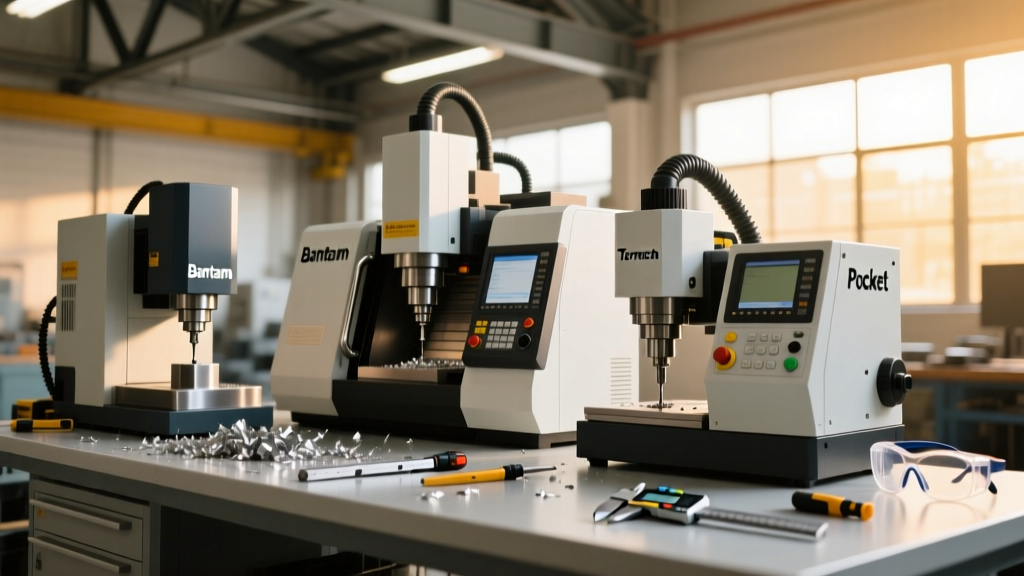
| Bantam Tools PCNC 1100 | 11" x 11" x 11" | 10,000 RPM (ER-11) | $11,499 | PCB isolation, soft metals, lab environments |
| Tormach PCNC 440 | 10" x 6.25" x 10" | 5,140 RPM (TTS) | $5,850 | Heavy-duty micro-milling, steel/aluminum parts |
| Pocket NC V2-50 | 4.5" x 5" x 3.5" | 40,000 RPM (HSK-20) | $19,500+ | 5-axis micro-machining, complex impellers/turbines |
Deep Dive: Top Desktop Platforms for the Machine Operator
Bantam Tools PCNC 1100: The PCB and Prototyping Specialist
The Bantam Tools PCNC 1100 is engineered specifically for clean-room and office environments, utilizing a fully enclosed polycarbonate shell and an integrated vacuum port. Its 10,000 RPM spindle utilizes an ER-11 collet system. Operator Warning: The ER-11 collet limits maximum tool shank diameter to 7mm (0.275"). To use standard 1/2" shank roughing endmills, you must purchase Bantam's proprietary ER-11 to 1/2" adapter, which introduces a slight penalty to TIR. The machine runs on Mach4, allowing experienced machinists to write custom G-code macros for automated tool length probing using the integrated wireless probe.
Tormach PCNC 440: Unmatched Rigidity in a Micro Footprint
While smaller than its 1100-series sibling, the PCNC 440 retains a cast-iron column and base, providing superior dampening characteristics for machining 6061-T6 aluminum and even mild steel. It utilizes the Tormach Tooling System (TTS), a proprietary retention-knob design that mimics the pull-stud mechanics of CAT/BT tapers, eliminating the Z-axis drop associated with standard R8 collets during spindle reversal. The 5,140 RPM spindle is belt-driven; while this limits top-end speed for micro-tools, it provides the low-end torque necessary for 1/4" and 3/8" endmills. As noted in Society of Manufacturing Engineers (SME) technical resources, maintaining proper chip load on small machines requires strict RPM and feedrate synchronization, making the Tormach's rigid tapping and constant surface speed features highly valuable.
Pocket NC V2-50: 5-Axis Desktop Machining
For aerospace prototyping and medical device development, 3-axis desktop mills fall short. The Pocket NC V2-50 offers true simultaneous 5-axis kinematics in a footprint smaller than a microwave. Its 40,000 RPM HSK-20 spindle allows for high-speed machining (HSM) strategies with micro-endmills down to 0.005" in diameter. The machine operator CNC workflow here relies heavily on advanced CAM software like Mastercam or Fusion 360 to generate collision-free toolpaths, as the B-axis and C-axis trunnion table drastically reduce the available Z-clearance.
Workholding and Tooling for Small Envelopes
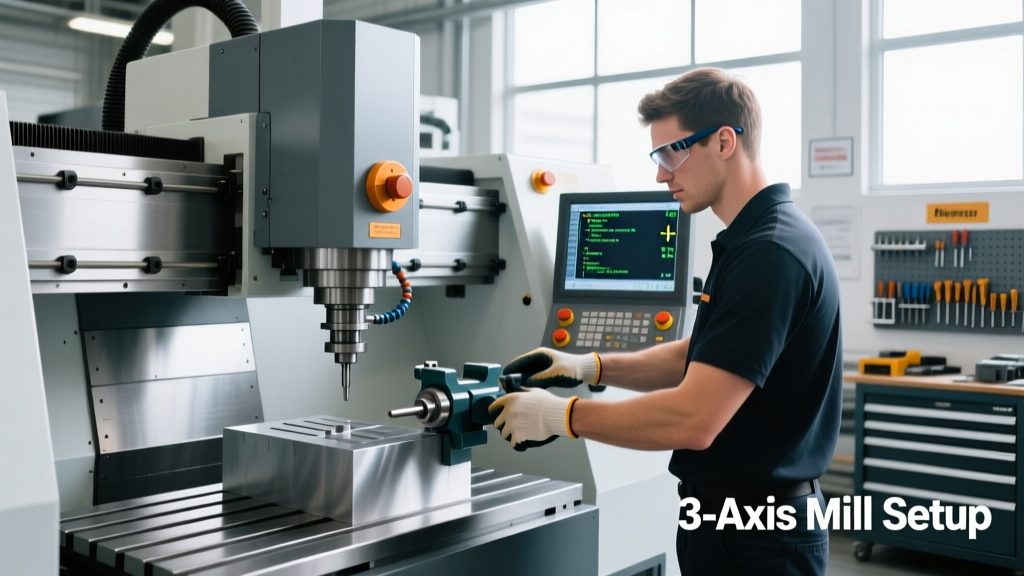
The most common mistake when adopting desktop CNC equipment is attempting to use standard 6-inch Kurt vises, which consume the entire Z-axis clearance and X-axis travel. Equipment selection must prioritize low-profile workholding.
- Low-Profile Vises: The Kurt DX4 or Mitee-Bite Pitbull series offer clamping forces exceeding 4,000 lbs while maintaining a jaw height under 2 inches.
- Sacrificial Tooling Plates: Machining a 1/2" MIC6 cast aluminum tooling plate with a 1/4-20 tapped grid (on 1" centers) allows for rapid fixturing using low-profile toe clamps and step blocks.
- Micro-Workholding: For sub-inch components, utilize vacuum chucks or double-sided machinist tape (such as Nitto P-99) paired with a sacrificial MDF spoilboard for secondary operations.
CAM Verification and Crash Prevention
Desktop mills lack the sheer mass to absorb the kinetic energy of a crash. A rapid traverse move into a vise jaw on a 10,000 lb VMC might stall the spindle; on a 300 lb desktop mill, it will shear the ball screw coupling and destroy the stepper motors. Machine simulation is non-negotiable.
Before transferring G-code to the machine controller, the operator must run a kinematic simulation in the CAM software. Ensure your post-processor is specifically configured for your desktop model's exact travel limits and home-position offsets. Utilize 'stock-to-leave' parameters in roughing operations to prevent full-width slotting, which generates excessive radial forces that can stall desktop spindle motors or break micro-tools.
Frequently Asked Questions
Can a desktop CNC mill hold ±0.001" tolerances?
Yes, but only under specific conditions. Machines like the Bantam PCNC 1100 and Tormach PCNC 440 are capable of ±0.001" to ±0.002" repeatability if the machine is properly tramming, the workpiece is securely fixtored without deflection, and thermal growth is managed. Desktop machines are highly susceptible to ambient temperature changes; allow the spindle to run at 3,000 RPM for 15 minutes before machining tight-tolerance bores to stabilize thermal expansion.
Do I need 3-phase power for these prototyping mills?
No. The primary advantage of the desktop CNC category is single-phase 110V/120V compatibility. The Tormach PCNC 440 and Bantam mills plug into standard 15-amp or 20-amp wall outlets, making them ideal for office spaces, university labs, and garages where 3-phase industrial power is unavailable.
What is the best CAM software for desktop 3-axis milling?
Fusion 360 is currently the industry standard for desktop CNC prototyping due to its integrated CAD/CAM environment, cloud-based toolpath calculation, and extensive library of verified post-processors for Bantam and Tormach machines. For complex 5-axis work on the Pocket NC, Mastercam or Siemens NX provides superior collision avoidance and tool-axis control.