Evaluating CNC Controller Types Before a CNC Machine Loan
Assess CNC controller types and operator training costs before signing a CNC machine loan. Compare Fanuc, Siemens, and Haas interfaces for shop efficiency.
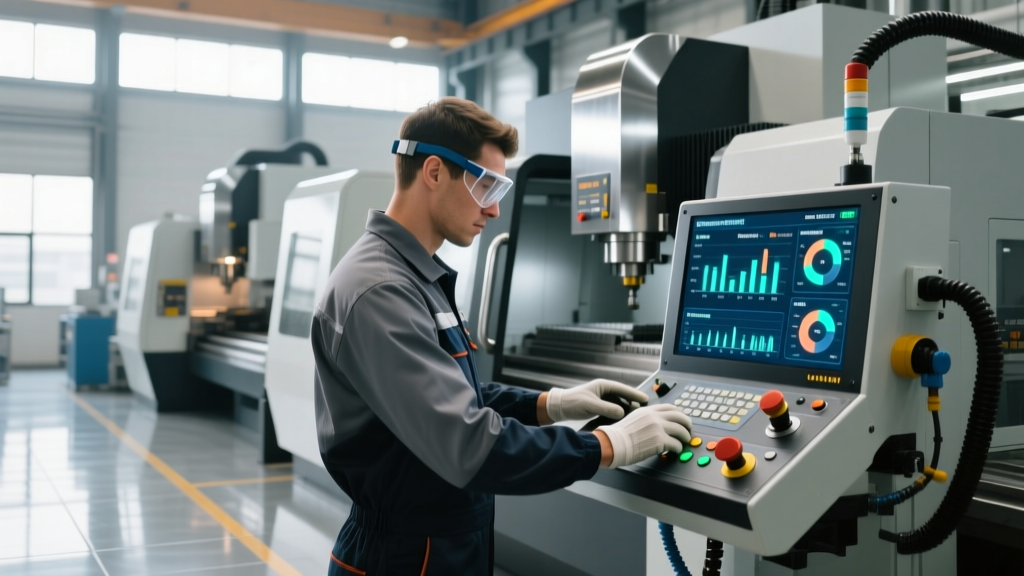
When a manufacturing facility secures a CNC machine loan to acquire new equipment, the primary focus usually lands on spindle torque, axis travel, rapid traverse rates, and tool magazine capacity. However, the component that ultimately dictates the return on that financed investment is the CNC controller interface. The control unit governs the human-machine interaction, and selecting an interface that mismatches your workforce's current skill level can trigger a hidden 'training tax' that delays ROI and strains cash flow while loan repayments are already underway.
Financial Warning: The Hidden Training TaxIf you finance a $250,000 5-axis machining center with a Heidenhain TNC 640 controller, but your shop floor is exclusively trained on Fanuc 0i-series G-code, you face an 80-to-120-hour proficiency gap per operator. At an average shop rate of $85 per hour, the lost spindle uptime during training can add $6,800 to $10,200 in soft costs per operator before the machine produces its first billable part.
Controller Interface Breakdown: Learning Curves & Market Realities
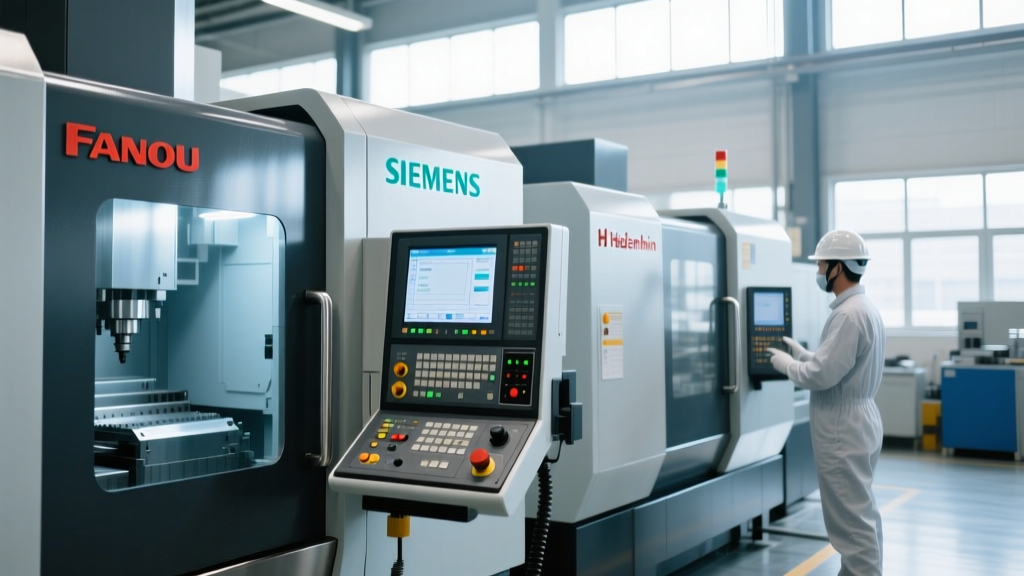
Understanding the dominant controller ecosystems is critical before finalizing your equipment financing. Each interface demands a different pedagogical approach and time investment for operator onboarding.
| Controller Ecosystem | Primary Interface Style | Avg. Time to Basic Proficiency | 5-Axis Capability | Best Suited For |
|---|---|---|---|---|
| Fanuc (0i-F Plus / 31i-B5) | ISO G-Code / Manual Guide i | 40 Hours | High (31i series) | High-volume production, job shops with experienced programmers |
| Siemens (Sinumerik ONE) | ShopMill/ShopTurn & G-Code | 60 Hours | Exceptional | Complex aerospace parts, digital twin integration |
| Haas (NGC) | Conversational / ISO G-Code | 24 Hours | Moderate | Rapid-turnaround job shops, high-turnover environments |
| Heidenhain (TNC 640) | Klartext Conversational | 80+ Hours | Industry Gold Standard | Precision mold & die, complex 5-axis contouring |
Conversational vs. ISO G-Code: Matching the Interface to Your Workforce
The most critical training decision hinges on whether your shop relies on standard ISO G-code (EIA) or proprietary conversational programming. This choice directly impacts how quickly a newly financed machine can generate revenue.
When to Choose Conversational (Mazatrol, Okuma OSP, Siemens ShopMill)
Conversational interfaces allow operators to program directly at the machine using visual prompts, toolpath verification graphics, and built-in material databases. If your shop primarily employs machine operators rather than dedicated offline CAM programmers, conversational controls reduce setup times by up to 40% for prismatic parts. Training a novice operator to perform basic facing, pocketing, and drilling on a Mazak SmoothG or Siemens ShopMill interface typically takes 16 to 24 hours of hands-on instruction.
When to Stick to Standard ISO G-Code (Fanuc, Haas NGC)
If your facility utilizes advanced 3D surfacing, complex 5-axis simultaneous toolpaths, or relies heavily on offline CAM software (like Mastercam or Siemens NX), standard ISO G-code is mandatory. While the learning curve for G-code syntax, work coordinate systems (G54-G59), and canned cycles is steeper—requiring formal Haas Automation CNC certification and training programs or equivalent third-party courses—the ubiquity of G-code means you can hire experienced programmers from the open market without requiring them to learn a proprietary language.
Best Practice for Loan Applicants: Before signing the equipment financing agreement, audit your current CAM software post-processors. If you finance a machine with a proprietary conversational control but your shop runs Mastercam, you will either need to purchase a new post-processor license ($1,500 - $3,000) or pay for CAM-to-conversational translation training.Leveraging Digital Twins to Protect Spindle Uptime
Tying up a newly financed, high-margin 5-axis machine for operator training is a severe drain on profitability. Modern controller ecosystems now offer 'Digital Twin' technology, allowing operators to learn the interface, prove out programs, and simulate toolpaths on a PC before touching the physical control panel.
Siemens has pioneered this with their Sinumerik ONE architecture. By utilizing Siemens Sinumerik ONE digital twin technology, shops can deploy 'Run MyVirtual Machine' software. Operators can spend their first 40 hours of training on a laptop, learning the exact HMI (Human-Machine Interface) button layouts, alarm responses, and tool management screens. This shifts the training burden off the shop floor, ensuring that when the operator finally steps up to the physical machine, they are already proficient in navigating the control, reducing physical machine downtime by an estimated 65%.
'The biggest mistake shop owners make when financing advanced 5-axis equipment is assuming the operator who ran their 3-axis Fanuc mills can seamlessly transition to a Heidenhain TNC 640. The kinematic logic and tool center point management (TCPM) are entirely different. Mandating simulator-based training before the machine is even uncrated is non-negotiable for protecting your equipment ROI.'
— Manufacturing Engineering Lead, Tier 2 Aerospace Supplier
30-Day Operator Onboarding Protocol for New Controls
To maximize the value of your equipment investment and minimize scrap rates during the learning phase, implement this structured 30-day onboarding protocol when introducing a new controller type:
- Days 1-5 (Offline Simulation): Operators complete 20 hours of PC-based simulation focusing strictly on HMI navigation, alarm clearing, and tool offset management. No physical machine interaction.
- Days 6-12 (Dry Runs & Proving): Operators load verified CAM programs into the physical machine. Focus is on single-block execution, feedrate override management (keeping it below 25%), and verifying work offsets using a Renishaw or Blum probe cycle.
- Days 13-20 (Supervised Cutting): Machining non-critical, low-tolerance scrap material or secondary operations. Operators practice manual data input (MDI) for simple facing and edge-finding.
- Days 21-30 (Autonomous Production): Operators run standard production jobs but are restricted from altering core safety parameters, macro variables, or kinematic chain offsets without a lead programmer's physical key-switch authorization.
Pre-Financing Evaluation Checklist
Before executing the final paperwork on your CNC machine loan, verify the following operational readiness metrics:
- Post-Processor Availability: Confirm your CAM vendor has a verified, tested post-processor for the exact controller model (e.g., Fanuc 31i-B5, not just 'Fanuc 31i').
- Local Technical Support: Verify that the machine tool builder's local service technician is certified on the specific control software version installed on your machine.
- Training Budget Allocation: Ensure your financing package or working capital reserves include a minimum of $1,500 per operator for OEM-certified controller training.
- Manual & Documentation Access: Confirm the machine builder provides digital, searchable PDF manuals for the controller's specific alarm codes and macro programming variables.
Aligning your controller selection with your workforce's actual capabilities ensures that the equipment you finance becomes a profit center immediately, rather than a costly training fixture collecting dust on the shop floor.