CNC Cutting Services for Beginners: What You Need to Know Before Your First Job
A practical, no-jargon guide for newcomers to CNC cutting—covering service types, material compatibility, quoting basics, file prep, lead times, and real-world examples from industry leaders like Proto Labs, Xometry, and Fictiv.
Starting with CNC cutting doesn’t require a machine shop or engineering degree—but it does demand clarity on what services are available, how pricing works, and where beginners commonly misstep. This guide cuts through the noise with actionable insights: Proto Labs quotes parts in under 15 seconds and ships functional aluminum 6061 prototypes in as little as 1 day; Xometry’s Instant Quote Engine supports over 30 materials including stainless steel 304 (0.020"–2.0" thickness) and Delrin® (up to 36" × 48" sheets); and Fictiv maintains strict GD&T tolerances of ±0.005" on critical features. We’ll walk through service categories, material limits, file requirements, turnaround trade-offs, and cost drivers—all grounded in real specs, not theory.
What CNC Cutting Services Actually Mean for New Users
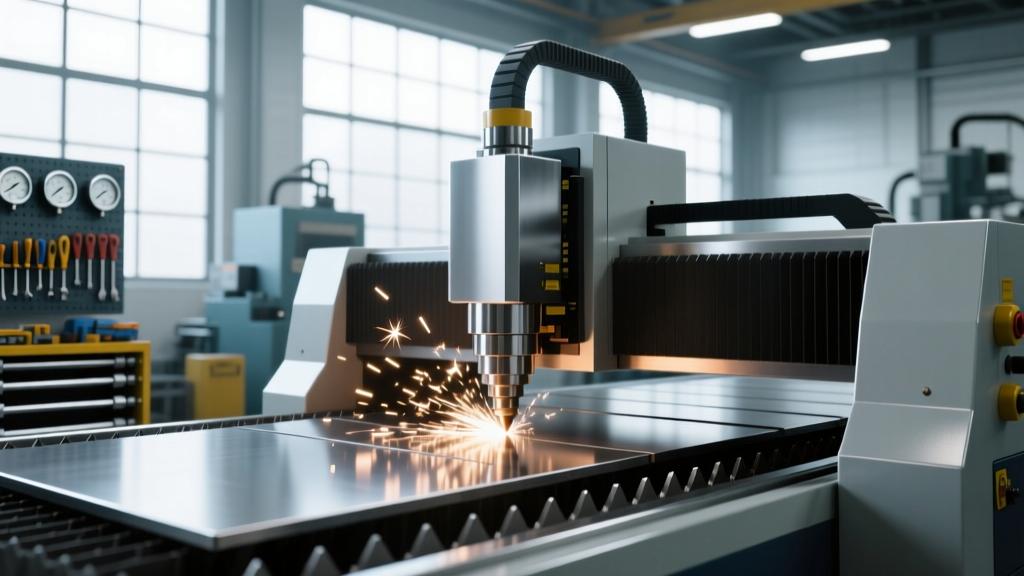
Many beginners assume "CNC cutting" refers only to milling or turning. In reality, the term encompasses five core service categories offered by contract manufacturers: CNC milling (3-axis, 4-axis, and 5-axis), CNC turning (lathe work), laser cutting (CO₂ and fiber), waterjet cutting, and plasma cutting. Each serves distinct applications—and each has hard physical constraints that affect feasibility and cost. For example, standard desktop CNC mills like the Shapeoko Pro have a 32" × 32" × 6" working envelope and max spindle speed of 24,000 RPM, while industrial machines such as Haas VF-2SS (a common entry-level production mill) offer 40" × 20" × 20" travel and 10,000 RPM spindles with 30 hp. These numbers aren’t academic—they determine whether your 36" × 48" aluminum sign blank can be milled in one setup or requires multiple re-fixturing steps (and added labor cost).
Beginners often overlook service boundaries. A job requiring both tight-tolerance milling (<±0.002") and deep cavity machining (>3× depth-to-width ratio) may exceed the capability of standard job shops—even if they accept your file. That’s why reputable providers like Proto Labs explicitly list maximum aspect ratios (e.g., 4:1 for internal pockets in 6061-T6 aluminum) and minimum wall thicknesses (0.020" for plastics, 0.040" for aluminum alloys). Ignoring these leads to quote rejections, delays, or parts that don’t function as intended.
Why Service Type Dictates Material & Tolerance Choices
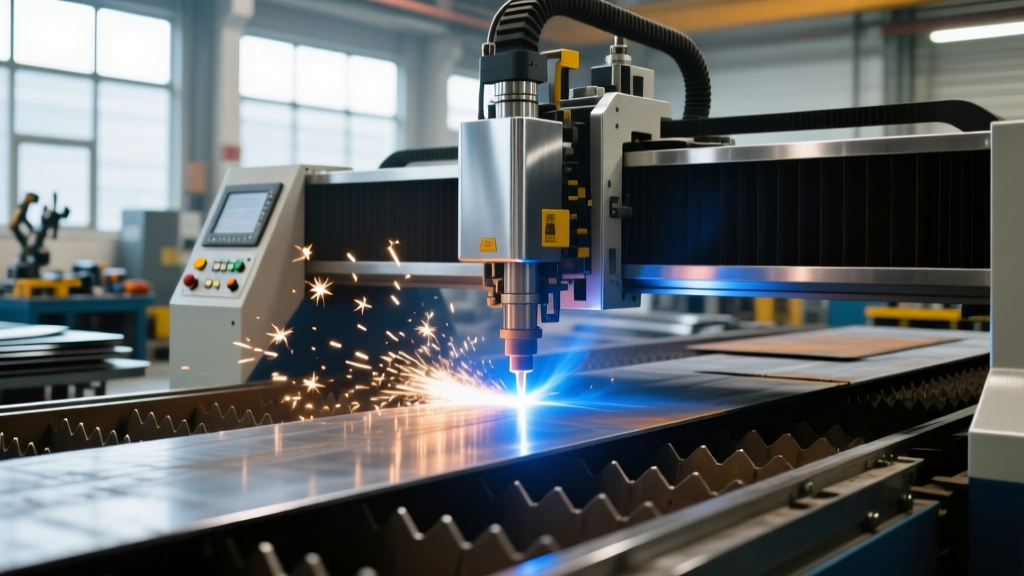
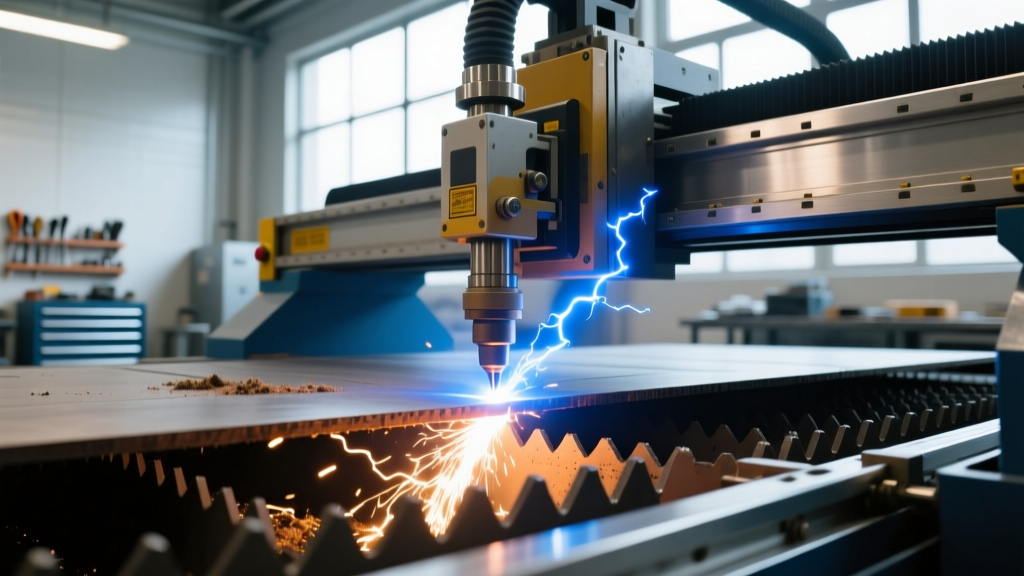
Laser cutting excels at thin sheet metal and acrylic but struggles with reflective copper alloys above 0.125" thickness. Fiber lasers cut 16-gauge (0.060") stainless steel at 120 IPM, but drop to just 18 IPM on 1/4" (0.250") plate—doubling cycle time and cost. Waterjet cutting handles 4" thick titanium or granite without thermal distortion, yet introduces taper (typically 0.005"–0.015" per side on 1" material), making it unsuitable for parts needing square-edge perpendicularity. Plasma cutting is fast and economical on mild steel up to 2", but its ±0.020" tolerance and heat-affected zone (HAZ) of 0.030"–0.060" rule it out for precision brackets or medical components.
Turning services differ sharply too. A beginner designing a shaft might specify a 1.250" diameter × 6" long part in 303 stainless. While technically feasible, most quick-turn shops—including Xometry’s standard offering—cap turned part length at 4.5" unless you select their "long-part" option (which adds 3–5 days and ~25% cost premium). Similarly, internal threading beyond 1.5× nominal diameter depth often triggers manual intervention or special tooling—not reflected in initial quotes.
Choosing the Right Material—and Why Thickness Matters More Than You Think
Material selection isn’t just about strength or appearance—it directly impacts manufacturability, cost, and lead time. Beginners frequently choose exotic alloys like Inconel 718 or titanium Grade 5 without realizing these materials cut at <30% the feed rate of 6061 aluminum and require specialized carbide tooling, coolant strategies, and slower spindle speeds. The result? A $220 quote for a simple bracket in aluminum becomes $980 in titanium—with no change to geometry.
Sheet thickness is equally decisive. Laser-cutting shops charge per inch of cut edge, but also apply tiered thickness premiums. For instance, SendCutSend’s published rates show 0.032" aluminum costs $0.28/inch of cut, while 0.125" jumps to $0.84/inch—a 200% increase—not due to material alone, but slower speeds, more assist gas (nitrogen for stainless, oxygen for mild steel), and higher consumable wear. Likewise, waterjet cutting 0.5" brass costs ~$1.10/linear inch versus $0.42/inch for 0.062" brass, reflecting abrasive consumption (garnet flow rates scale with thickness) and pump pressure demands.
Common Beginner Material Pitfalls
- Selecting polycarbonate for laser cutting without specifying "laser-grade"—standard PC yellows and bubbles under CO₂ beam heat.
- Using MDF for CNC routing without accounting for glue-line delamination at high RPM; ShopBot recommends max 12,000 RPM for 3/4" MDF vs. 18,000 RPM for plywood.
- Specifying "stainless steel" without grade—304 is widely stocked and machinable; 416 (free-machining) cuts 40% faster but costs ~15% more; 17-4 PH requires age-hardening post-machining, adding 5–7 days.
Always cross-check material availability. Proto Labs stocks 12 standard metals (including 6061-T6, 7075-T6, C360 brass) and 6 plastics (ABS, Nylon 6, PEEK, Delrin®, HDPE, PC) in 12" × 12" × 2" blocks. If your design needs 24" × 36" × 1" 7075, you’ll pay a 35% surcharge—or switch to 6061, which offers 90% of the strength at 45% lower cost and faster turnaround.
How Quoting Works—and What Makes a Quote Go From $149 to $1,290
CNC service quotes combine three cost layers: material, machine time, and labor/setup. Beginners see a $149 quote for a simple bracket and assume scaling up linearly—until they order ten identical parts and get billed $1,290. Here’s why: setup labor (fixture creation, tool loading, probing, first-article inspection) is largely fixed. Proto Labs charges a $45 setup fee on orders under 10 pieces; Xometry bundles setup into their base rate but applies a "quantity discount curve"—$149 for 1 piece drops to $98/ea at 5 pcs, then $72/ea at 25 pcs. But go beyond 50 pcs, and you hit minimum batch fees: Fictiv’s "production run" tier starts at 100 pcs and requires NC program optimization, GD&T reporting, and PPAP documentation—adding $320 in non-recurring engineering (NRE) fees.
Geometry complexity drives machine time exponentially, not linearly. A flat bracket with four 0.250" holes and square edges may take 8 minutes on a Haas VF-2. Add four 0.500" deep pockets with 0.125" radius corners, and cycle time jumps to 34 minutes—due to reduced feed rates, multiple roughing/finishing passes, and tool changes. That single design tweak increases quoted price by 125% before material or shipping.
The Hidden Cost of "Just One More Feature"
Consider this real-world case: A startup designed an enclosure with 12 mounting holes, all through-holes. Their initial quote from SendCutSend was $87. They later requested countersunk holes on 4 of them. Result? Quote revised to $132—a 52% increase—not because of the extra holes, but because countersinking required a second operation (tool change + repositioning), doubling setup time and introducing alignment risk. Similarly, adding a 0.010" chamfer to all 12 edges raised the quote to $164. Every secondary operation multiplies cost.
- Primary cut (laser/waterjet/mill): accounts for ~55–65% of total cost.
- Secondary operations (tapping, deburring, anodizing, silk screening): add 20–40% depending on spec rigor.
- Setup, QA, packaging, and overhead: 15–25%, largely fixed per order—not per part.
File Preparation: DXF, STEP, and Why Your CAD Export Settings Matter
Your CAD file is the contract between you and the machine. Yet beginners routinely export flawed files—causing rejected uploads, dimensional errors, or "unquoteable" geometry. The top three file issues we see daily:
First, units mismatch. Fusion 360 defaults to millimeters; SolidWorks to inches. Upload a mm-based DXF to Xometry’s inch-configured platform, and your 100 mm flange becomes a 100-inch monstrosity. Always verify units in the file properties—not just your CAD interface.
Second, open contours. Laser and waterjet require closed, continuous paths. A sketch with a 0.001" gap between two lines won’t cut—it’ll stall the motion controller. Use CAD’s "join" or "close contour" tools, then validate with a polyline check. SendCutSend’s free online validator flags gaps >0.0005".
Third, unnecessary detail. Adding 0.005" fillets to every internal corner of a 0.5" thick steel bracket forces the CAM system to generate thousands of tiny toolpaths—slowing simulation, increasing N/C code size, and risking controller timeout. Proto Labs recommends omitting radii smaller than 0.015" unless functionally required.
Export Best Practices by File Type
- DXF/DWG: Use Layer 0 only; flatten all blocks; convert text to polylines; set LINEWIDTH = 0; export as AutoCAD 2000 (not 2024).
- STEP (AP214): Export solids—not surfaces; suppress cosmetic threads; include PMI (GD&T) only if required for inspection; avoid embedded assemblies (flatten first).
- STL: Avoid for CNC—designed for 3D printing. Mesh resolution >0.002" causes faceting; <0.0005" bloats file size and crashes CAM software.
Always generate a PDF drawing alongside your model. Include title block with part number, revision, units, material, finish, and critical dimensions. Fictiv requires GD&T callouts on all features tighter than ±0.010"—no exceptions. Skipping this adds 2–3 days for engineering review and may void tolerance guarantees.
Lead Times: Standard, Rush, and the Reality of "Same-Day Shipping"
"As fast as 1 day" sounds incredible—until you read the fine print. Proto Labs’ 1-day machining applies only to parts under 4" × 4" × 2", made from stock 6061 aluminum or ABS, with no secondary operations, and ordered before 3 p.m. ET. Miss any criterion, and it defaults to 3-day standard. Xometry’s "Rush" tier (25% premium) shaves 2 days off standard lead time—but only if capacity allows. During Q4 (peak manufacturing season), rush slots fill by 10 a.m. ET daily.
Waterjet shops face different bottlenecks. OMAX’s standard lead time is 5–7 business days because abrasive delivery (garnet) requires weekly logistics coordination. Order a 2" thick Inconel part on Monday? It won’t cut until garnet arrives Thursday—and that’s before programming and setup.
| Service Provider | Standard Lead Time (Aluminum) | Rush Option | Max Part Size (Inches) | Min Order Quantity |
|---|---|---|---|---|
| Proto Labs | 1–3 days | Same-day (qualified parts only) | 16" × 16" × 8" | 1 |
| Xometry | 3–5 days | +25% for -2 days | 40" × 20" × 20" | 1 |
| Fictiv | 7–10 days | +40% for -3 days | 24" × 24" × 12" | 10 |
| SendCutSend | 4–6 days | +30% for -2 days | 48" × 96" (laser/waterjet) | 1 |
| Big Blue Saw | 5–7 days | +20% for -1 day | 60" × 120" (waterjet) | 1 |
Shipping adds another variable. Proto Labs uses FedEx Ground (2–5 days domestic); Xometry integrates UPS My Choice for real-time tracking; Fictiv requires DHL for international shipments over 5 kg—adding customs brokerage fees ($45–$120) not in initial quotes. Always request a shipping cost breakdown before approving.
When to Use Which Service: A Decision Framework
Instead of guessing, use this priority ladder:
- Need tight tolerances (±0.002") and complex 3D contours? → Choose 3+ axis CNC milling (Proto Labs, Fictiv).
- Need high-volume flat parts under 0.25" thick with clean edges? → Fiber laser (Xometry, SendCutSend).
- Working with thick, non-ferrous, or heat-sensitive material (stone, glass, composites)? → Waterjet (Big Blue Saw, OMAX).
- Producing cylindrical parts with OD/ID features, threads, or grooves? → CNC turning (Xometry’s Turning Hub, Fictiv Turn).
- Budget-constrained, low-precision, large-format signage or art? → Plasma (local shops only—rarely offered by national platforms due to HAZ limitations).
This isn’t theoretical. A robotics team needed 12 motor mounts: 3" × 3" × 0.5" 6061 with four M4 tapped holes and two 0.25" through-boles. Initial instinct? Laser cut the outline, then drill holes. But laser kerf (0.006") plus hole positional tolerance (±0.015") meant bolt clearance risk. Switching to full CNC milling—though $32 more per part—guaranteed coaxiality and eliminated assembly rework. Total project time dropped from 11 days (laser + manual drilling + fixturing) to 4 days (one-stop mill).
Red Flags That Signal You’re Not Ready to Quote
Before uploading, ask: Does my design include any of these?
- Features smaller than 0.020" (e.g., 0.015" slot width)—below standard end mill minimum.
- Wall thickness less than 0.040" in aluminum or 0.060" in stainless—risk of chatter or breakage.
- Blind holes deeper than 6× diameter (e.g., 0.125" dia × 0.750" deep)—requires peck drilling and specialty tooling.
- Surface finish callout finer than 32 µin Ra without specifying process (e.g., "32 µin Ra via milling" vs. "32 µin Ra via grinding")—unenforceable.
If yes, simplify. Reduce depth, widen slots, increase wall thickness, or split the part. A $180 redesign fee from Fictiv pays for itself when your first order ships error-free.
Getting Started: Your First-Order Checklist
Don’t skip steps—even for "simple" parts. Follow this sequence:
1. Define functional requirements: What must the part do? Hold load? Seal fluid? Fit into an assembly? List non-negotiables (e.g., "M6 thread must engage 0.5" minimum", "No burrs on mating surface").
2. Select material and stock size: Match to environment (outdoor? food-contact?) and avoid custom sizes. Use Proto Labs’ stock size chart: 12" × 12" × 2" for prototyping; 24" × 36" × 1" for mid-volume.
3. Model with manufacturability: Add 0.015" fillets to all internal corners; avoid sharp angles on thin walls; keep hole depths ≤4× diameter.
4. Export correctly: DXF for 2D, STEP AP214 for 3D, PDF drawing with GD&T on critical features.
5. Upload and validate: Run Xometry’s free Design for Manufacturability (DFM) report. Fix all "Critical" and "High" warnings before quoting.
6. Review quote line items: Confirm material grade (e.g., "6061-T6", not "aluminum"), finish (e.g., "as-machined", not "smooth"), and secondary ops (e.g., "deburr all edges", not "clean up").
7. Approve only after verifying shipping method, insurance, and import duties (if international).
Remember: Your first CNC part isn’t just hardware—it’s data. Measure it against your drawing. Note where tolerances hold (or don’t). Feed that back into your next design. That iterative loop—between intention and output—is where true proficiency begins. And it starts not with a machine, but with informed choices about service, material, geometry, and communication.